HeyDreaming

20 free AI photo edits a day

Sign in to generate · No credit card needed

AI product photo editor

A new scene for your product photo.

Upload a product photo and describe the background or lighting you want. Compare the result with your original, check the product details, and download the version you want to use.

See before & after examples ↓

Model

Photo

Prompt

0/1000
Try:

Aspect ratio

Resolution

Free account · your photo stays on this page while you sign in

See what you can make

1 / 3

From busy backdrop to clean studio

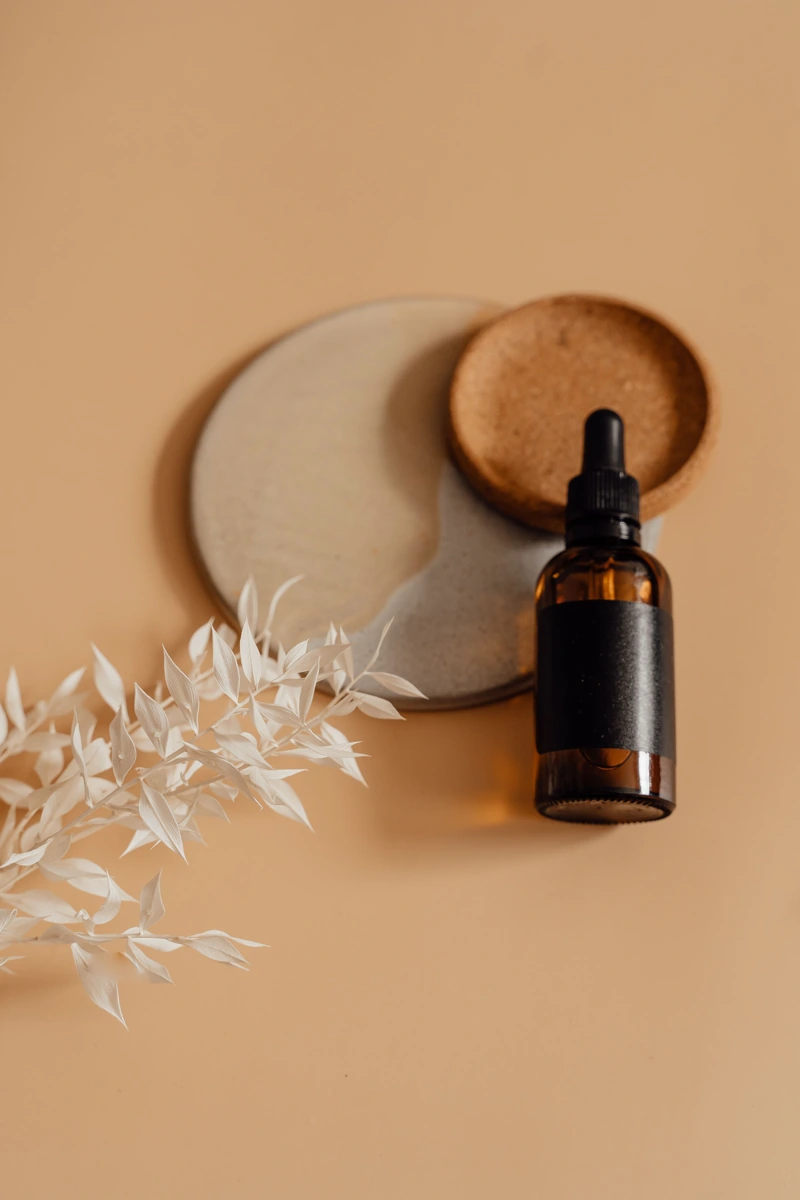
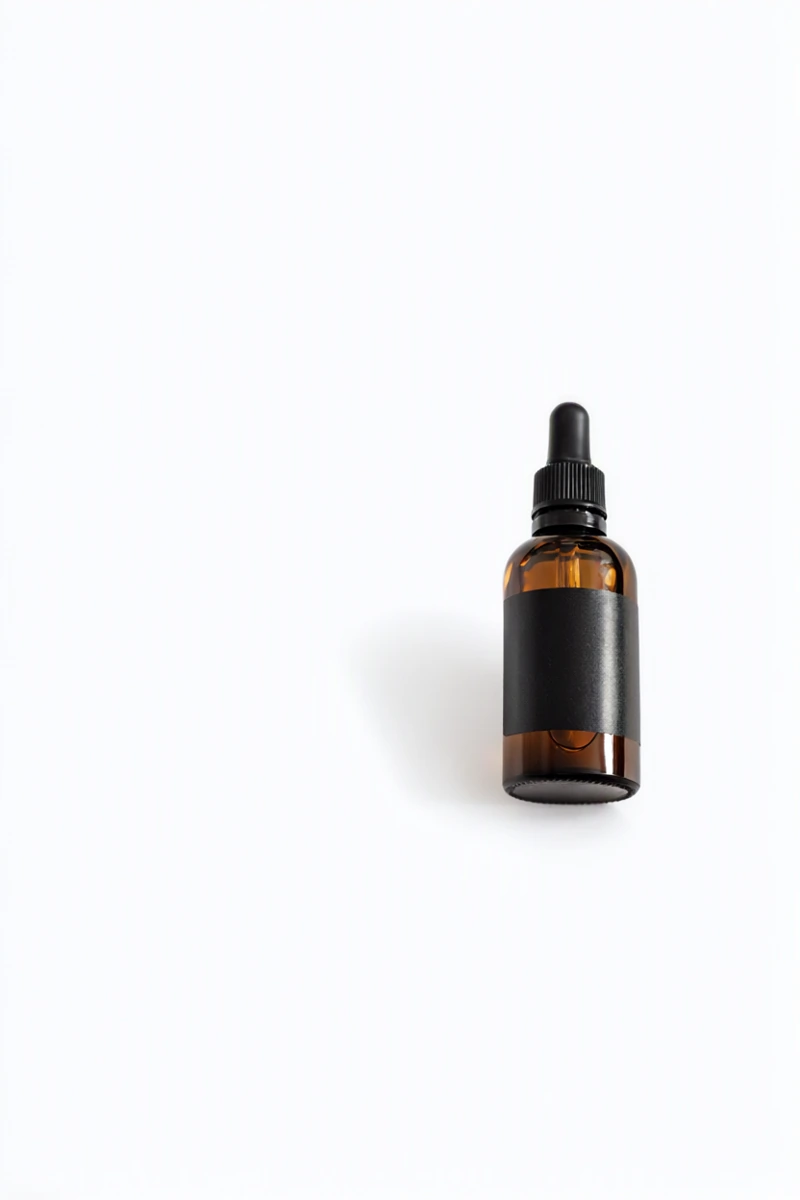
Amber dropper bottle — original photo
Before
Amber dropper bottle — White studio AI edit
After

The prompt

“Replace the background with a clean plain white studio background. Remove the plates and dried leaves. Keep the same single amber dropper bottle, black dropper and black label band in the same position, size and shape. Add only a subtle soft shadow. Do not add text, logos, extra products or props.”

Example made with HeyDreaming Local. Your result will appear here after generation.

Free edits use HeyDreaming Local, usually about 1–2 minutes plus queue time. Compare the result with your original before downloading.

A little inspiration

One photo. A whole new setting.

See the full walkthrough →

Start with a real before-and-after. Pick a look, use the prompt, and upload your own product photo.

Amber dropper bottle — original photo
Before
Amber dropper bottle — White studio AI edit
After

01 / White studio

From busy backdrop to clean studio

Remove surrounding props and try a simple backdrop for your product shot.

View exact prompt

Replace the background with a clean plain white studio background. Remove the plates and dried leaves. Keep the same single amber dropper bottle, black dropper and black label band in the same position, size and shape. Add only a subtle soft shadow. Do not add text, logos, extra products or props.

Original: Alesia Kozik / Pexels
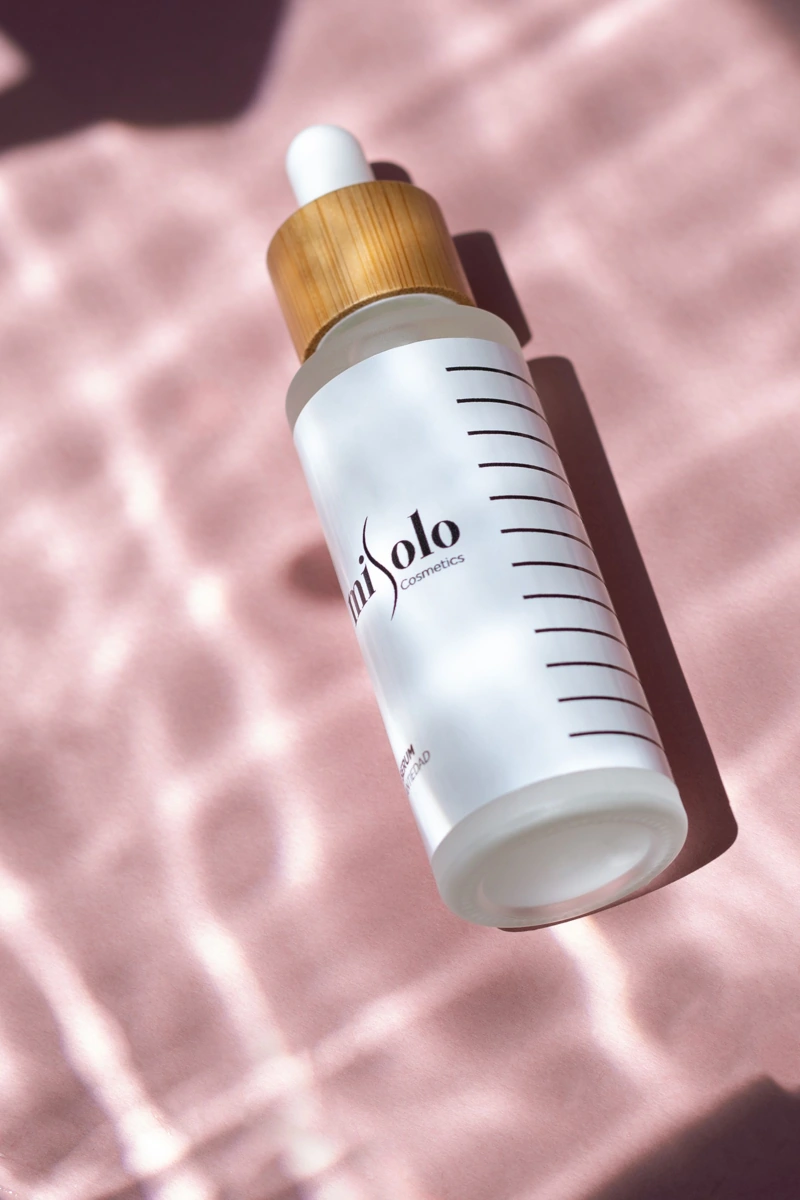
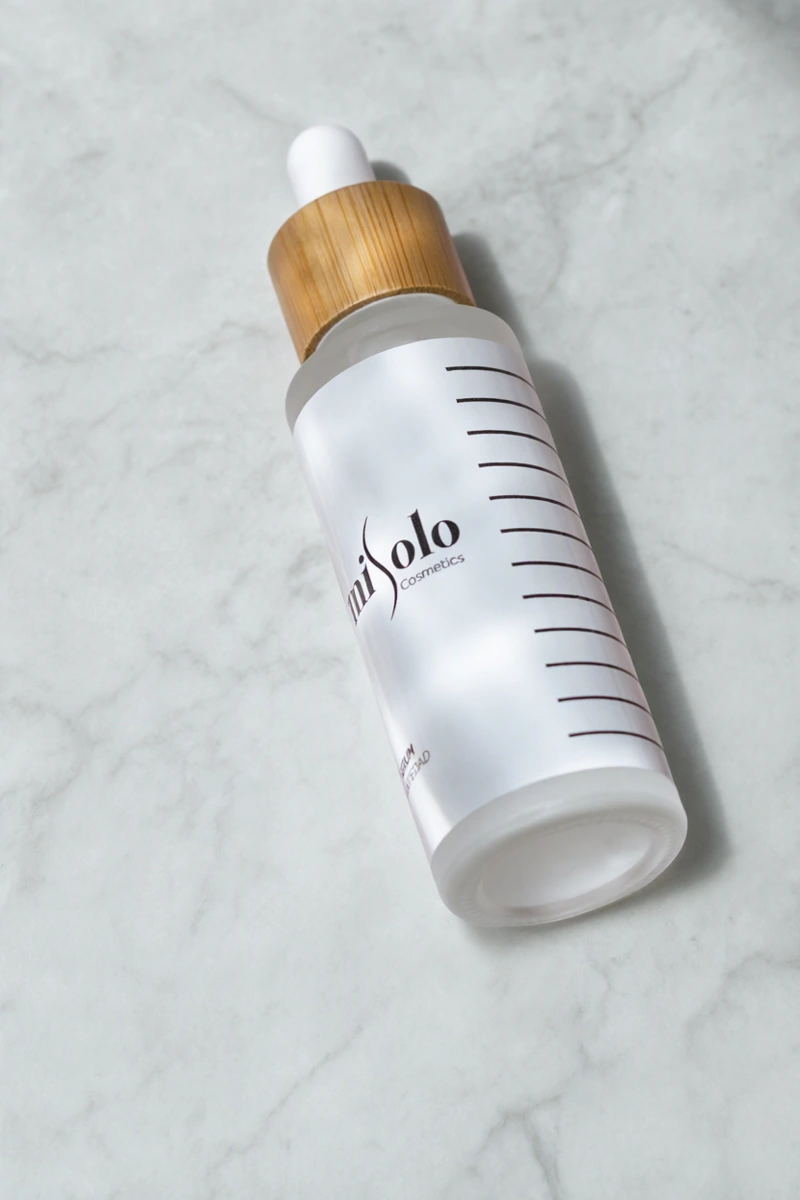
White serum bottle with a bamboo cap — original photo
Before
White serum bottle with a bamboo cap — Marble surface AI edit
After

02 / Marble surface

Give your flat lay a new surface

Swap pink fabric for pale marble and explore a different look for your next post.

View exact prompt

Replace the pink background with a pale gray marble surface with very subtle veins. Keep the top-down viewpoint and the same white serum bottle, bamboo cap, label, proportions and position. Use soft diffuse light and a gentle shadow. Do not add new products, props or text.

Original: Misolo Cosmetic / Pexels

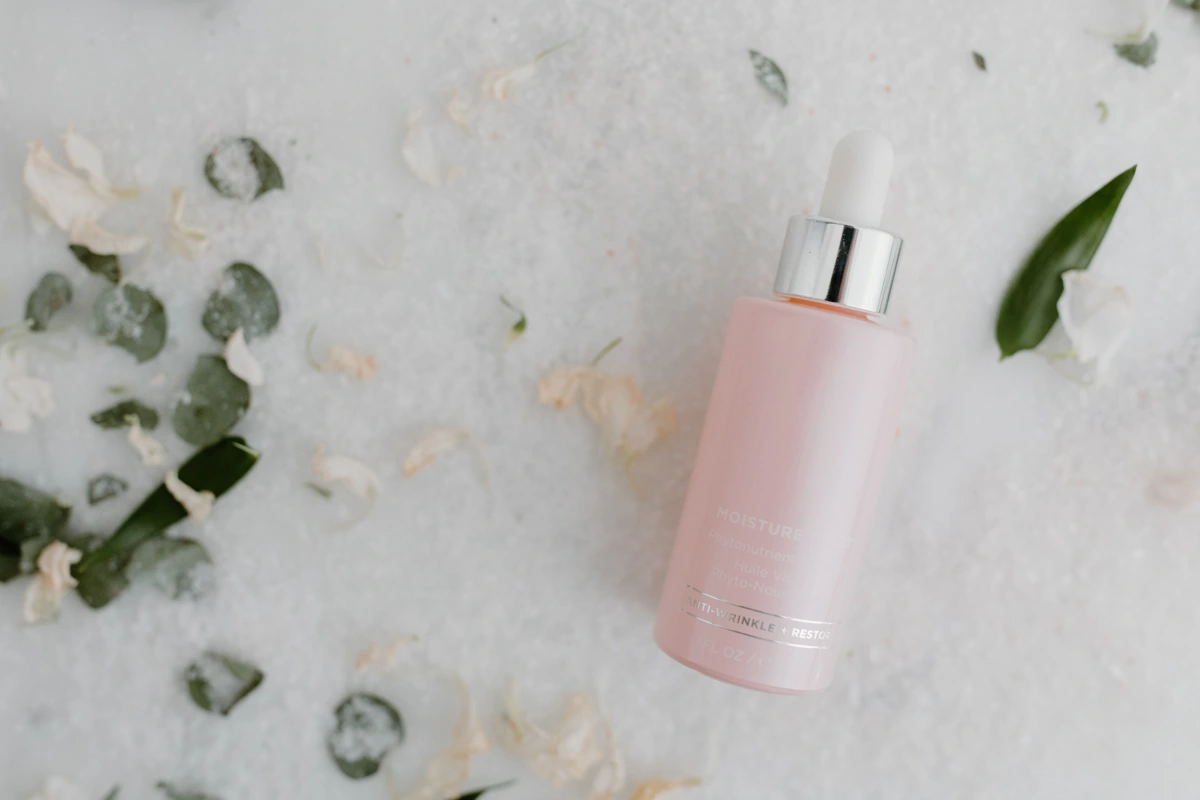
Pink moisturizer bottle — original photo
Before
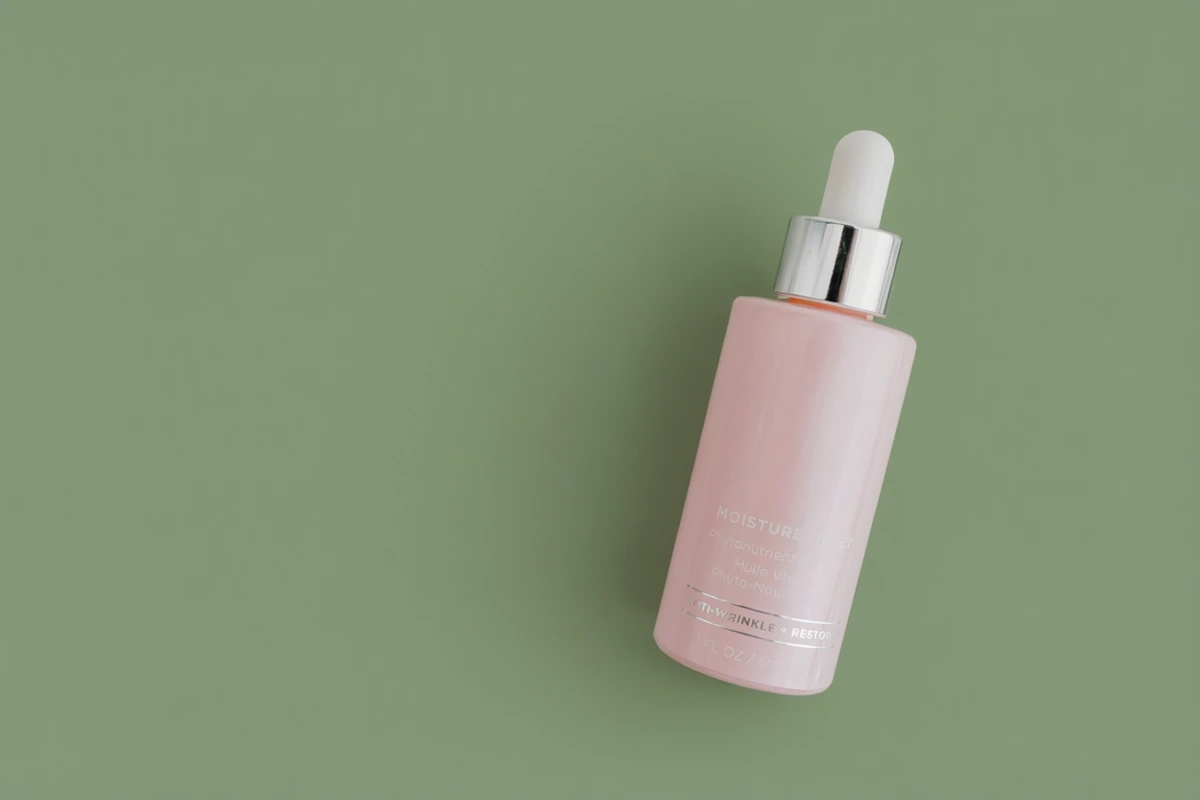
Pink moisturizer bottle — Sage green AI edit
After

03 / Sage green

Find a color that fits your product

Clear away flowers and leaves, then try a muted color with a soft shadow.

View exact prompt

Replace the floral background and scattered leaves with a smooth solid muted sage green background. Keep the same pink moisturizer bottle, silver cap, label, angle and size. Preserve the existing product lighting and add a subtle soft shadow. No extra objects, text or logos.

Original: Tara Winstead / Pexels

Real Local-editor examples from October 24, 2026, using stock photos. No manual retouching after generation. AI can change product details too; compare shapes, labels and small print before publishing.

How it works

Upload, compare, then choose what to use

  1. 01

    Upload your photo

    Use a JPEG, PNG or WEBP up to 20 MB. Choose Single edit, or Combine images for 2–4 photos.

  2. 02

    Describe the change

    Start with one specific request. Pick a prompt above or write your own, then sign in and generate.

  3. 03

    Check and choose

    Compare the product shape, label and small print before downloading. Tell us whether you used the image or what needs changing, then start your next photo.

Pricing

Start with free photo edits

Compare all plan features →

Free

$0/ mo

  • 20 free AI photo edits a day
  • HeyDreaming Local · Single & Combine
  • Before/after preview and downloads
  • No credit card needed

Sign in to generate. Resets at midnight UTC.

Edit a photo free

Pro

$29/ mo

  • 100 Local photo edits a day
  • 240 monthly credits
  • Nano Banana 2 · 2 credits per edit
  • Credits for video, Canvas and more

Max

$99/ mo

  • 100 Local photo edits a day
  • 850 monthly credits
  • Nano Banana 2 · 2 credits per edit
  • Credits for video, Canvas and more

FAQ

AI photo editor — FAQ

How do I edit a photo with AI?

Upload a product photo, describe a background or lighting change and press Generate. Sign in with Google when prompted. Compare the result with your original before downloading. You can report whether you used it or what needs changing, then start another product photo.

Is this AI photo editor free?

Yes. Free accounts get 20 HeyDreaming Local photo edits a day. Sign in to generate; no credit card is needed. The allowance resets at midnight UTC. Pro and Max include 100 Local edits a day. Nano Banana 2 requires Pro or Max and 2 credits per edit.

What can I change in a product photo?

You can request a different background, remove a distracting object or combine photos into a new scene. AI can also change details you wanted to keep, so compare the bottle shape, label and small print with your original before publishing.

Can I combine more than one image?

Yes. Select Combine images, upload 2–4 images and describe the composition you want. Combining images uses HeyDreaming Local. Nano Banana 2 is available for Single edit only.

Which files can I upload, and how long does an edit take?

Upload JPEG, PNG or WEBP files up to 20 MB each. HeyDreaming Local usually takes about 1–2 minutes, plus time waiting in the queue. Progress and queue position are shown while it runs; completed edits are saved to your history.

Can I turn an edited photo into a video?

The result includes a Make it a video ad option. Paid accounts can continue to Generate with the image; free accounts are shown the plan options for that handoff. You can also open Generate separately to use your daily free video allowance. Canvas and other tools have their own credit costs.

More ways to work on your product photos