7 min read
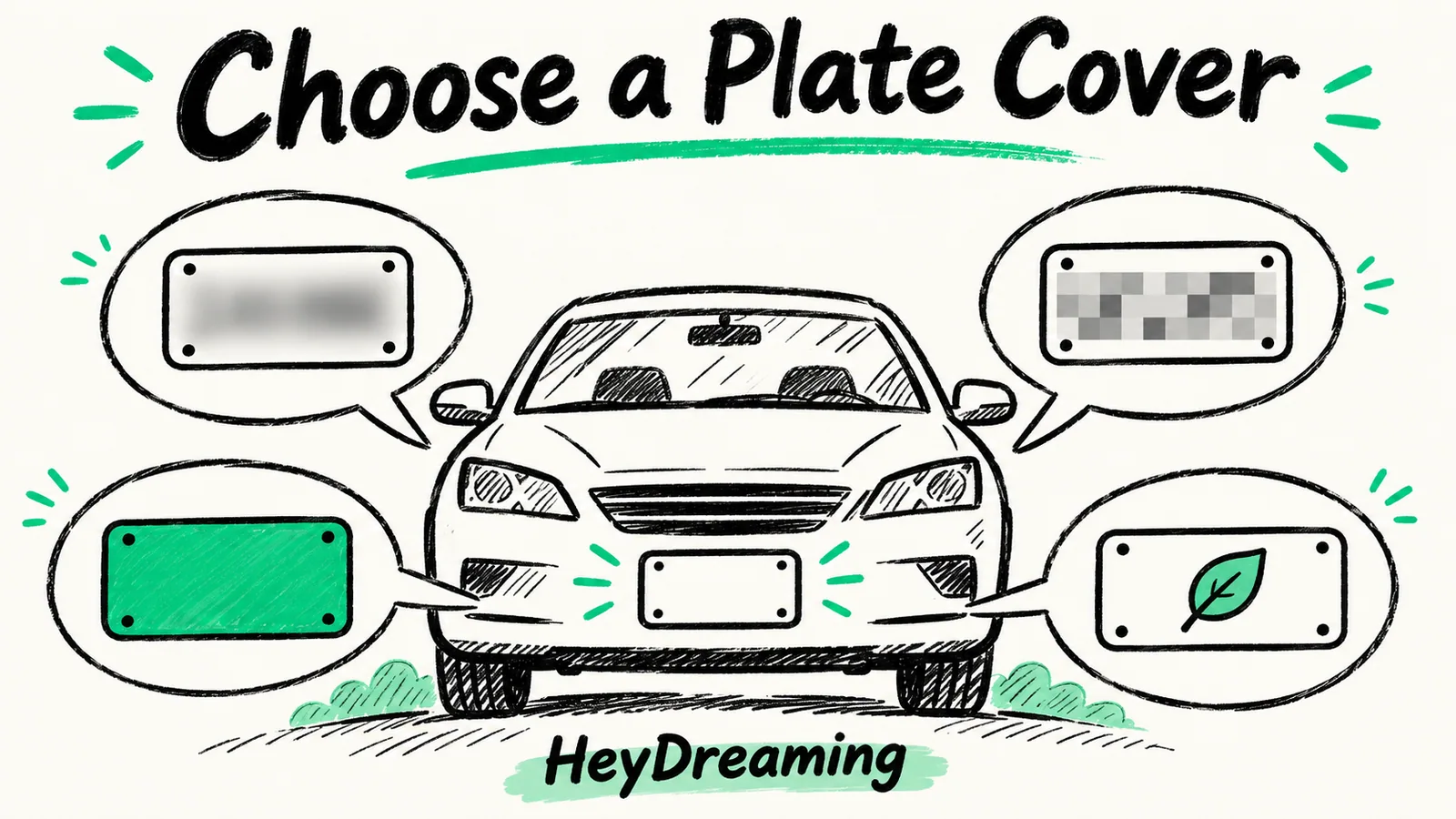
Blur, Pixelate, Solid or Logo: Compare License Plate Covers
Compare actual Blur, Pixelate, Solid and Logo exports. Check readable characters, box margins and missed plates instead of trusting the preview alone.
Read articleThe HeyDreaming blog
Photo edits, product backgrounds, video workflows and creative QA — with examples and steps you can try in HeyDreaming.
Compare actual Blur, Pixelate, Solid and Logo exports. Check readable characters, box margins and missed plates instead of trusting the preview alone.
Read article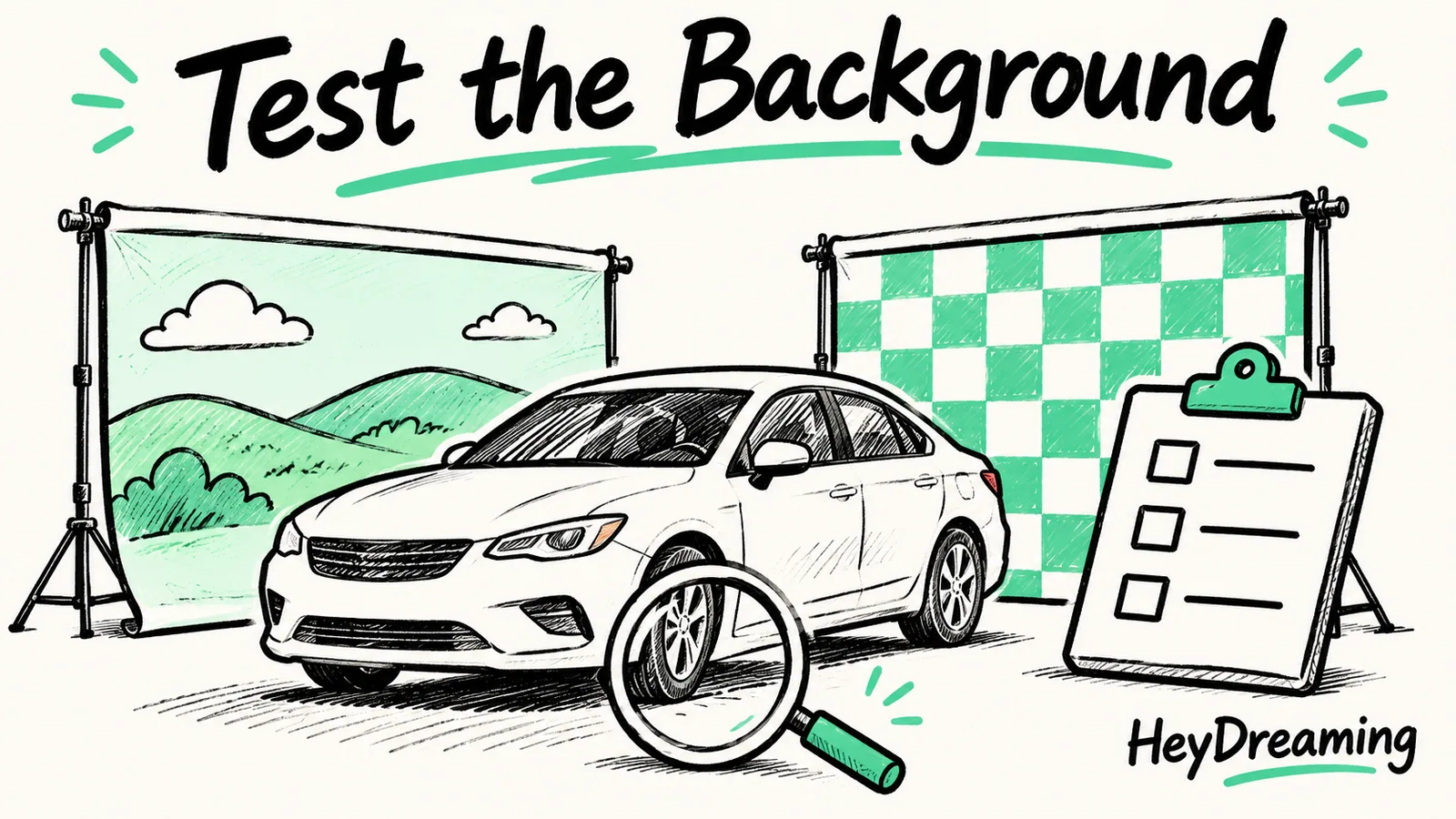
Run twelve background-specific checks across color contrast, perspective, glass and export. Record failures before approving a preset for your team.
Read article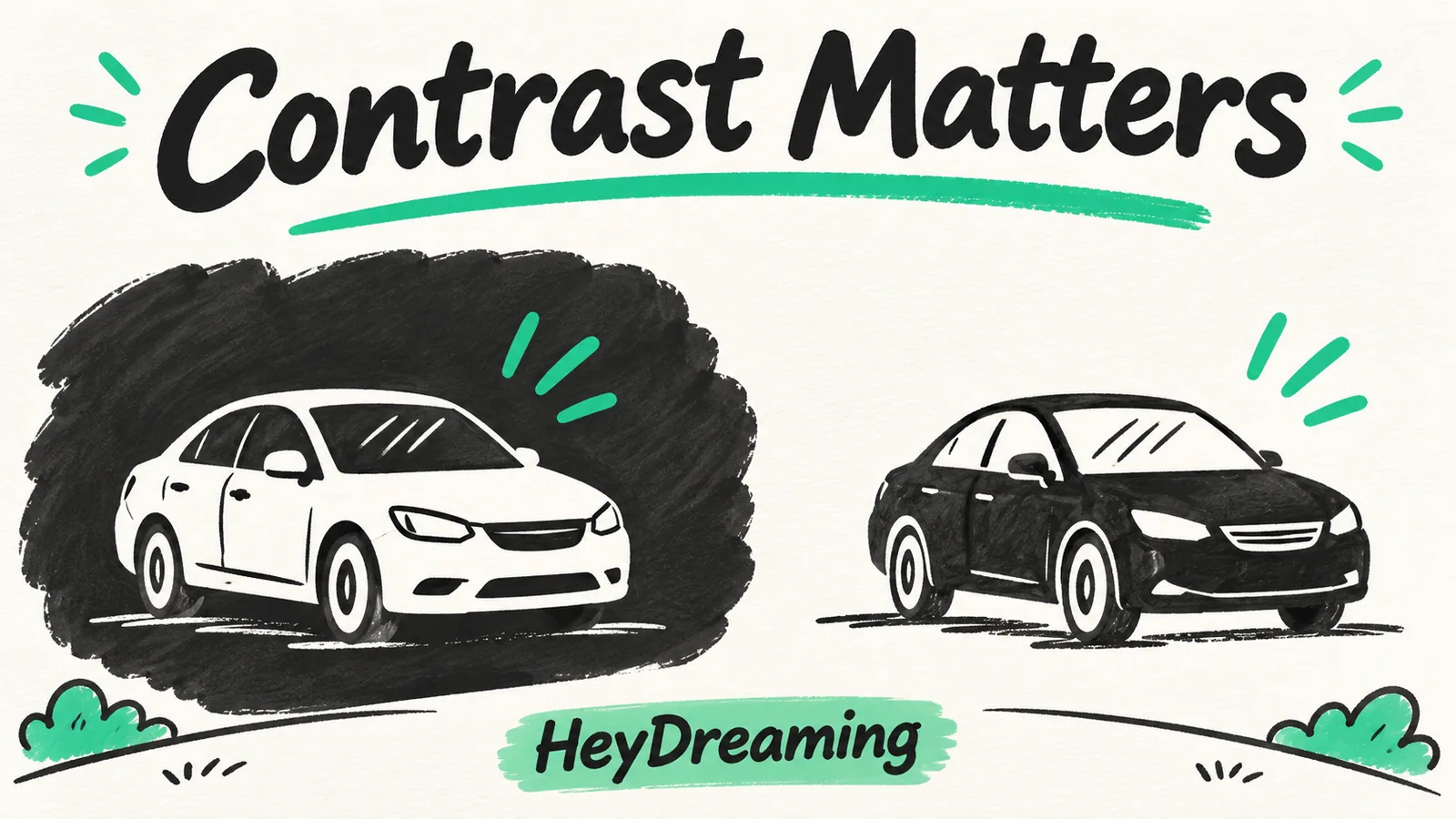
Inspect a white Acura and black Ridgeline on contrasting backgrounds. Compare rooflines, tires and glass without treating two samples as a universal rule.
Read article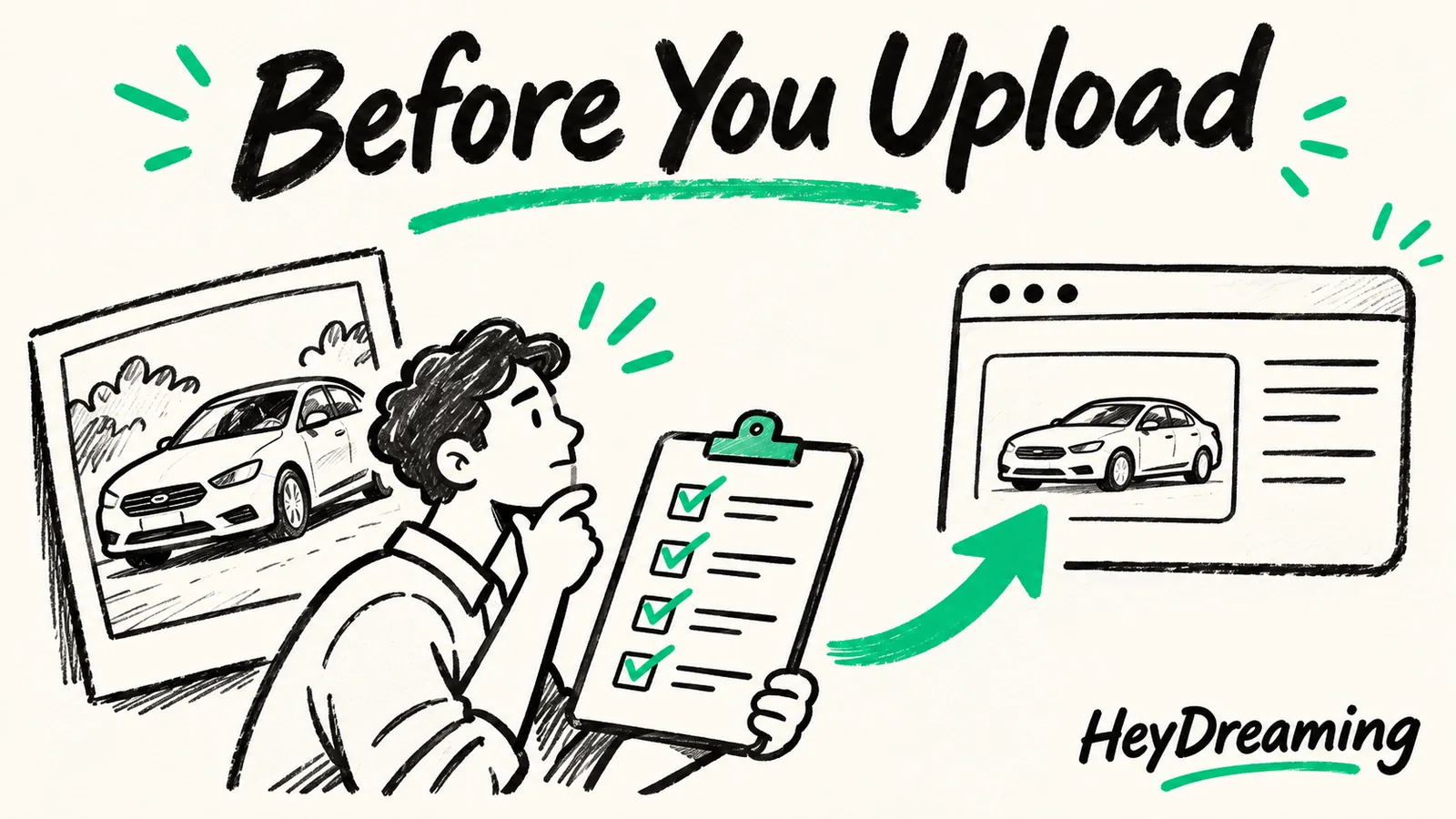
Check stock identity, count, order, dimensions, plates and destination preview before upload. Includes a ten-point manual handoff checklist.
Read article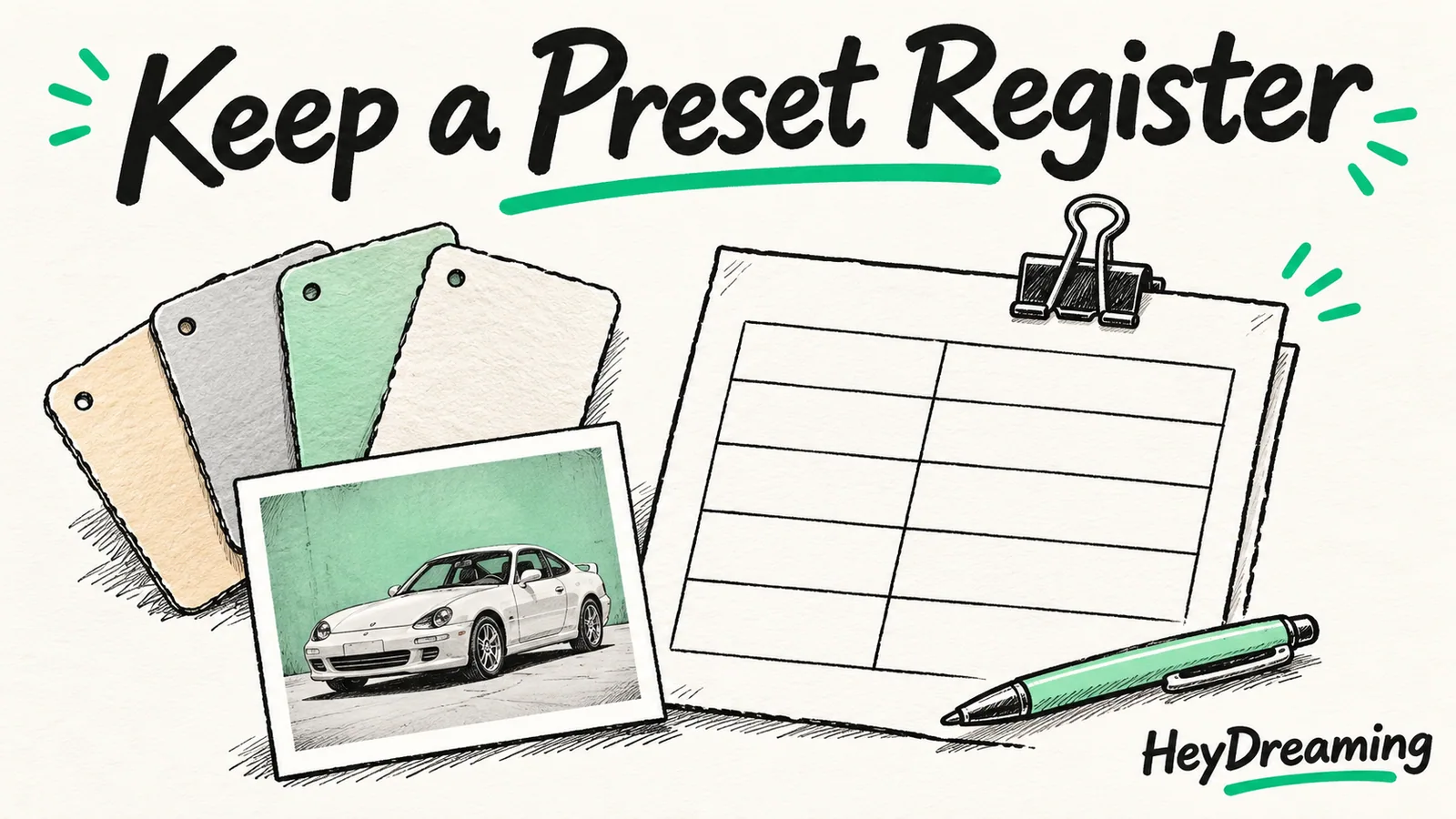
Keep a manual approval register for four fixed car-photo backgrounds, with reference images, exceptions, an owner and review date.
Read article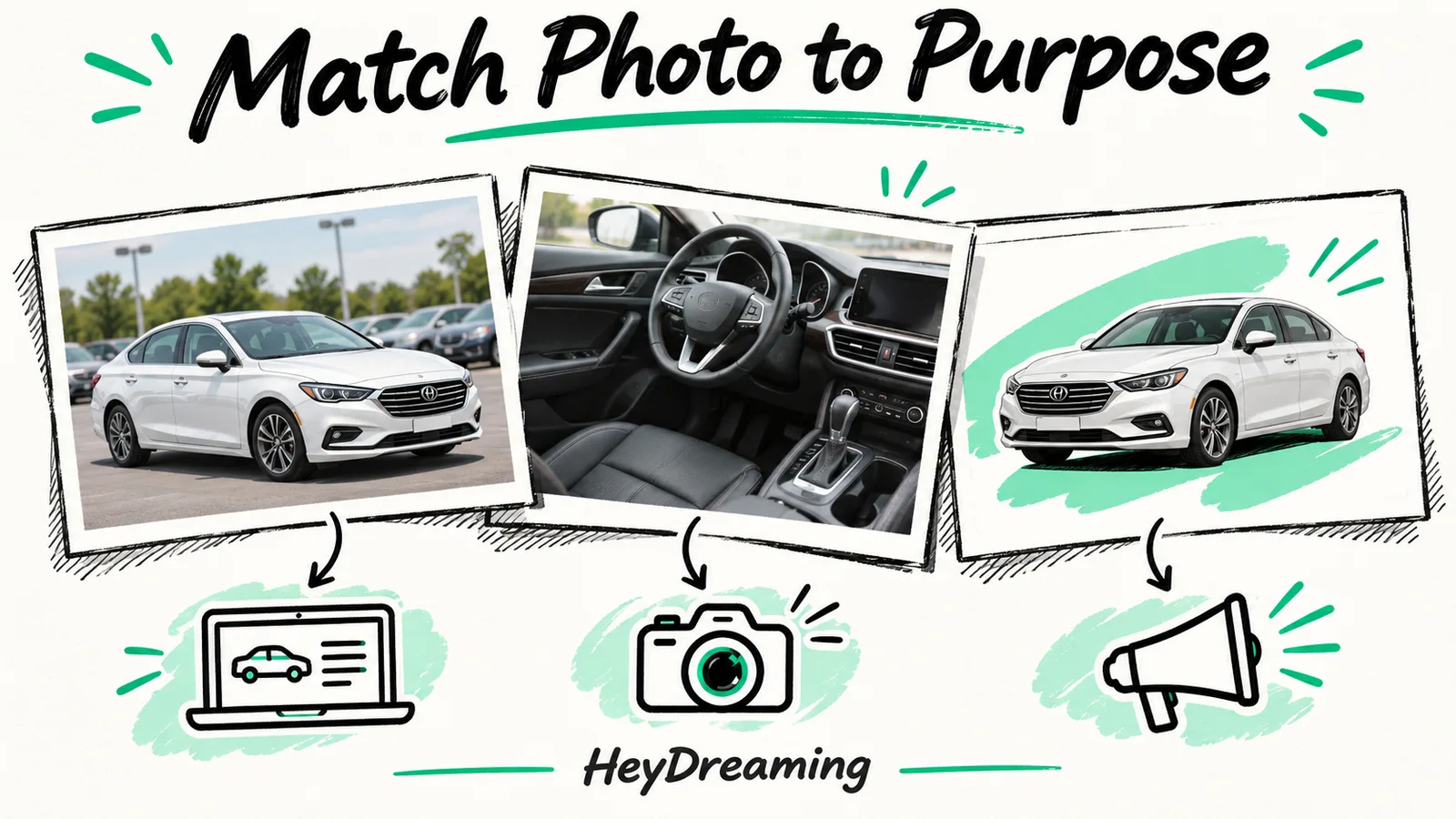
Map exterior, cabin, condition and design photos before editing a vehicle set. Includes a five-role worksheet and checks for what stays as photographed.
Read article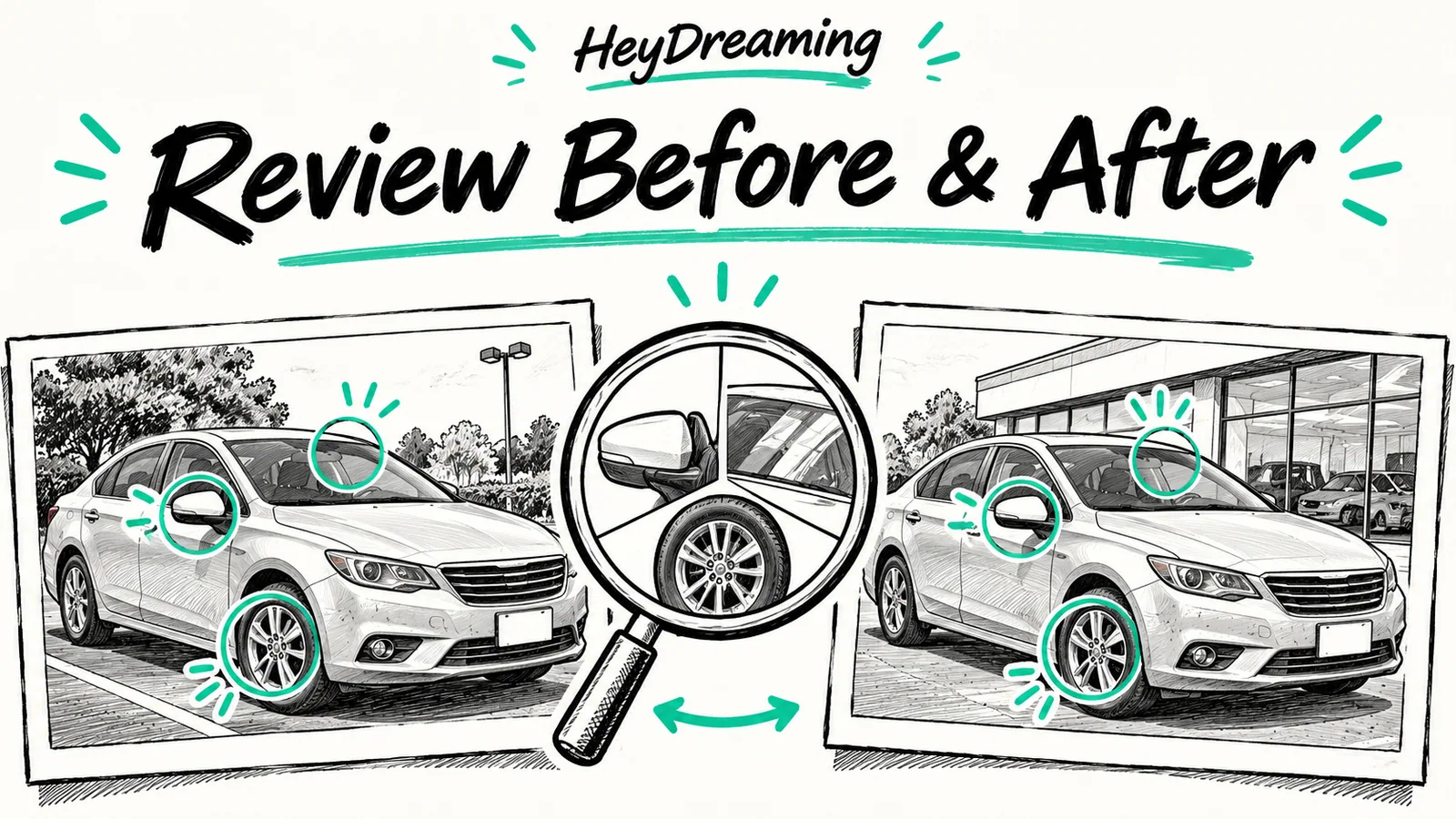
Match the source and display scale when reviewing before-and-after car photos. Learn what an unchanged core can show and what outline inspection still needs.
Read article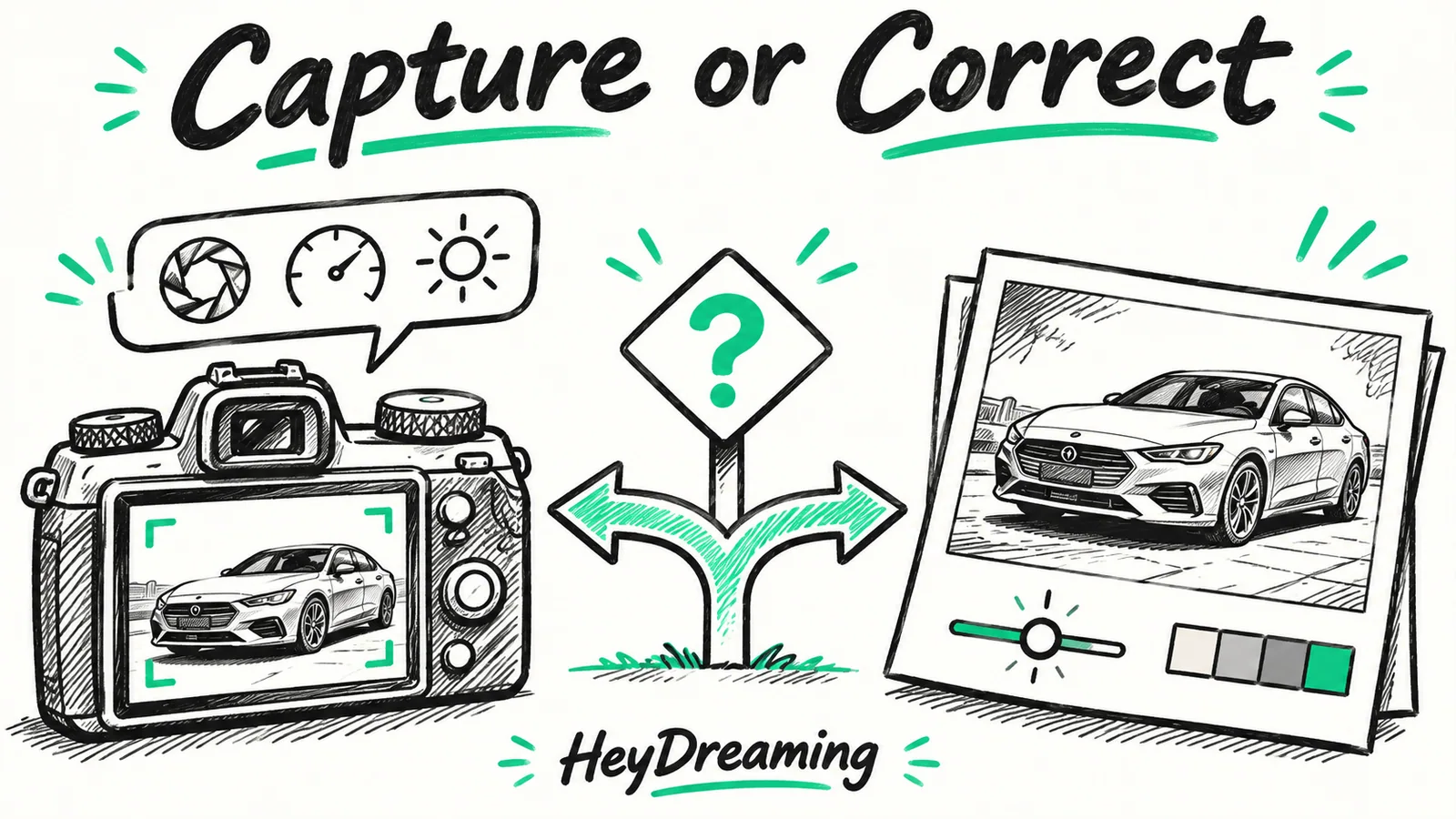
Choose whether a problem needs a better capture or an optional software correction. Compare controlled examples without treating them as a camera-settings test.
Read article
Read the method, output checks and limits of a twelve-job internal timing test. Download the observations; capture and human-review time were not measured.
Read article
Follow one vehicle from source review through background choice, optional corrections, plate checks and the actual saved files. Includes a workflow worksheet.
Read article
Check fifteen image-quality and evidence items before accepting car photos. Distinguish focus, outline, glass, condition and file checks from pixel statistics.
Read article
Separate pixel dimensions, aspect ratio, file bytes and alpha. Inspect an actual same-case PNG and JPEG download instead of relying on format labels.
Read article
Track each frame, defect cause, requested revision and final decision. Separate capture, cutout, specification and approval problems in a reusable CSV log.
Read article
Separate physical capture from post-capture editing when comparing a photo studio with an AI workflow. Assign each step and its acceptance check.
Read article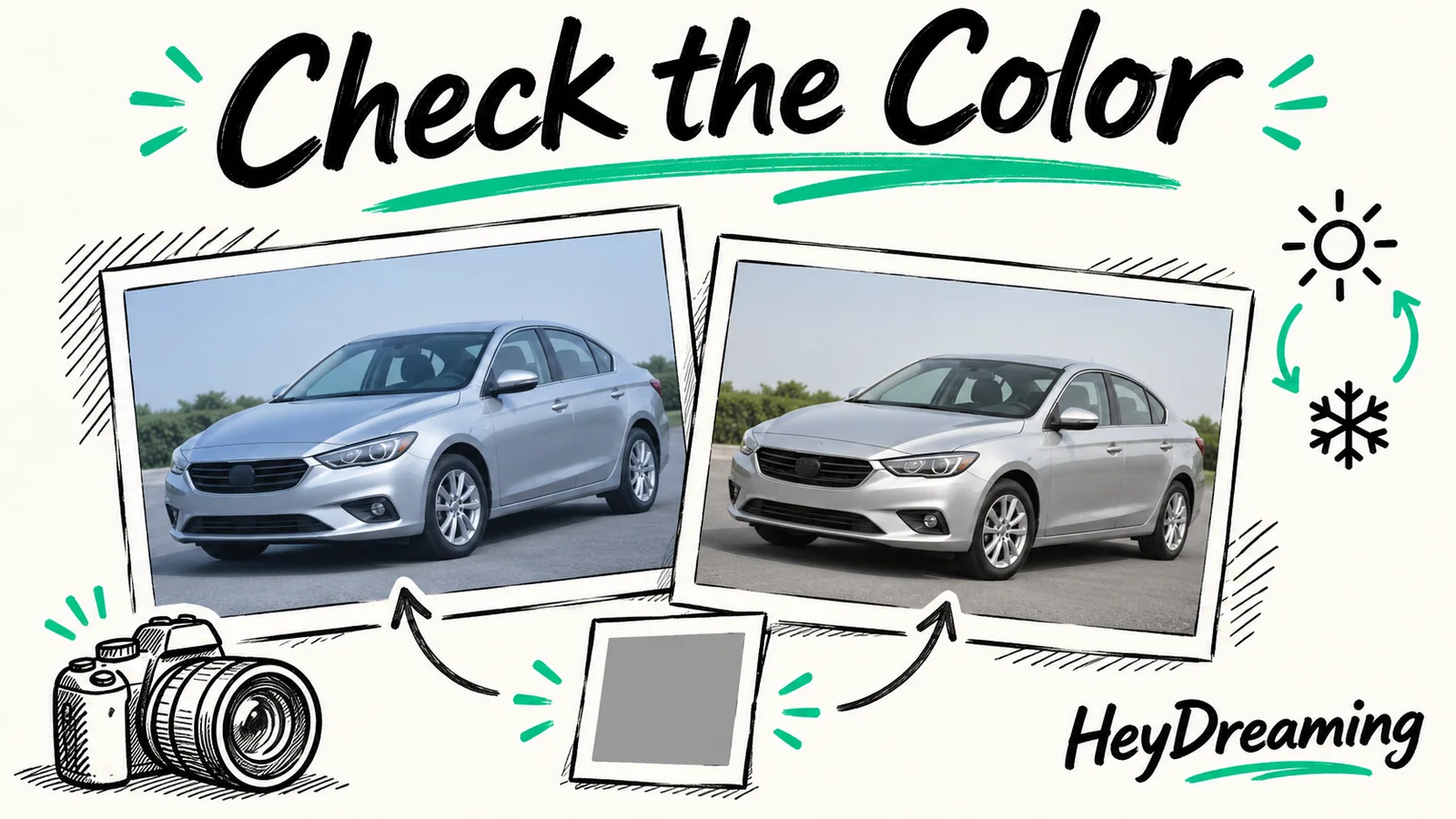
Compare default and color-only outputs from a deliberately blue test image. Understand optional white balance, changed pixels and the limits of paint matching.
Read article
Measure nine stages from capture to destination preview. Separate active labor from waiting so an automated processing time is not mistaken for staff cost.
Read article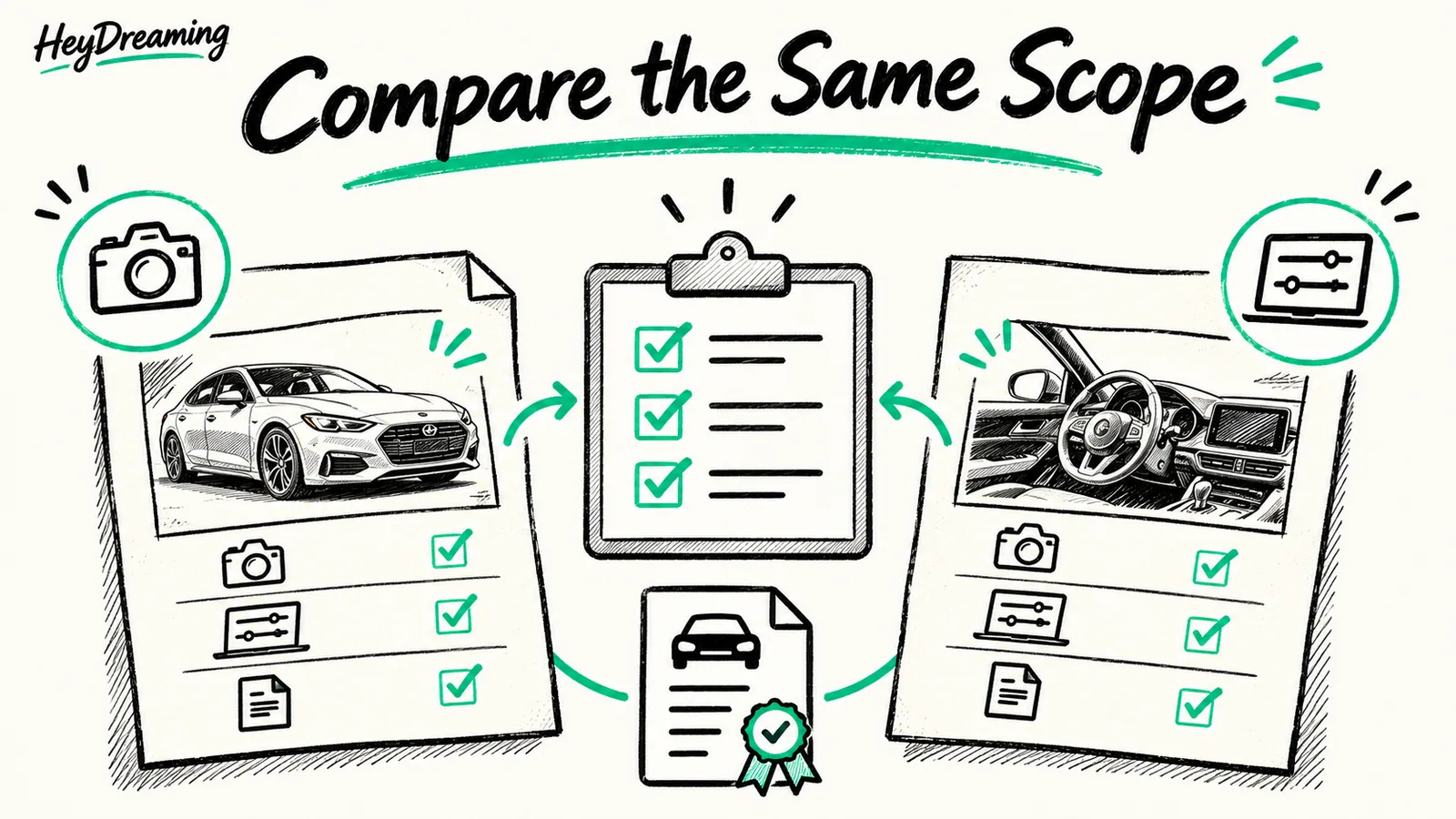
Request comparable car-photography quotes by separating capture, editing, review, usage rights and revisions. Download the scope comparison worksheet.
Read article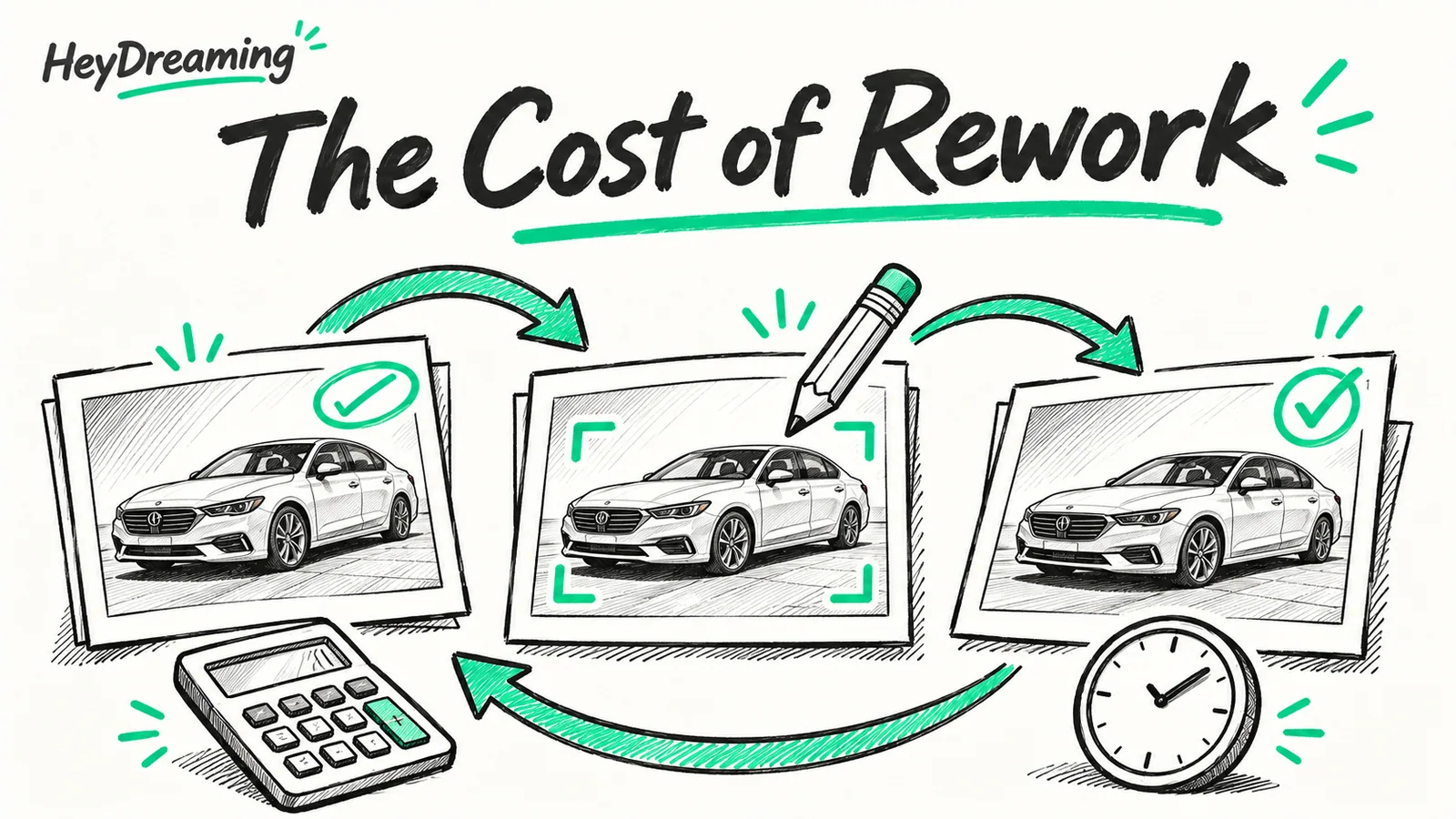
Log repeat editing, active staff time, waiting and reshoots. Use accepted photos as the cost denominator, with a blank worksheet and labeled example.
Read article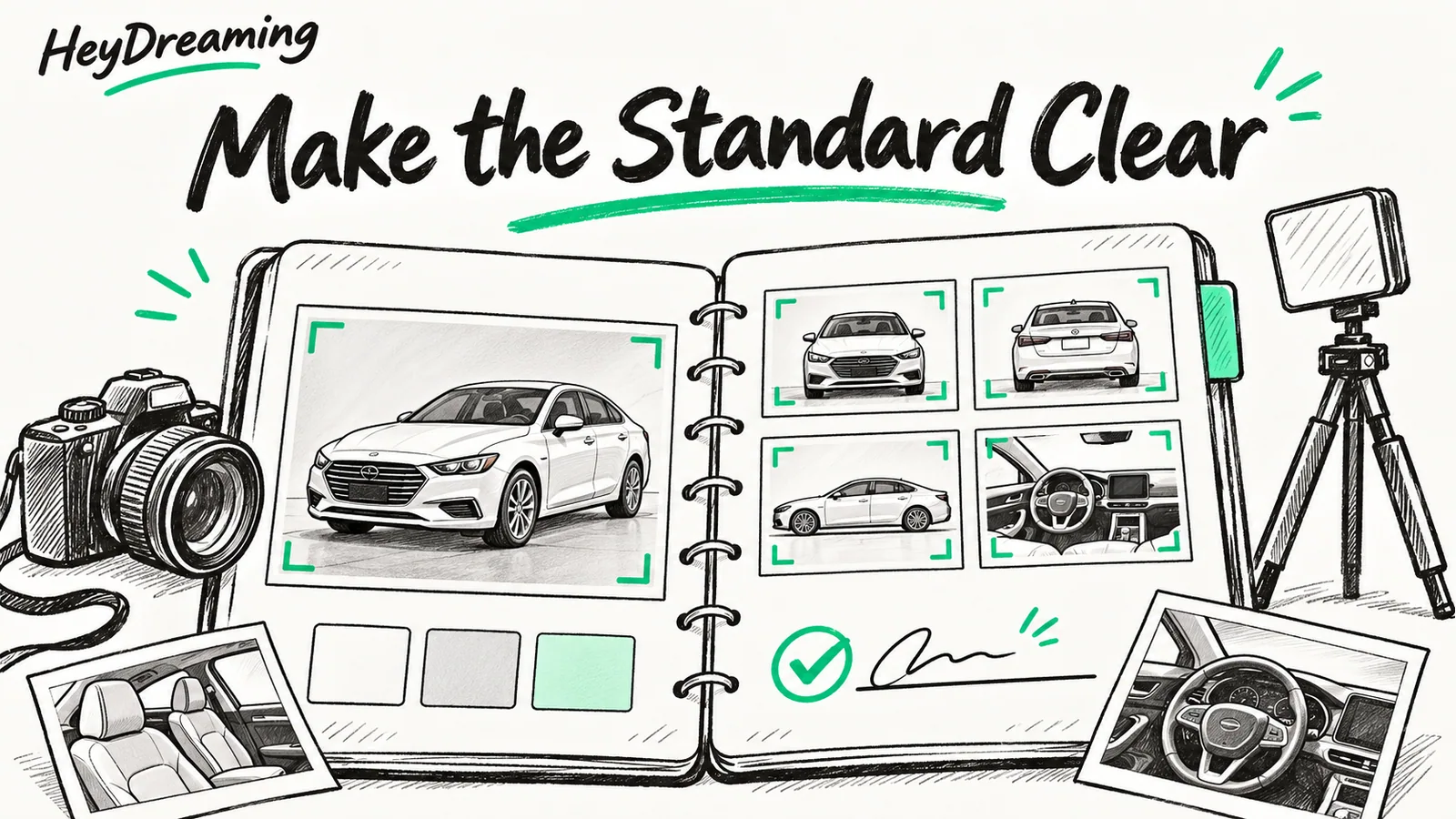
Define capture coverage, allowed changes, originals, file handoff and review ownership. Adapt a downloadable standards worksheet for your dealership.
Read article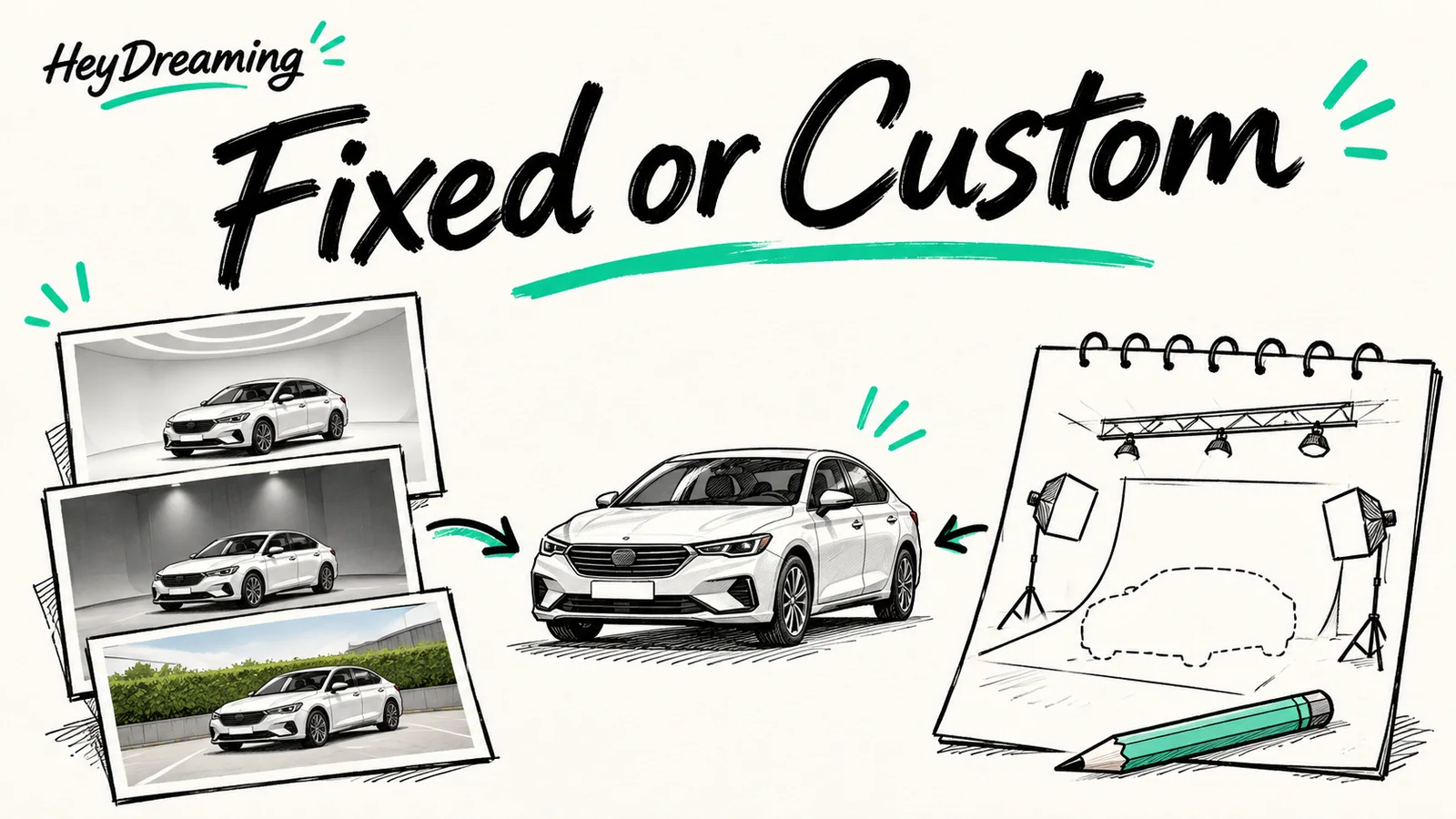
Check whether fixed backgrounds meet your actual requirements before commissioning a custom scene. Compare scope, image rights, testing and handoff.
Read article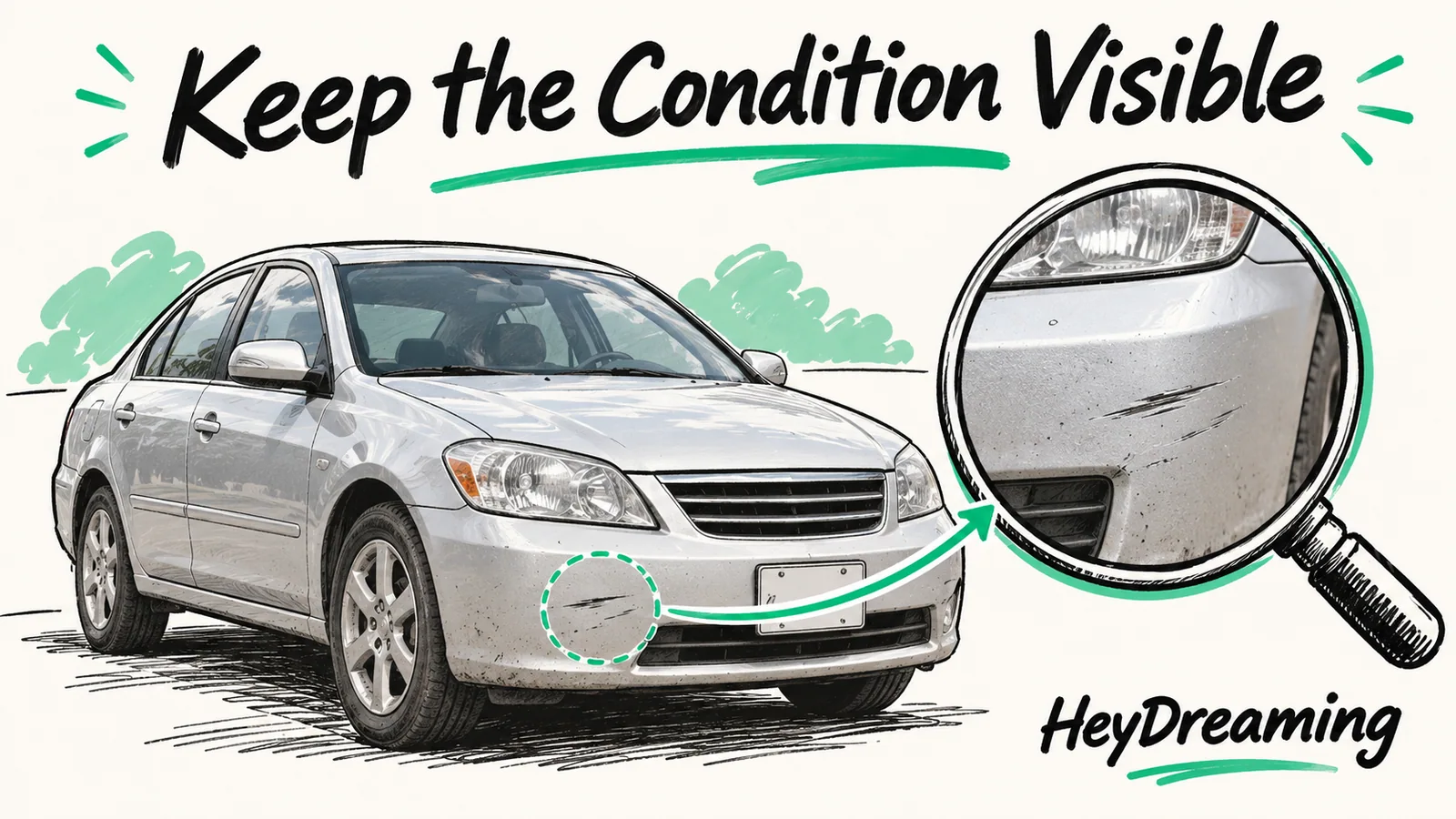
Record which edits change presentation and which could hide condition. Keep camera references and inspect body details, glass, covers and selected corrections.
Read article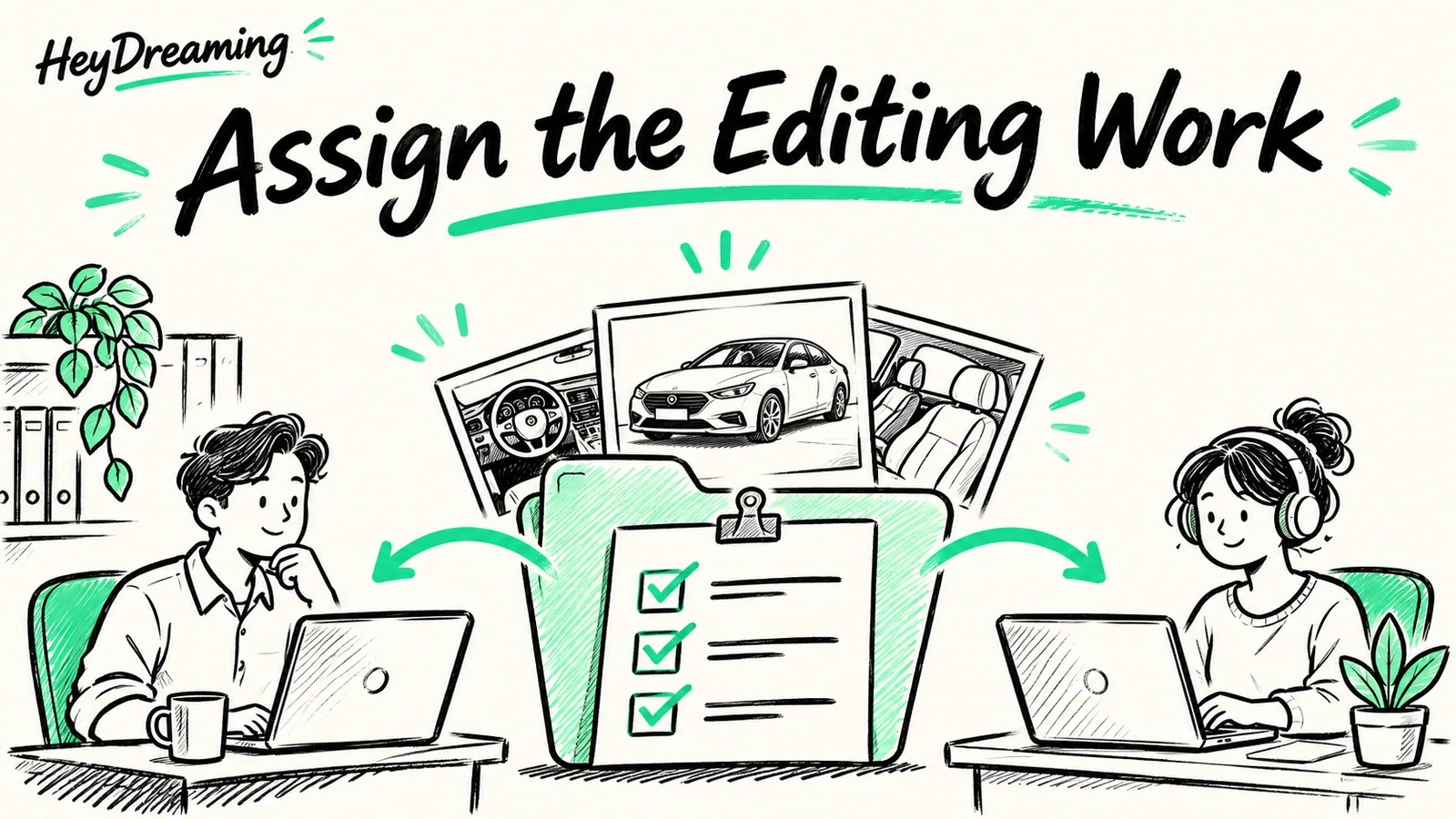
Assign capture, first QC, revisions and final dealer approval before choosing in-house or outsourced car-photo editing. Includes a responsibility worksheet.
Read article
Choose the plate tool or vehicle workflow, inspect the whole frame and add missed boxes. Includes a real background-plate miss and its saved-file recovery.
Read article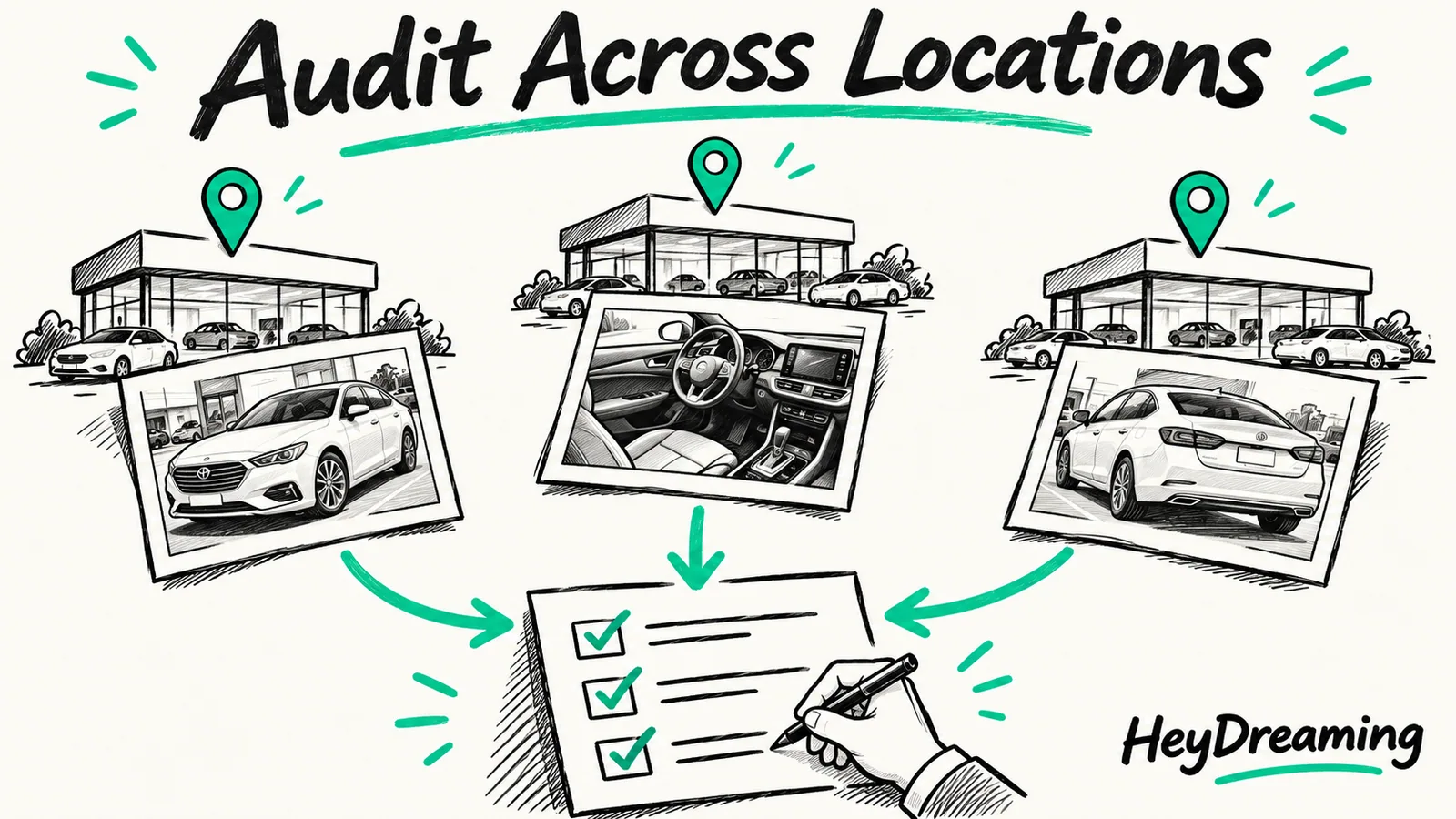
Compare a consistent sample of photo roles across stores. Record source evidence, failed checks and an escalation owner in a manual audit worksheet.
Read article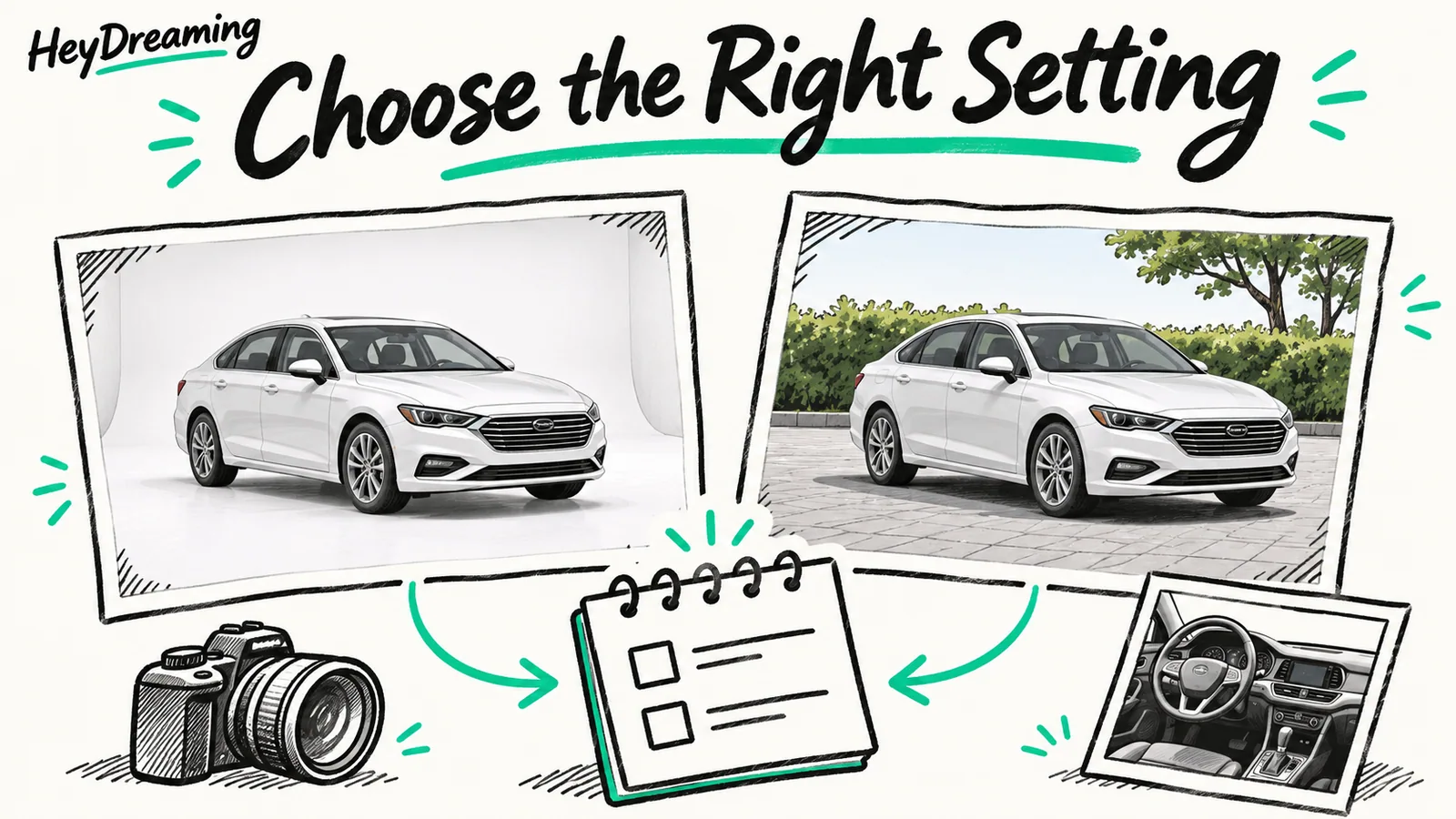
Compare a White sweep with an outdoor lot view for the same car. Check contrast, glass and photo role, then record the choice in a downloadable worksheet.
Read article
Edit every photo of one vehicle under its stock number: upload order, review decisions, ZIP and manifest checks, and how many cars a day allows.
Read article
Fix bad car cutouts: a symptom-to-action table for grass, halos, mirrors and glass, and when to redo, keep the original or reshoot.
Read article
Check dimensions, padding, file size and the downloaded photos before uploading a vehicle listing. Includes a reusable delivery checklist and dated source guidance.
Read article
Budget dealer listing photos across software, outside-provider quotes and staff review time, with a fill-in formula for your lot.
Read article
Plan the exterior, cabin and condition photos for one vehicle, download a 12-shot CSV checklist and review the finished listing set.
Read article
Sharp, readable car photos on a phone or camera: exposure, AE/AF Lock, cabin lighting and what to check before you edit.
Read article
Cover license plates on up to 20 car photos in your browser, no upload or account. Steps, cover styles, missed plates and an export checklist.
Read article
White car photos three ways: a real backdrop, a White sweep replacement or a transparent cutout. Edge, glass and export checks for each.
Read article
Compare seven AI car photo editors for backgrounds, inventory consistency and manual control. HeyDreaming is our top pick for small dealership photo edits.
Read article
Three real background edits in the HeyDreaming photo editor, with original photos, exact prompts, repeat runs, measured times and the product details to check before you publish.
Read article
A faceless video needs five things — script, visuals, voice, captions, and an edit. Here's the AI tool stack for each step (including the free-tier route with Canva and CapCut), what each layer actually costs you in time, and when an all-in-one pipeline beats stitching five tools together.
Read article
The fastest way to learn faceless YouTube is reverse-engineering channels that already won. Here are 15 of the best faceless channels across niches — not just who they are, but the one repeatable lesson each proves about format, consistency, or monetization.
Read article
Faceless.video sells hands-off faceless channels — AI agents that draft, schedule, and auto-post 3 to 14 videos a week, priced per series from $20/mo. Here's what it does well, where the per-series pricing and volume-first model bite, and how to decide if it fits. Disclosure: we build a competing product.
Read article
Yes — through the same Partner Program as every other channel, at the same thresholds, with revenue that depends on niche far more than on whether a face appears. Here's the realistic math, the monetization rules that matter, and answers to every version of 'is this actually profitable?'
Read article
The best faceless channel ideas share one trait: an endless topic supply. Here are 25 niches that pass the repeatability test — grouped by how hard they are to produce — plus the three-question filter to pick yours before you make a single video.
Read article
TikTok doesn't require a face — it requires a first second that stops the thumb. Here's the faceless TikTok playbook: formats that work on the FYP, the caption and pacing rules that differ from YouTube, and how to produce daily without burning out.
Read article
Starting a faceless channel is a different problem from making faceless videos — it's picking a niche you can repeat, setting up the channel identity, building a production system, and committing to a cadence. Here's the whole sequence, including the parts no tool does for you.
Read article
A faceless YouTube channel is one where no creator appears on camera — narration, visuals, and editing carry the video instead. Here's how the model works, the formats that dominate it, and real examples proving you've been watching faceless channels for years without noticing.
Read article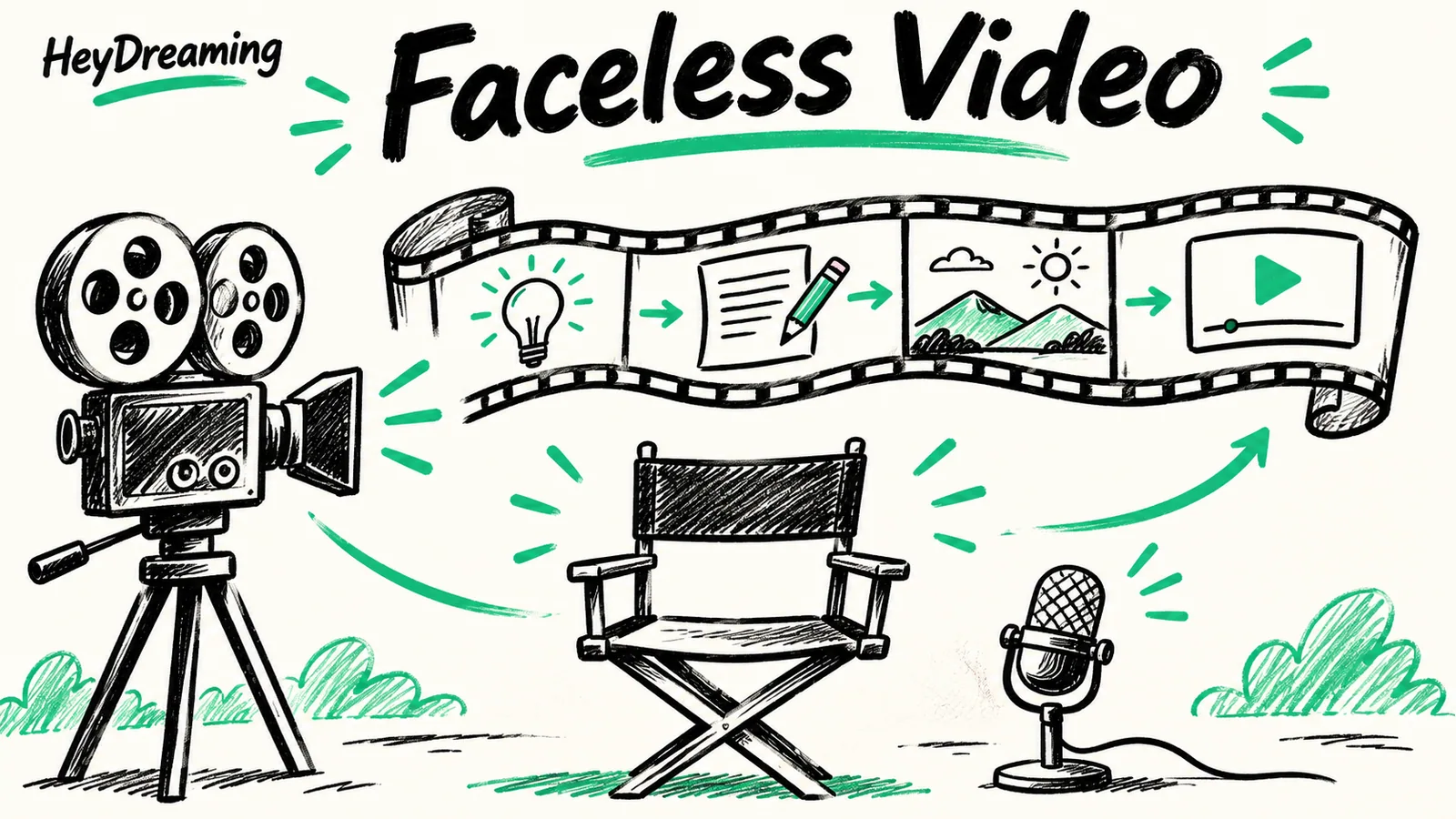
Faceless channels don't need a face — they need a script, consistent visuals, a voice, and captions that land in the first two seconds. Here's what an AI faceless video generator actually does under the hood, and five things worth checking before you commit to one.
Read article
Instagram Reels rewards a different shape of video than YouTube Shorts — different length norms, different hook window, near-universal sound-off viewing. Here's what a faceless video needs to work on Reels specifically, and how to check whether yours does before you post it.
Read article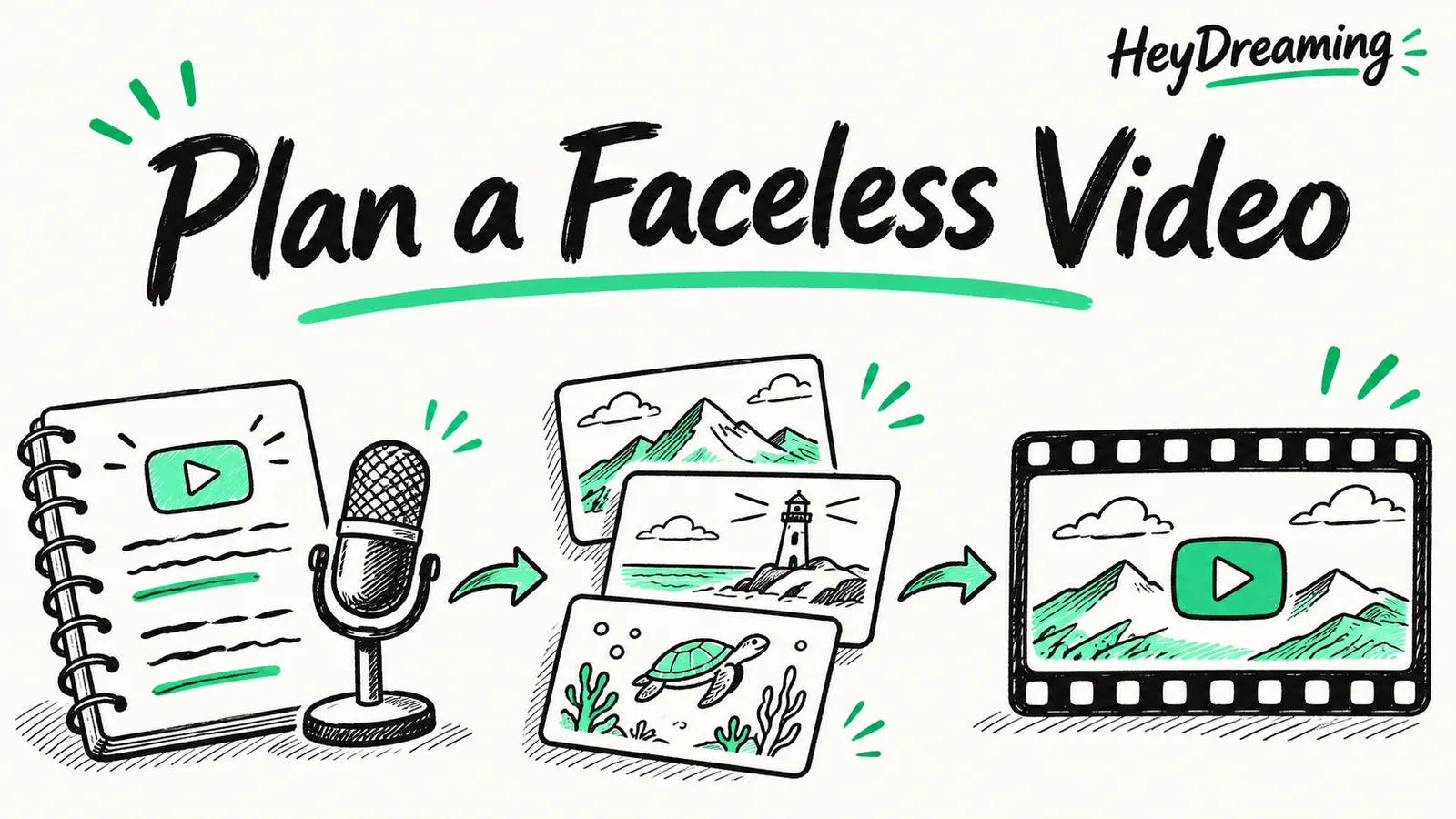
No camera, no on-screen face, no problem. Here's the full process for making faceless YouTube videos — from picking a niche to the moment you hit publish — plus where AI can collapse the slowest steps into one generation.
Read article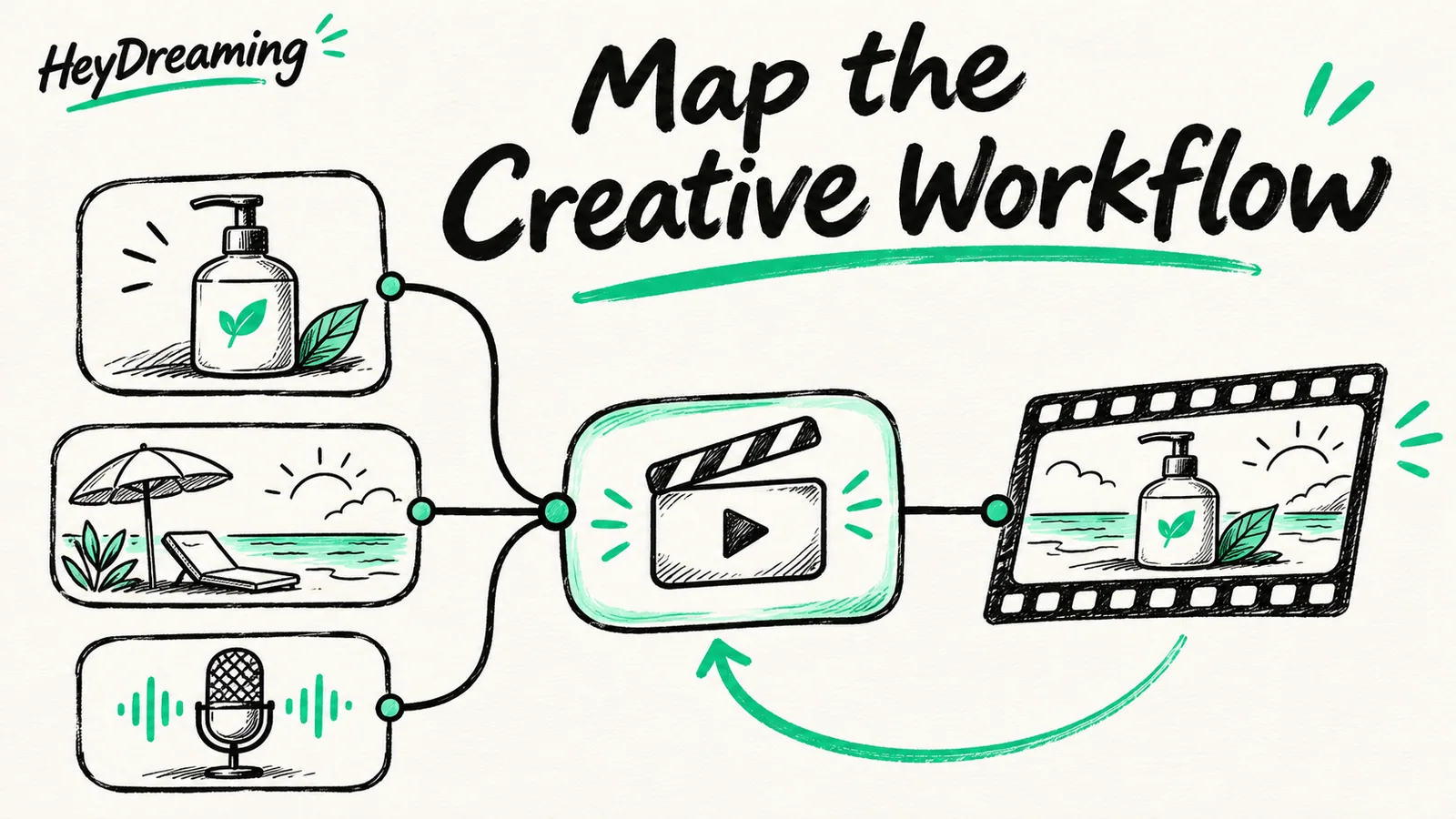
A node-based visual workflow builder for AI ad video — wire prompt, reference, image-to-video, voice, subtitles and a composer into one graph that runs the same way every time, and reads back Hook, Retention, CTA and Brand-fit scores before you spend.
Read article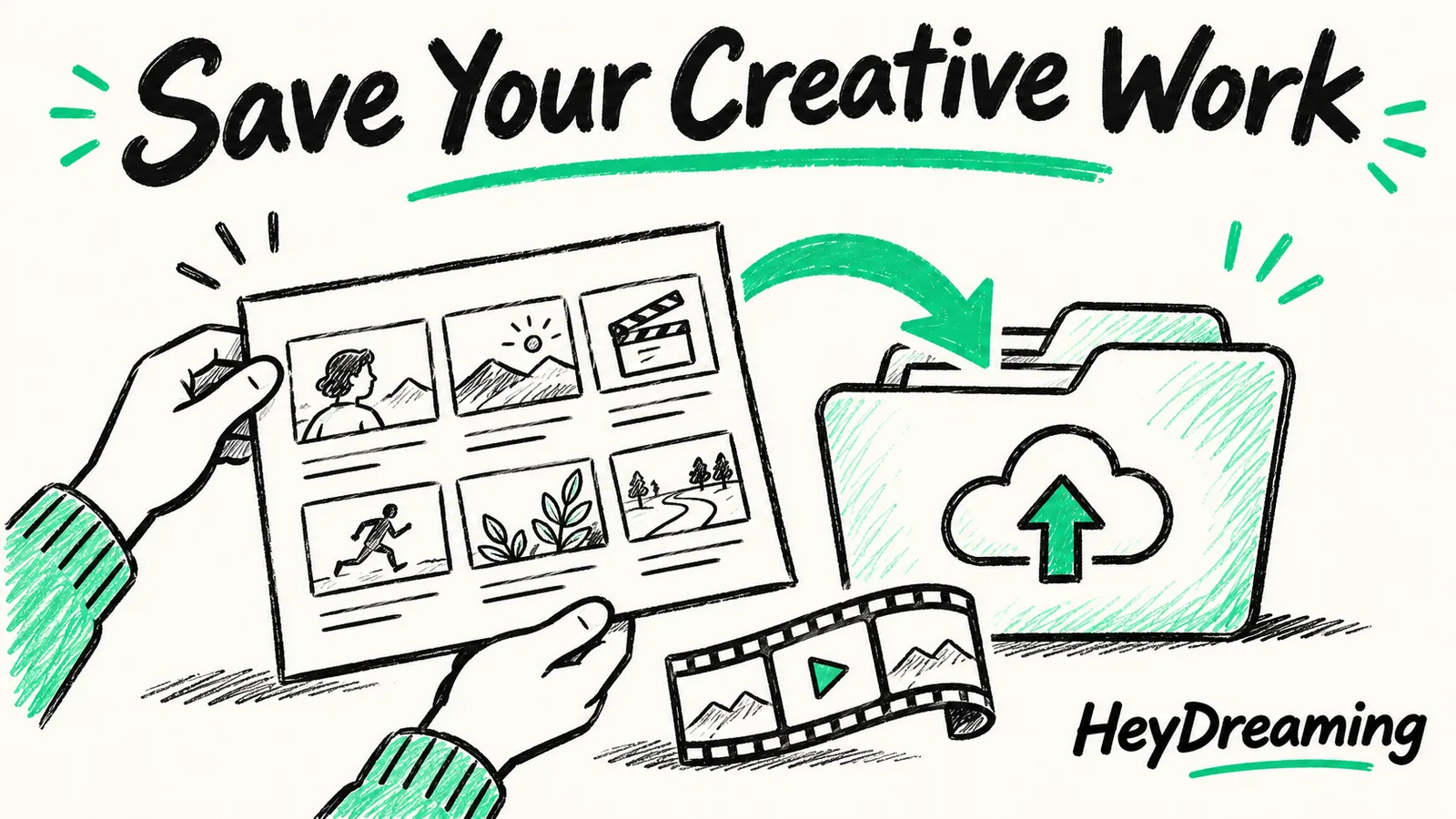
HeyDreaming's node Canvas now takes real file uploads on the reference nodes, auto-compresses anything over 10MB before it leaves your browser, and autosaves every board so a refresh never wipes your work.
Read article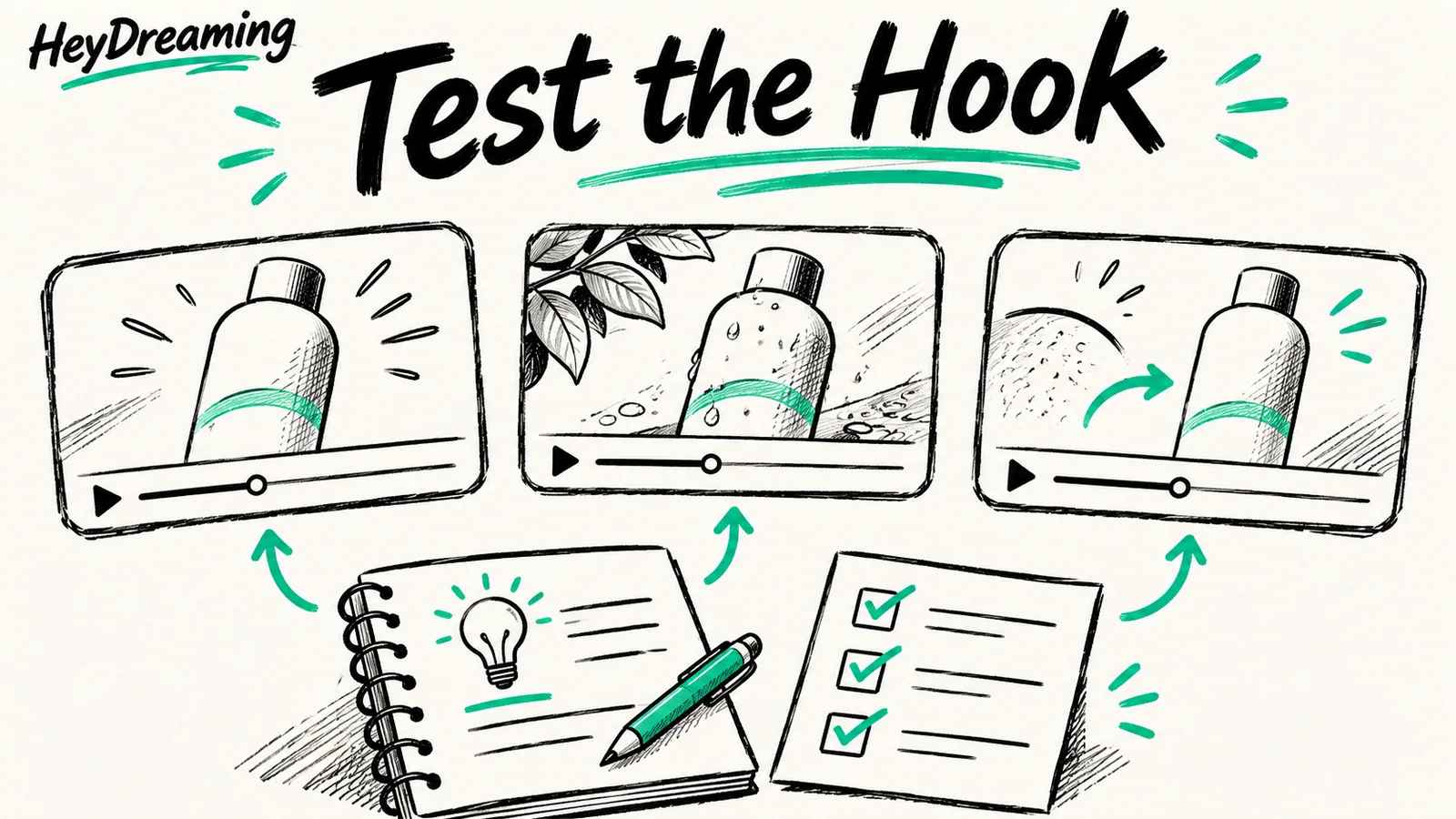
A practical eight-stage system for generating, QA-checking, and validating ecommerce ad hooks before you commit production budget or scale spend.
Read articleEdit backgrounds, review plate covers and download a vehicle ZIP. 20 free AI photo edits + 20 free AI images every day. No credit card needed.