One background across the set
Choose white sweep, light grey, dark grey or soft showroom for the exterior views. Keep the same preset across one vehicle's photos.
For automotive photographers
You bring the angles. Give the exterior shots a consistent background, check the details, and deliver a vehicle photo set under one stock number. Built for the work between your camera and your client.
One free first vehicle per account, up to 50 photos. No credit card.
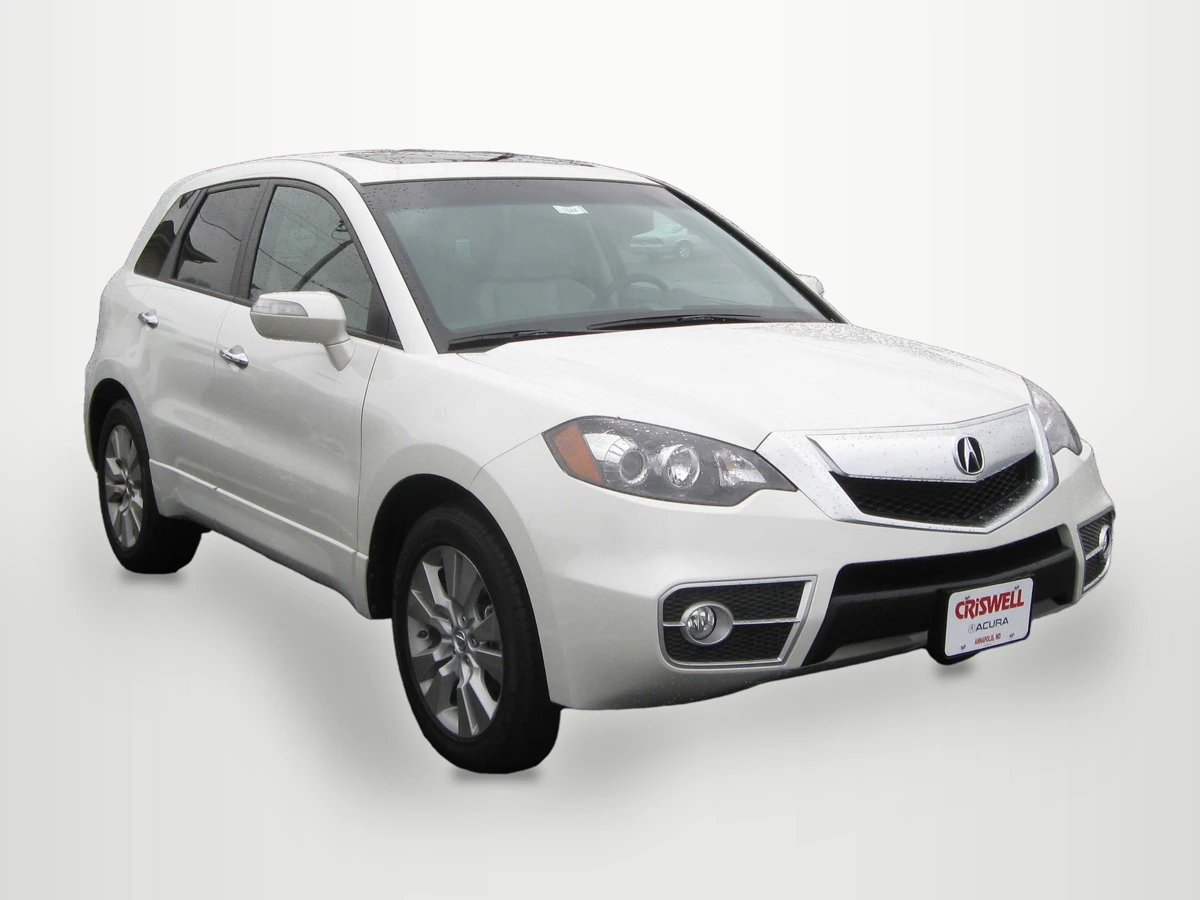
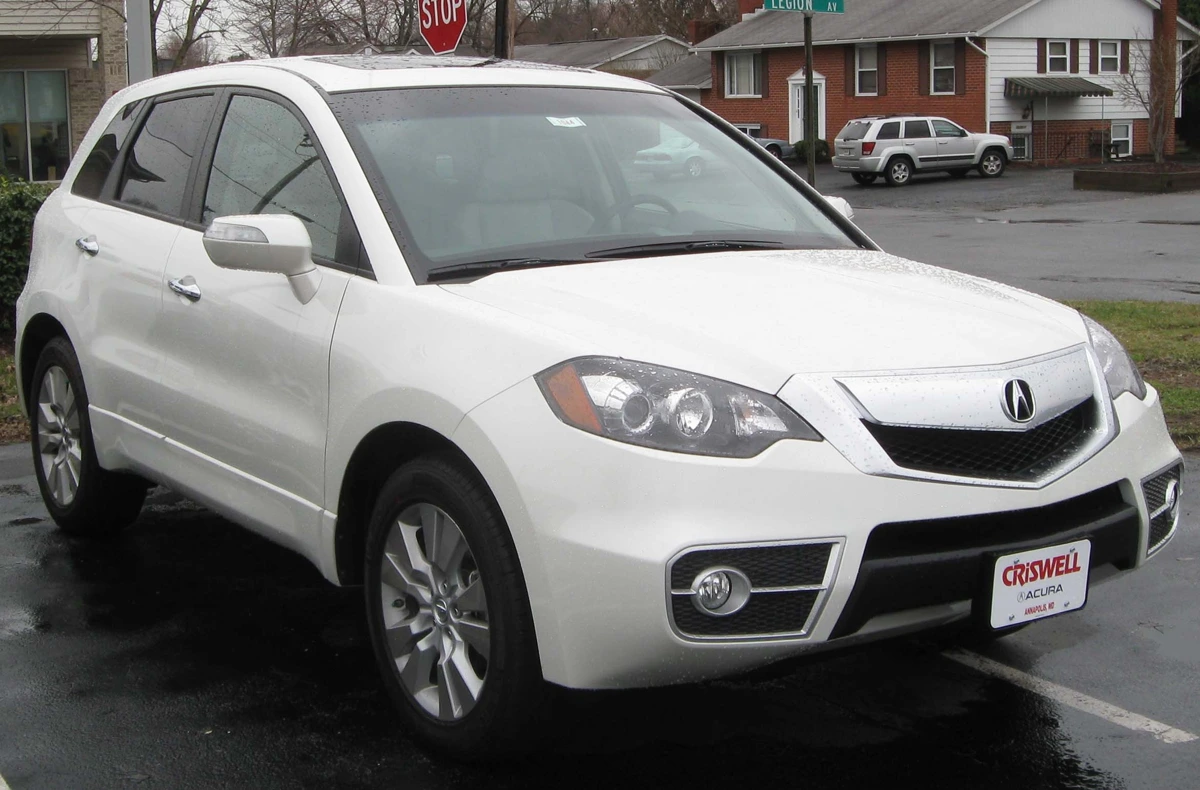
One vehicle per set
Up to 50 photos
Four fixed backgrounds
JPEG, PNG & ZIP
Your editing toolkit
Automatic car picture editing handles the background. You make the final call on the car, the cutout and the files your client receives.
Choose white sweep, light grey, dark grey or soft showroom for the exterior views. Keep the same preset across one vehicle's photos.
Compare each result with its source. Review the mirrors, wheels, glass and visible wear; keep the original or reshoot when a cutout is unsuitable.
Review the suggested plate box and choose blur, pixelate or solid. A logo cover is available in the saved vehicle settings as well as in the separate free plate tool.
Collect up to 50 photos under one stock number. Approve the frames, wait for settings to save, then export the set as JPEG or PNG in a ZIP.
From camera to client
Capture the exterior angles, cabin, mileage and visible condition. Keep the camera originals and start a separate set for each vehicle.
Sign in, add the stock number and upload up to 50 photos. Choose or save a shop background to reuse on later sets. Arrange the initial photos before creating the set; later additions go to the end.
Choose a fixed exterior background. Check scene classification, the cutout and plate boxes. Cabin and detail views stay as photographed; optional color and level fixes start off.
Approve the photos and confirm saved settings. Choose one output size for the set, download its ZIP, and check the files before sending or uploading them yourself.
Made for your working day
Use your phone or laptop. Bring photos you have permission to edit and deliver, then keep the originals with your project.
Keep a separate stock-number set for every vehicle, from the first exterior frame to the final condition detail.
Agree the shot list and background with your client, then use the same review checklist before each delivery.
Choose a repeatable capture and review process. Download the files for your existing client handoff workflow.
Try it on your own photo
Upload one car, pick a fixed background and inspect the result. Sign in when you are ready to run the edit. Compare the mirrors, glass, wheels and visible condition before you download.
1 · Car photo
2 · Background
3 · Output size
Your result shows here. The car keeps its original pixels; only the background changes.
For a full shoot, open Vehicles and keep each car in its own set.
FAQ
Yes. The Vehicles workspace accepts up to 50 photos for one vehicle. Exterior frames can use the same fixed background; frames classified as interior or detail are kept as photographed. Jobs are processed in sequence, and you review and approve the results before export.
The car is copied from the uploaded photo and scaled to the selected output size. Background edges are blended. It does not repair dents, scratches, hidden wheels or missing details. Optional white-balance and level corrections change the image and are off by default. Glass retains the photographed view and reflections.
The automotive workflow currently offers four fixed backgrounds: white sweep, light grey, dark grey and soft showroom. Custom showroom uploads are not available. You can save and reuse a shop background, logo, plate and export settings, and each vehicle keeps a snapshot of the settings used for it. Confirm that a fixed preset meets the client's brief before editing a set.
You can download individual photos or a stock-number ZIP of approved frames as JPEG or PNG. Choose the set's output size, including 1920×1440 or original-size output, and check the downloaded images against the client's requirements. Uploading to a marketplace or a dealer system is a separate, manual step.
After sign-in, your first vehicle set is free — one vehicle per account with up to 50 photos, no credit card needed. After that, Pro ($29/month) includes 150 automotive images per billing period and Max ($99/month) includes 800; additional work can use your existing credits. The single-photo editor separately keeps its shared daily allowance: 20 edits per day free, 100 on paid plans.
Keep exploring
Your next shoot
Try a frame from your own camera, then decide how it belongs in your next delivery.
Reviewed · Published by HeyDreaming