For car dealers · 20 free edits a day after sign-in, no credit card
Car Background Remover
Remove the lot, street or garage behind a car and download a transparent PNG — or drop the car onto a clean studio background with a ground shadow.
1 · Car photo
2 · Background
3 · Output size
Your result shows here. The car keeps its original pixels; only the background changes.
Selling a whole vehicle? Process all its photos as one set and download a ZIP named by stock number.
How do I remove the background from a car photo?
Upload the photo, choose Transparent PNG (or a studio background), and download. HeyDreaming finds the vehicle, keeps the whole car including its windows, and removes everything else. The car's pixels are copied from your photo, not redrawn.
Real results
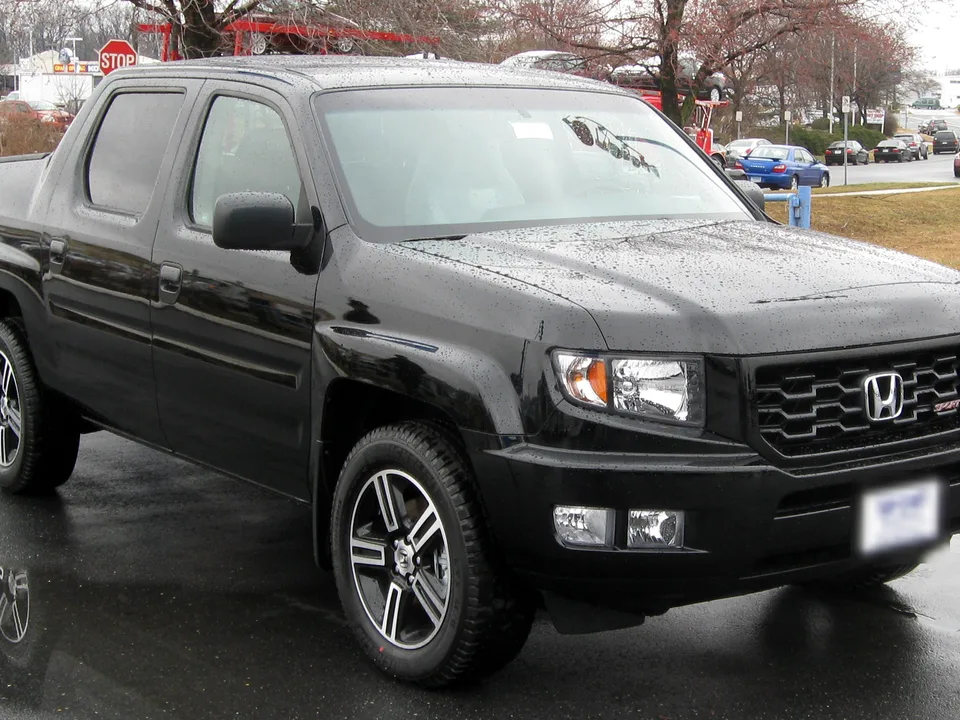
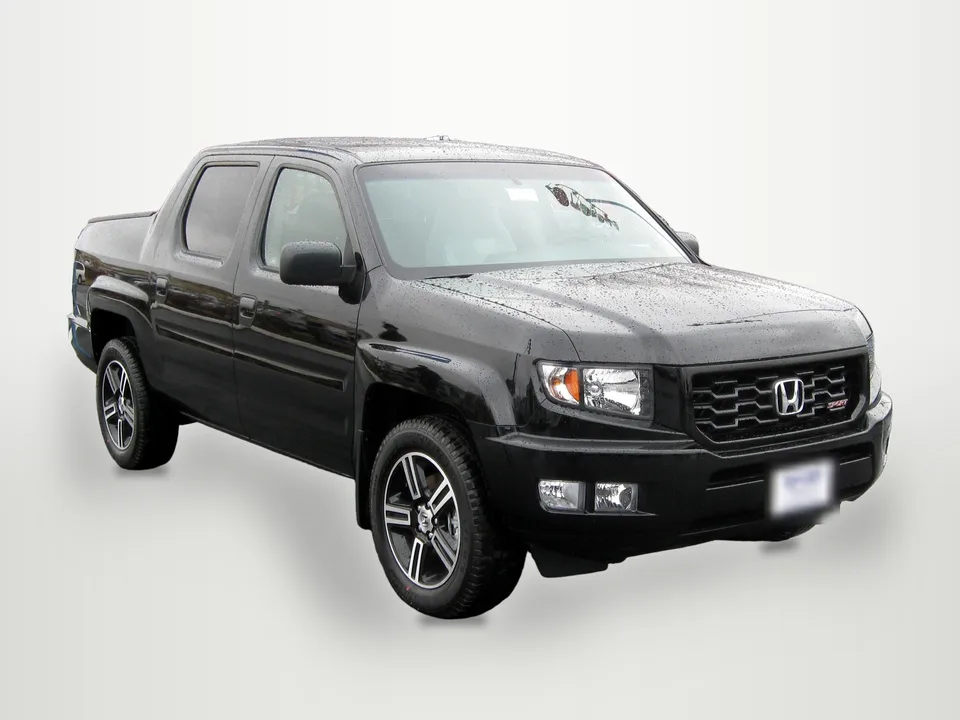
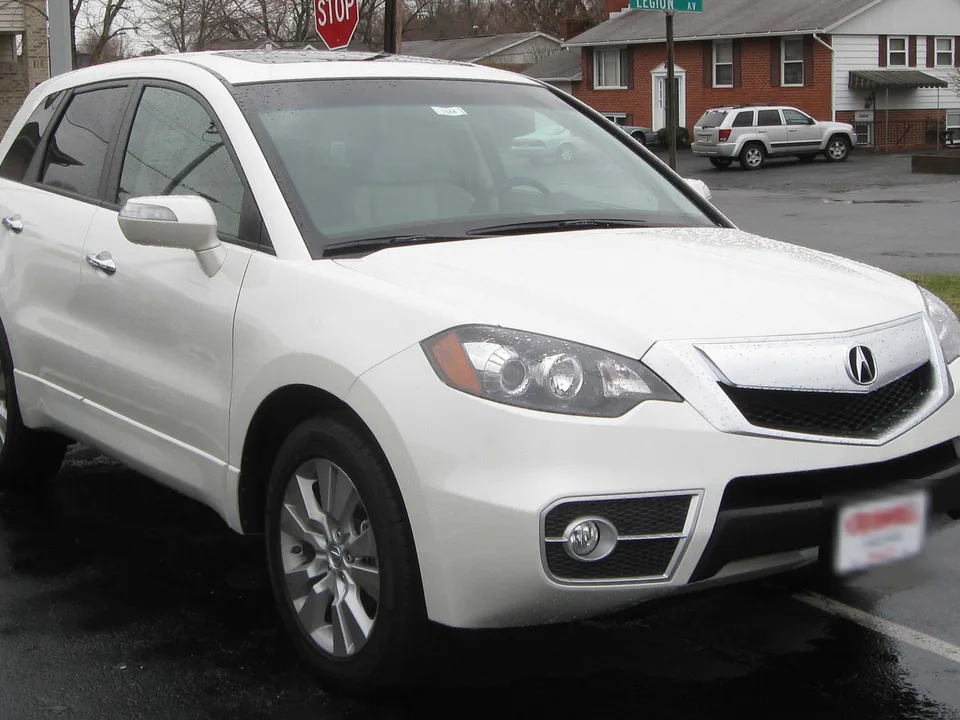
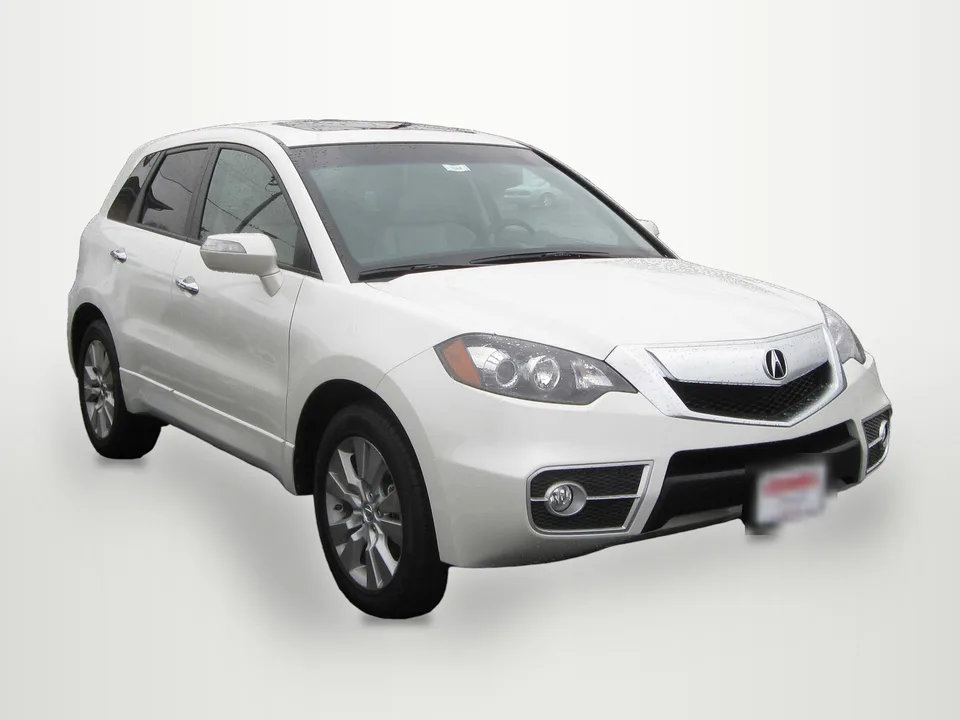
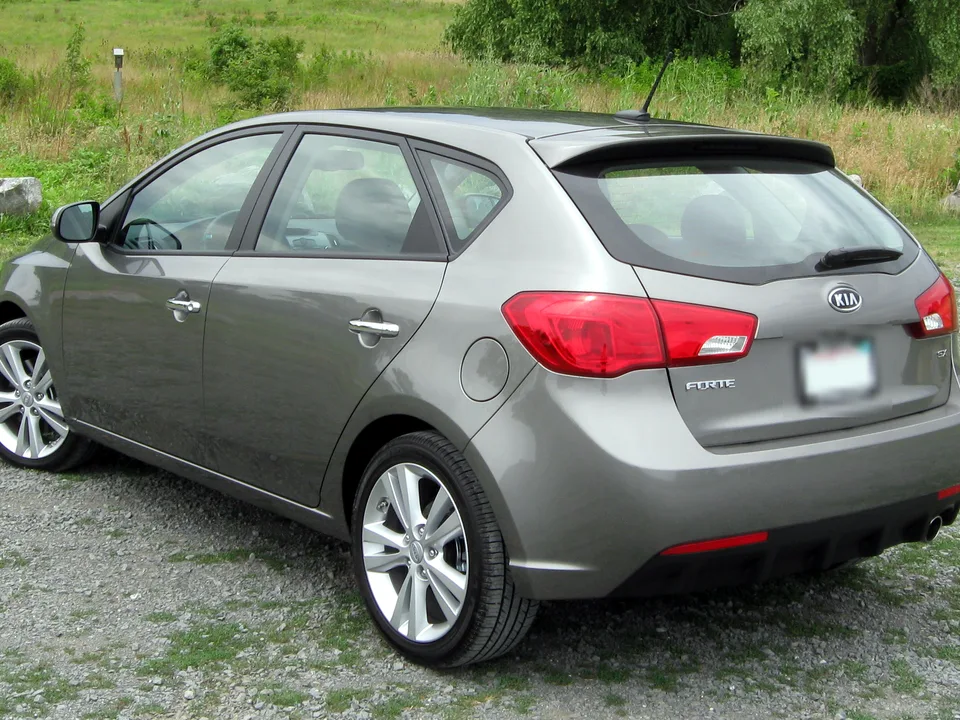
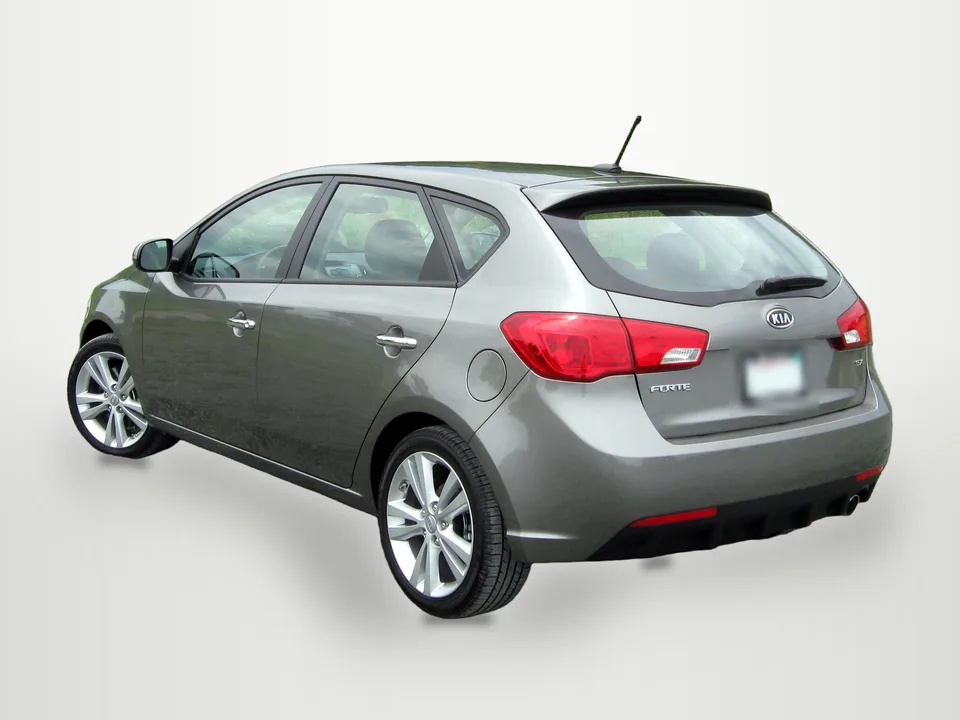
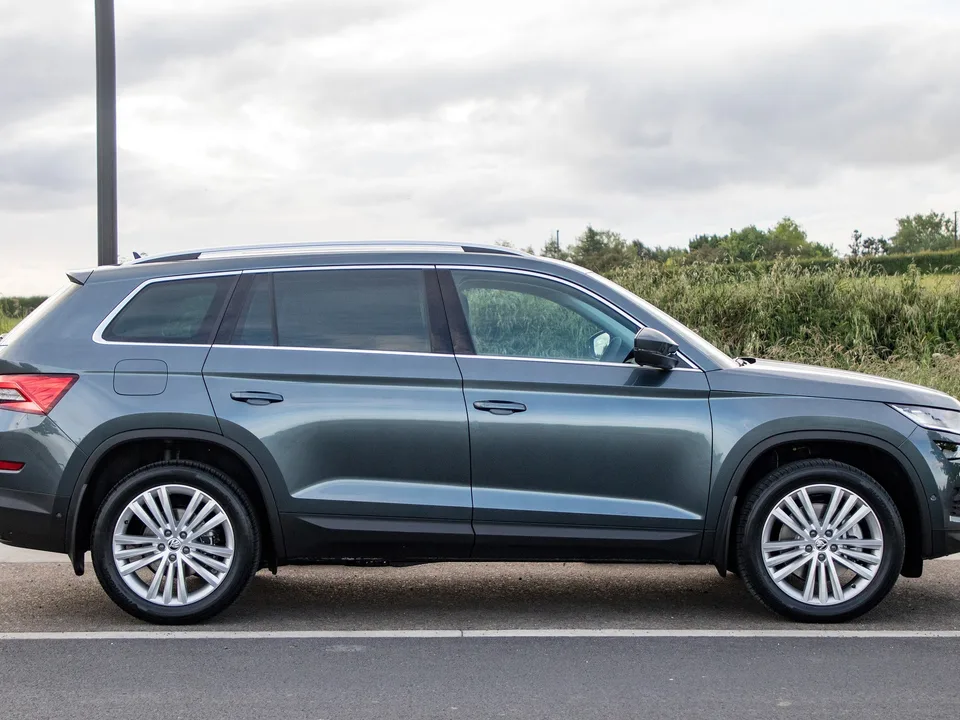
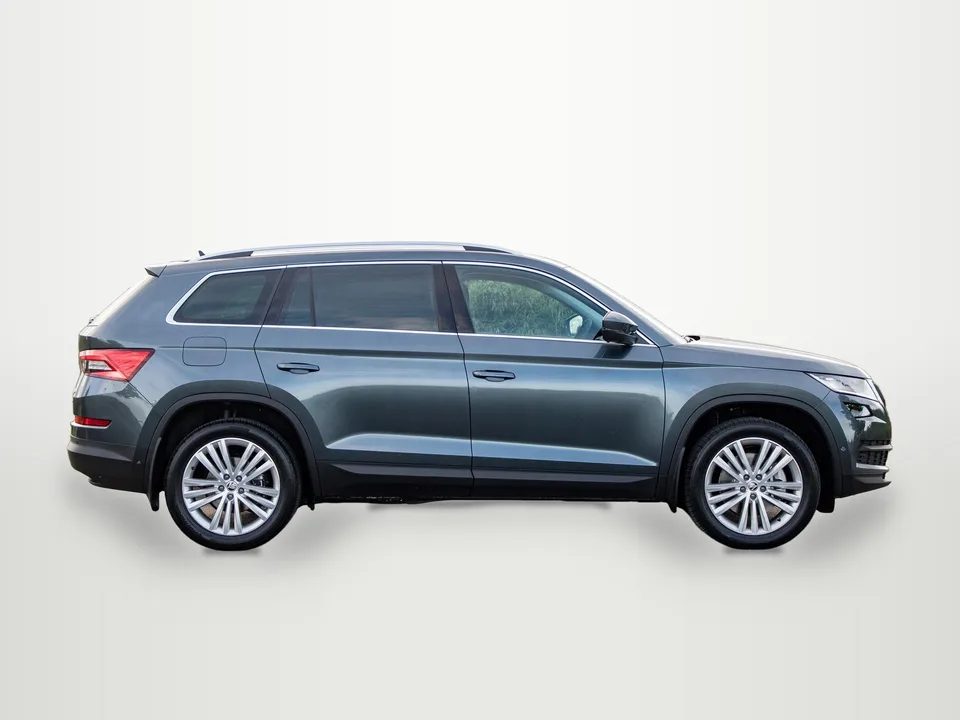
Original photo → listing photo
Unretouched outputs from the tool on openly licensed photos. The car pixels are the original photo's; plates are blurred in both images.
Before you post
What to check on every photo
Close-ups of the Acura above at full output size. Left is your photo, right is the result. In every crop, 0 car pixels changed.
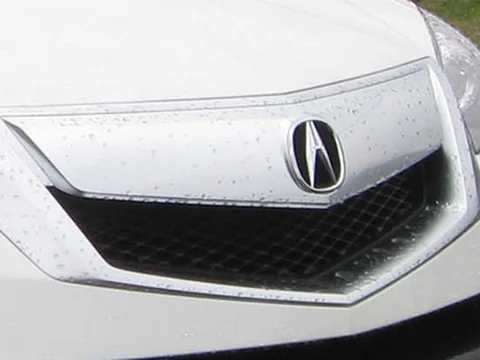
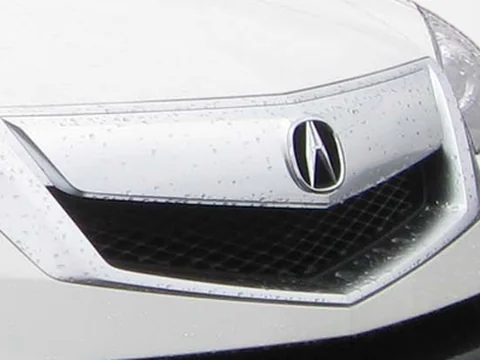
Badge, grille and paint
Copied from your photo, not redrawn: rain drops and reflections stay where they were. Nothing on the car is added or cleaned up.
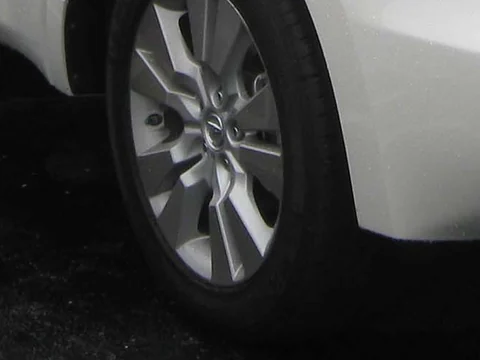
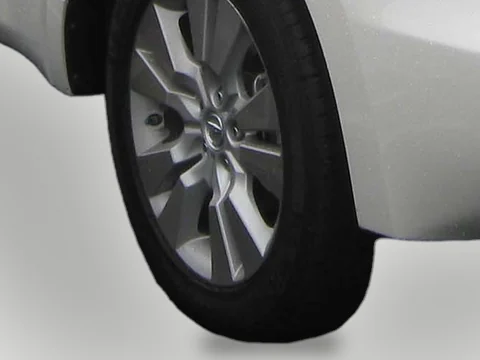
Wheels and the ground line
Check that each tire is complete and the shadow sits under it. A tire hidden by grass, a curb or a parking block is cut where it was hidden.
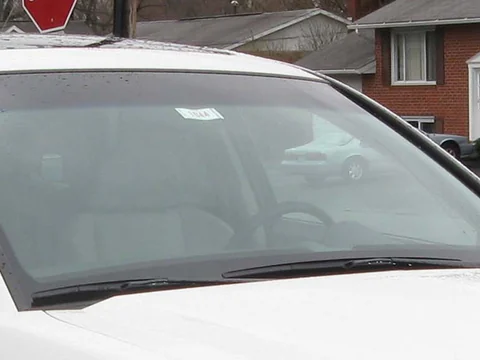
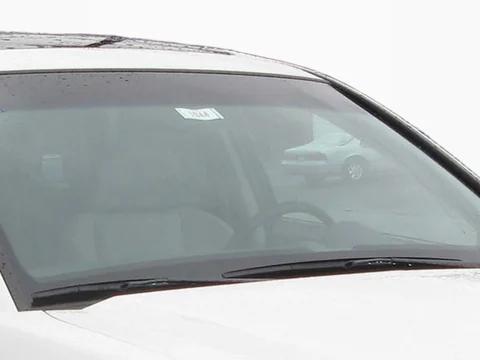
Glass
Windows still show what was behind the car when you shot it, here another car on the lot. If that distracts, reshoot with a plain view behind the glass or keep the original.
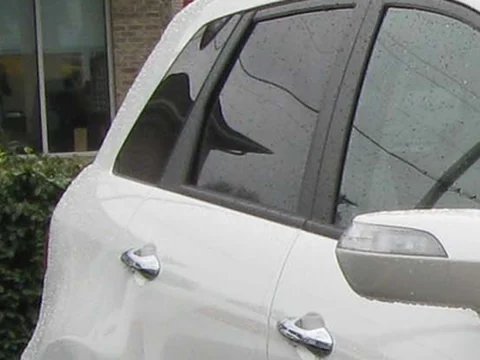
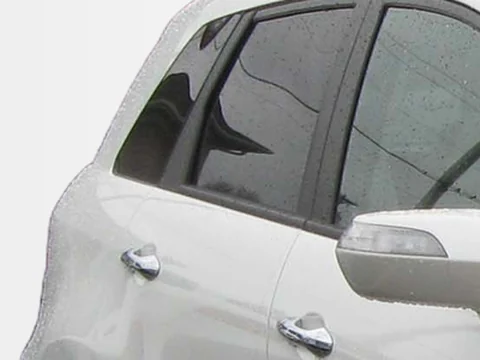
Outline
Look at mirrors, antenna, roof rails and corners for leftover background or a missing piece. A pole or another car touching the outline can get pulled in.
When a photo needs a redo
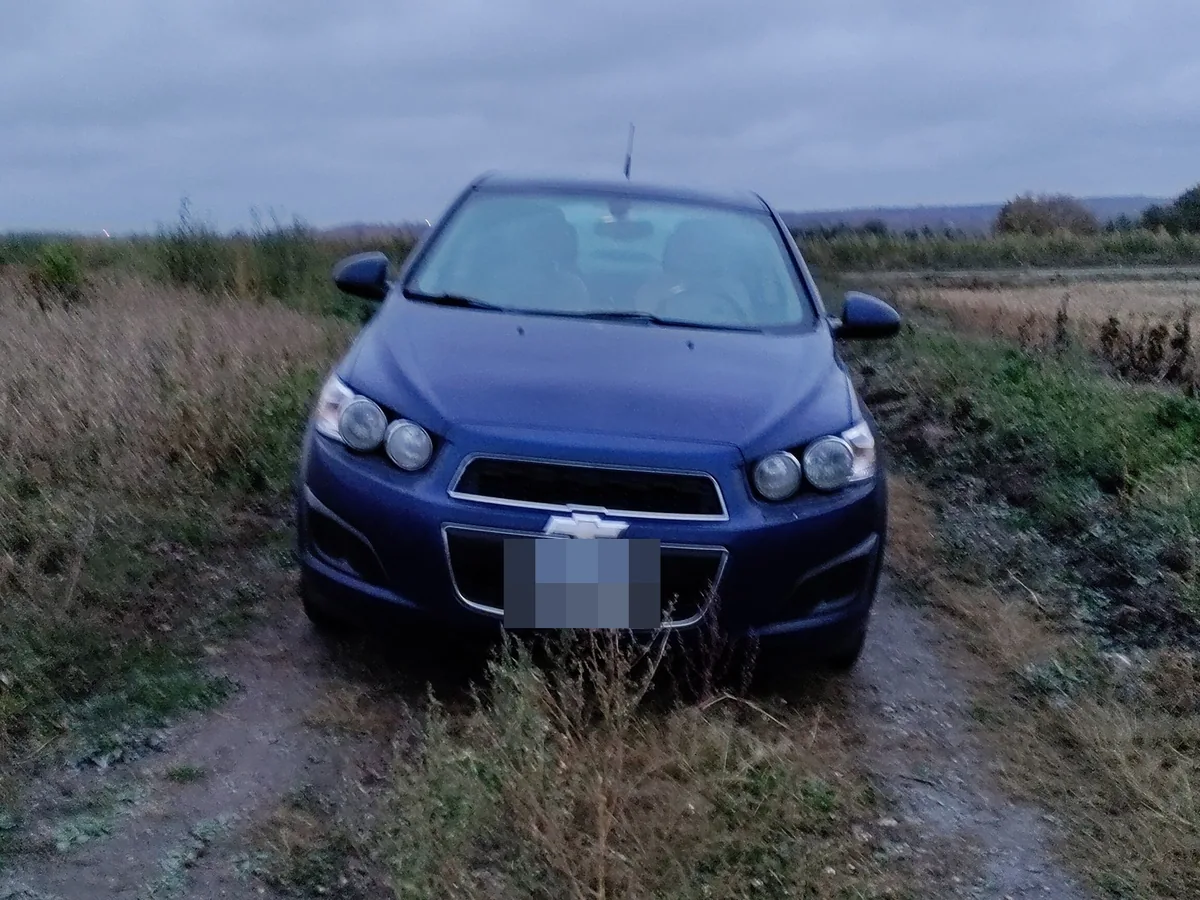
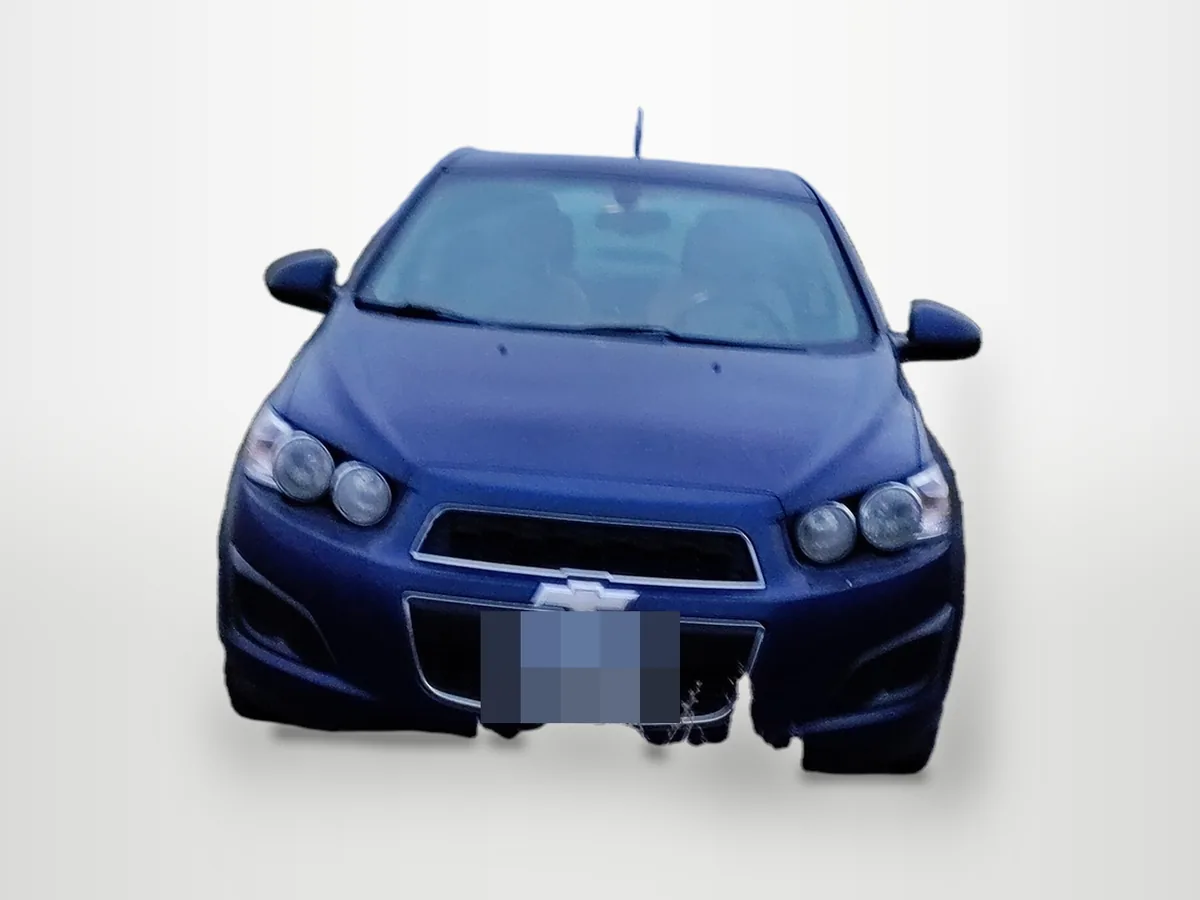
- Tall grass hid the bottom of the car, so the bumper and tires come out ragged.
- The car was small in a wide photo, so it was enlarged about 1.7× and looks soft.
Redo can't bring back what the grass covered. Keep the original, or reshoot on pavement with the car filling more of the frame.
Photo: Cosmic Console, CC BY 4.0, via Wikimedia Commons; background replaced and plate blurred by HeyDreamingFlagged for you
In a vehicle set, a photo goes to Needs check when the car touches the edge of the photo, a plate box is uncertain or no plate was found.
The Sonic above was marked Ready: nothing in it trips a rule. That is why you approve each photo yourself before the ZIP unlocks.
How long it takes
- One photo: 4.5–6.3 s from upload to result.
- Photos in a set run one after another: the third photo of a 3-photo set was done 13 s after upload.
- When our GPU is busy with video jobs a photo runs on CPU instead, about 7 s slower.
Measured on our first 8 live jobs, Oct 28, 2026.
What it handles
- One whole car, truck or SUV per photo
- Lot, street, driveway or garage backgrounds
- Cars partly cut off by the frame (we flag these for a check)
- Phone photos up to 20 MB, JPEG, PNG or WEBP
What it doesn't do
- Two or more vehicles in one photo — crop to one car first
- Glass keeps its original reflections and the view through the windows
- Interior shots are kept as they are; only exterior backgrounds are replaced
- It does not repair dents, scratches or paint — the car is your original photo
How it works
Four steps, one car at a time
01
Upload a car photo
Use the original photo from your phone or camera. One vehicle, whole car in frame.
02
Pick a background
White sweep, light grey, dark grey or a soft showroom. Every photo of a car gets the same one.
03
Check what changed
Toggle the overlay: the car area is your original pixels, only the background is replaced.
04
Cover the plate and download
We suggest a plate box. Confirm it, choose blur or your logo, and download.
20 free edits a day after sign-in, no credit card. Pro ($29/mo) and Max ($99/mo) include 100 a day.
Free tool
Blur a license plate
Up to 20 photos at once, in your browser. No upload, no sign-up.
Done for you
Car photo editing service
Send a vehicle's photos, get a listing-ready set named by stock number. First vehicle free.
Keep exploring
More for dealers
Questions
Car background remover — FAQ
Is the transparent PNG a real cutout?
Yes. The car keeps its original pixels with a soft edge; everything outside it is fully transparent. Windows are kept as part of the car, with their original reflections.
Can I replace the background instead of removing it?
Yes — pick white sweep, light grey, dark grey or showroom. These add a soft ground shadow so the car sits on the floor.
Why does it say more than one vehicle?
The tool edits one vehicle per photo. If a second car is large in the frame, crop the photo to the car you are selling.
Is it free?
20 free edits a day after sign-in, no credit card. Pro ($29/mo) and Max ($99/mo) include 100 a day.