Car Photo Resolution and Compression: Inspect the Saved File
Separate pixel dimensions, aspect ratio, file bytes and alpha. Inspect an actual same-case PNG and JPEG download instead of relying on format labels.
By HeyDreaming
Published by HeyDreaming, which supplies the tools described. Examples reuse dated internal QA on public-source images, not customer results. The worksheet is manual and does not add product functionality.
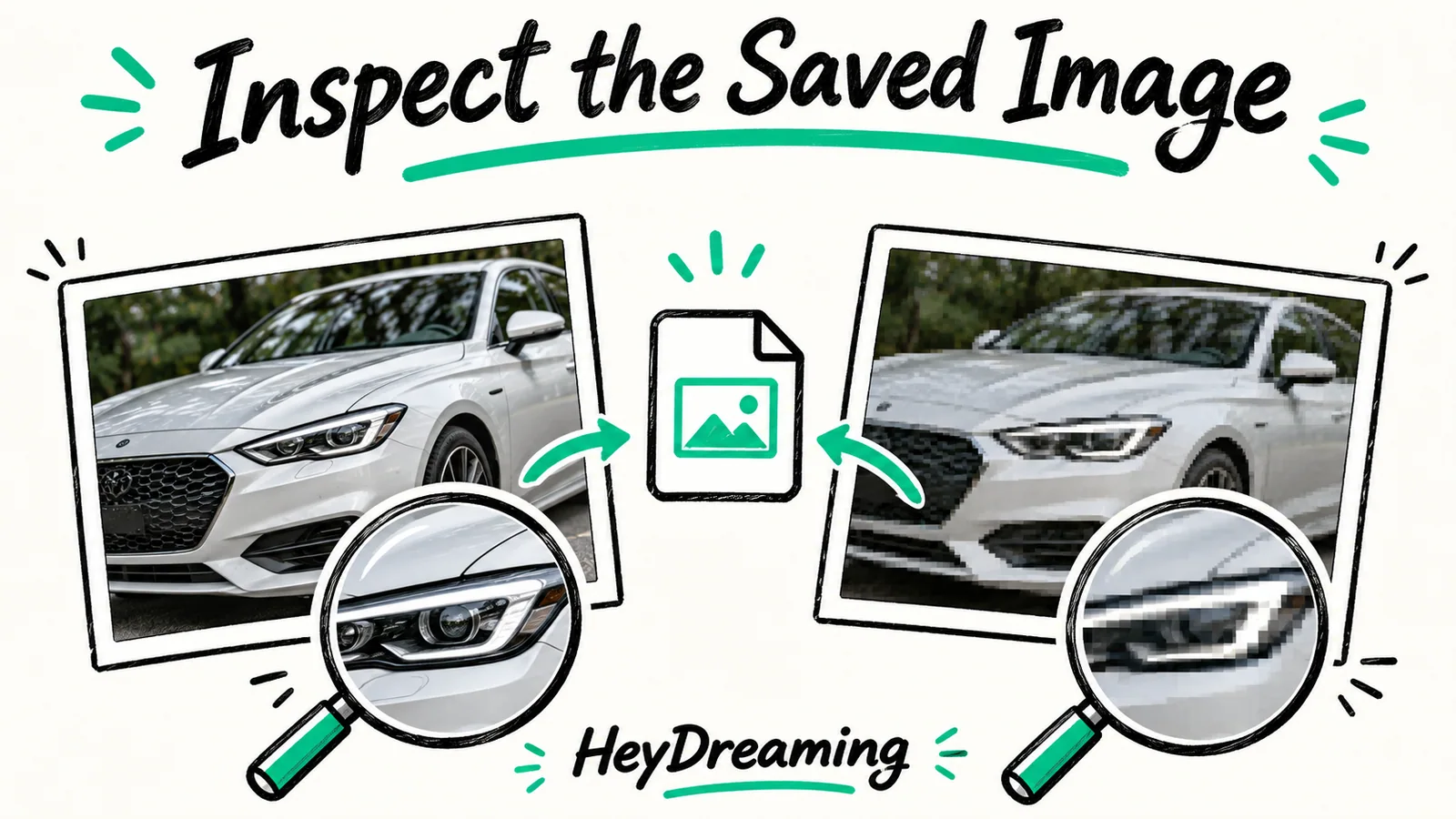
When vehicle photos move through digital merchandising pipelines, technical terms like resolution, file size, aspect ratio, and compression are frequently conflated. Understanding car photo resolution and compression requires inspecting the actual saved file on disk rather than relying on on-screen browser previews. A high pixel count does not prevent aggressive compression artifacts, just as a large file size does not guarantee sharp optical resolution.
For context on export settings and delivery handoffs, review our foundational guide on the car listing photo export checklist, along with our step-by-step car listing photo pre upload checklist.
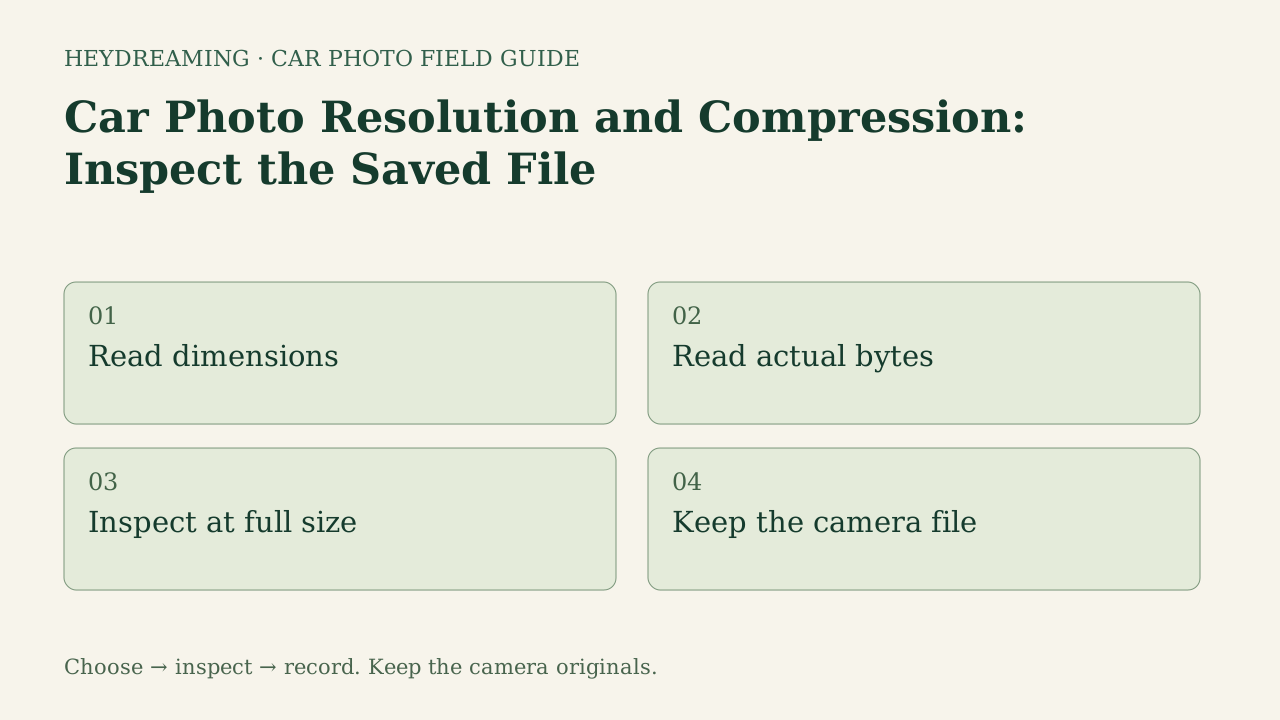
Open the full resolution and compression diagram (SVG)
Note: The diagram above is an explanatory workflow mapping file lifecycle states, not a measured statistical chart.
Separating Pixel Dimensions, Aspect Ratios, Bytes, and Compression
To evaluate image assets objectively, digital merchandisers must distinguish four separate technical properties:
- Pixel dimensions (Width x Height): The total grid of horizontal and vertical pixels (such as 1920x1440). Pixel count dictates spatial detail potential, but does not indicate encoding quality. Note that 1920x1440 represents a 4:3 aspect ratio; it should not be confused with Full HD, which refers specifically to 1920x1080 in a 16:9 widescreen ratio.
- Aspect ratio: The proportional relationship between width and height (such as 4:3 or 16:9). HeyDreaming provides our selected 1920x1440 (4:3) option or prepared original dimensions; images fit and pad rather than stretching arbitrarily.
- File bytes (Storage weight): The physical amount of disk storage or network bandwidth an image consumes (e.g., 258 KB vs. 1.15 MB).
- Compression algorithm: The encoding scheme used to store image data. Lossless formats (like PNG) preserve exact pixel values, while ordinary JPEG encoding is lossy. WebP supports both lossy and lossless modes; a filename extension alone does not describe the encoder settings or guarantee an acceptable result.
Because external automotive portals establish their own ingestion standards, no single resolution or format enjoys universal platform acceptance. Dealerships must align file output choices with their specific syndication requirements.
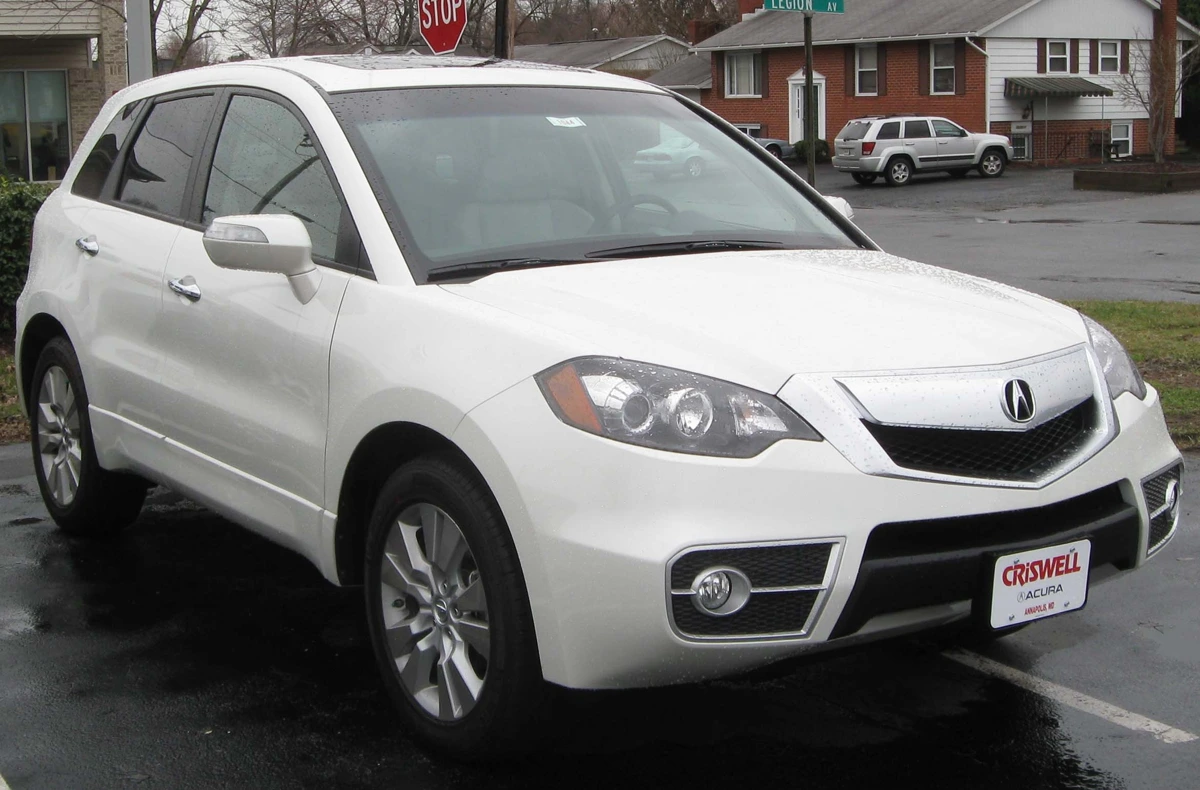
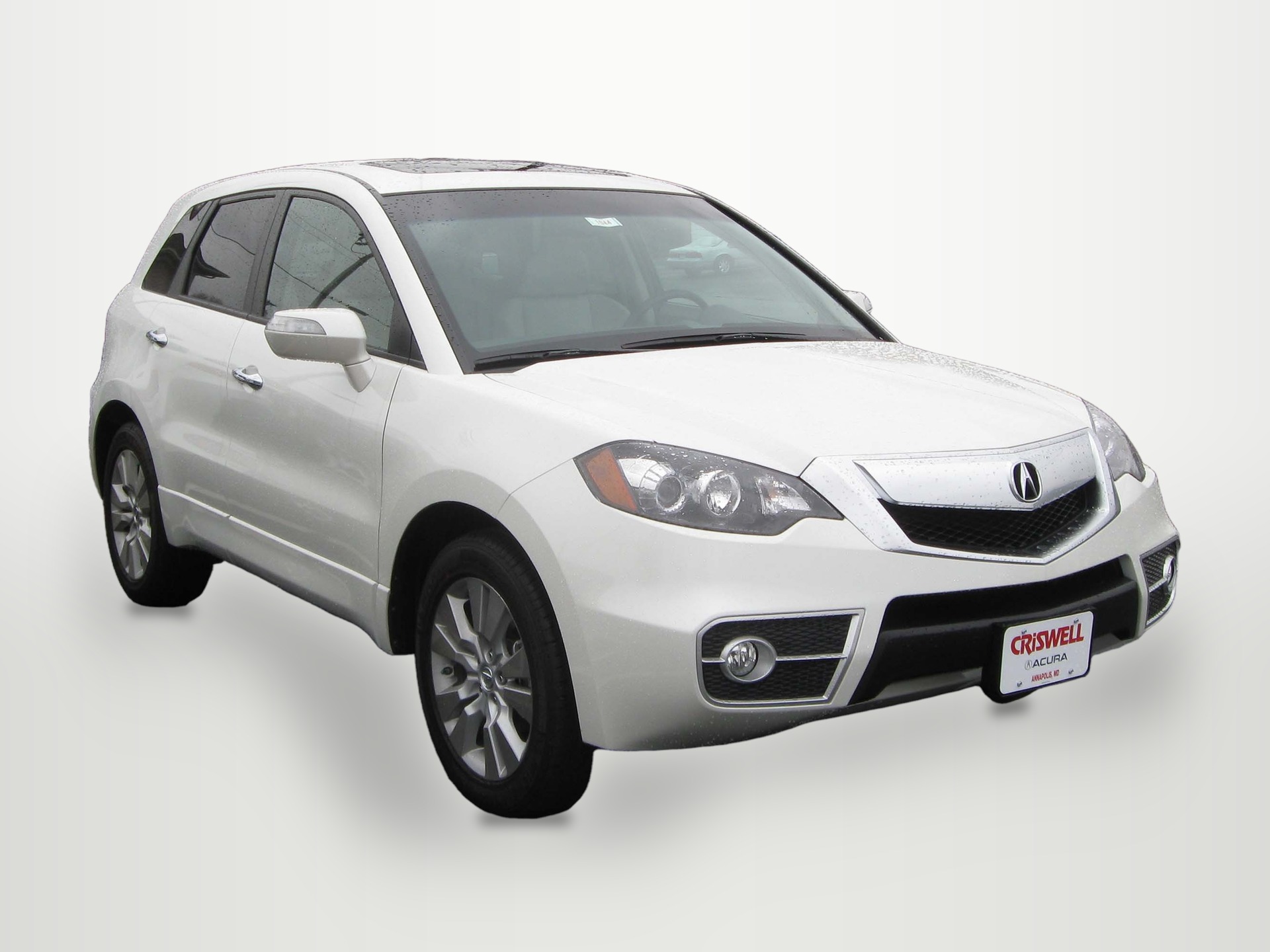
2010 Acura RDX photographed by IFCAR (Public domain). Source image re-encoded as a prepared upload preview for web display.

A source preview is a re-encoded prepared upload, not untouched camera file. In file inspection, understanding that browser preparation re-encodes source files and limits the longest dimension to 3000 pixels is essential to protecting master originals.
Real Case Comparison: Lossless Master PNG vs. Downloaded JPEG
To examine how compression impacts file weight at identical pixel dimensions, HeyDreaming recorded exact same-case file metadata from an internal QA benchmark run on October 31, 2026. The test processed a public-domain photo of a white 2010 Acura RDX composited onto the White sweep preset at our selected 1920x1440 resolution.
Comparing the internal worker master output against the user-downloaded file provides one observed comparison, not a controlled benchmark of every format or quality setting:
- Lossless worker master (PNG):
- Dimensions: 1920x1440 (4:3)
- Color mode: RGB (no transparency / alpha extrema null)
- File size: 1,150,906 bytes (1.15 MB)
- Role: Intermediate render storing the composite pixels losslessly. Its prepared source was already JPEG, so this is not an uncompressed camera capture or proof of artifact-free detail.
- Downloaded output (JPEG):
- Dimensions: 1920x1440 (4:3)
- Color mode: RGB (no transparency / alpha extrema null)
- File size: 258,680 bytes (258 KB)
- Role: Web-optimized asset downloaded through the UI for dealership inventory listing syndication.
Both files represent the same case at 1920×1440. The saved JPEG is 77.5% smaller by bytes in this example; decoded pixels are not claimed identical. The PNG is RGB with an opaque White sweep, so this comparison does not involve removing an alpha channel. Encoding, settings, content and metadata affect bytes; the result is not a universal saving ratio.
Readers can inspect these same-case sample files directly:
- Download the sample lossless master (PNG, 1.15 MB)
- Download the sample downloaded output (JPEG, 258 KB)
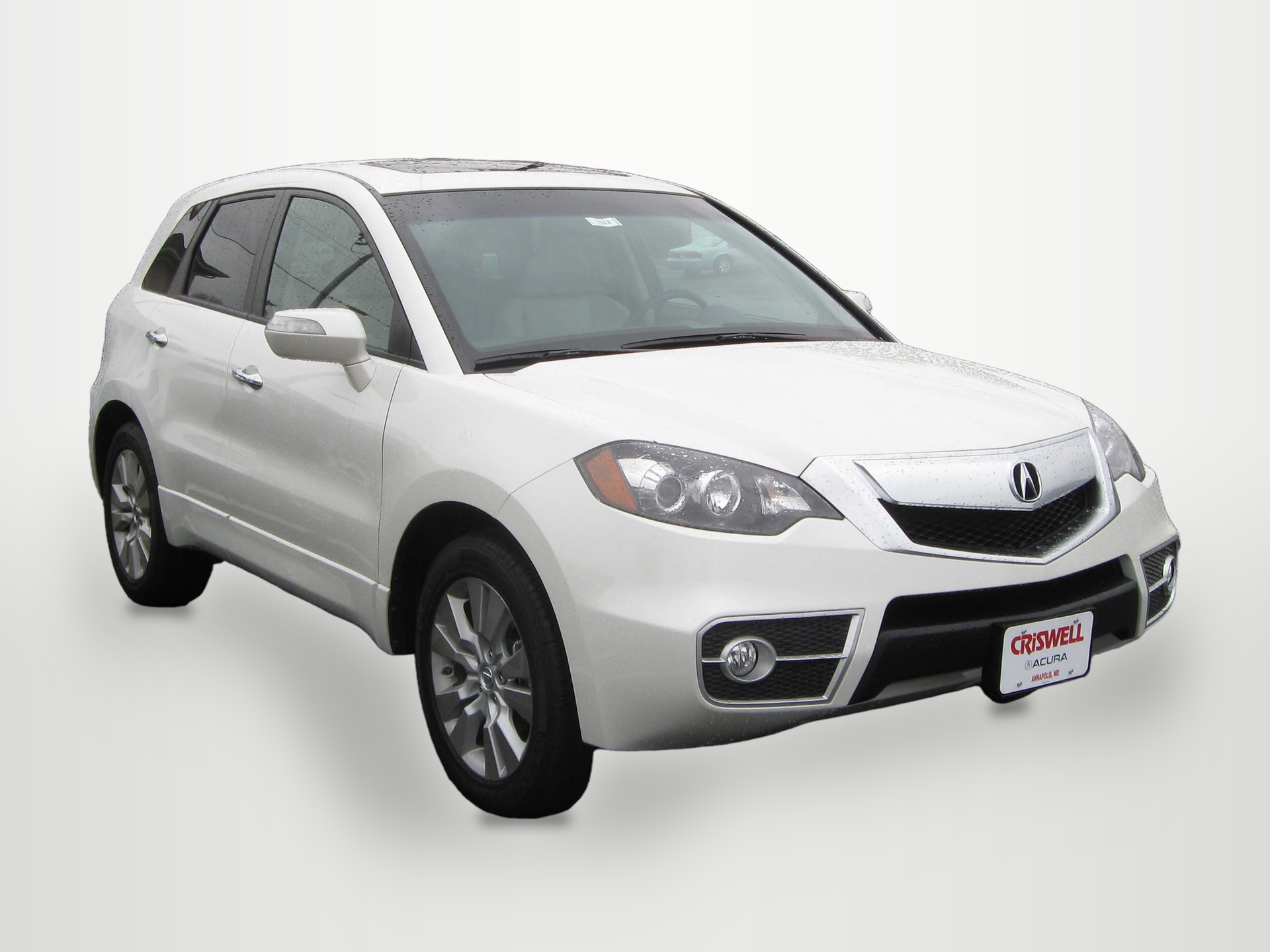
(Note: On-page WebP previews are compressed versions of actual downloads and do not preserve native download byte counts.)
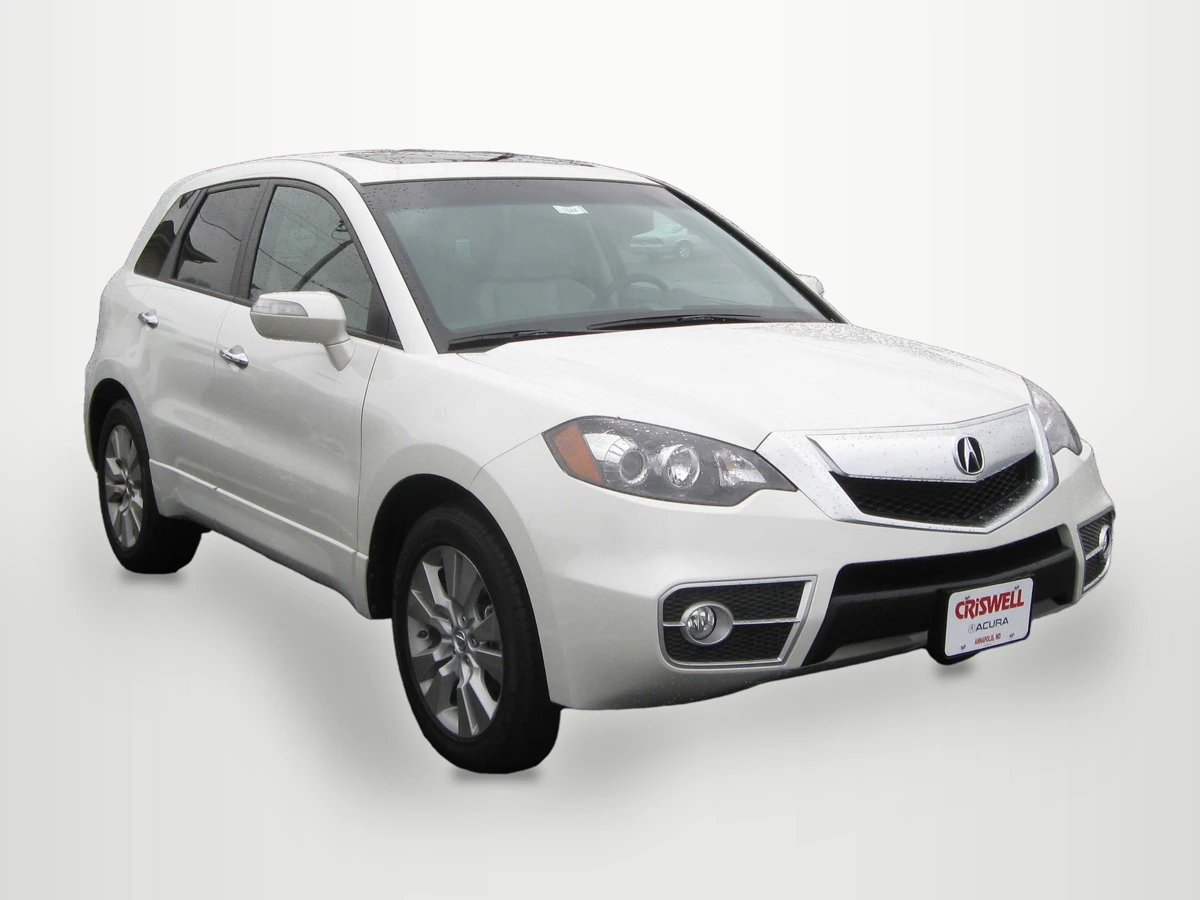
2010 Acura RDX photographed by IFCAR (Public domain). Output image generated with HeyDreaming White sweep preset; background replaced, scaled to 1920x1440, and re-encoded to WebP preview for web display.
WebP previews are compressed versions of actual downloads. This preview illustrates the output asset generated in our internal QA benchmark, rendered at 1920x1440 resolution against the White sweep preset.
Prepare one stock-number set
Sign in to create a vehicle, upload up to 50 photos and review the results before exporting. Daily editing allowances apply.
Lifecycle File Role Inspection Matrix
The table below contrasts the five key file roles encountered in a vehicle image pipeline:
| File Role | Format & Encoding | Dimensions in This Example / Check | Alpha Channel | Primary Pipeline Purpose |
|---|---|---|---|---|
| Camera Original | RAW or native JPEG | Read the actual camera file | None | Keep the original capture separately; a photo does not independently prove physical condition |
| Prepared Upload | Re-encoded JPEG | Longest edge capped at 3000px | None | Client-side resized asset for rapid browser transmission |
| Lossless Master | Lossless RGB PNG | 1920×1440 in this case | None (opaque backdrop) | Store the composite pixels without an additional lossy encode |
| Downloaded JPEG | Lossy JPEG | 1920×1440 in this case | None | Optimized deliverable for dealer inventory feeds |
| Web Preview | Compressed WebP / JPEG | Inspect actual file pixels separately from display size | None | Fast thumbnail and detail rendering in browser UI |
Using the Resolution and Compression Tracking Worksheet
To evaluate file dimensions and compression across your inventory workflow, download our manual tracking template:
Download the car photo resolution and compression worksheet (CSV)
The template provides five structured rows matching each file role: camera original, prepared upload, lossless worker master, downloaded JPEG, and web preview. Dealership technical staff use blank columns to record filename, format, width, height, bytes, alpha_requirement, inspection observations, and source_reference.
This worksheet is a manual auditing aid. It does not automatically inspect local folder directories or pull metadata from dealer management software. Technical leads manually open file properties in desktop utilities (such as macOS Finder, Windows Explorer, or image editors) to verify that exported files remain within expected byte thresholds before transmitting batches to syndication channels.
Software Capabilities and Pipeline Constraints
When managing file outputs within HeyDreaming, consider these core operational parameters:
- Four fixed background presets: HeyDreaming supplies White sweep, Light grey, Dark grey, and Showroom soft. The platform does not generate custom architectural showrooms. Optional global white balance changes color values; it is off by default and is not physical paint calibration.
- Aspect ratio handling: The platform offers a 1920x1440 (4:3) option or prepared original dimensions. Kept images fit and pad within the canvas; arbitrary custom aspect ratios are not supported.
- Upload scaling: Browser upload preparation automatically caps the longest image dimension at 3000 pixels and re-encodes source files to JPEG. Keep untouched camera originals independently; a native camera JPEG is already compressed, and prepared/ZIP originals do not replace it.
- Account allowances: The Vehicles mode supports up to 50 photos per car. Free accounts allow 20 daily photo edits, while Pro ($29/month) and Max ($99/month) provide 100 daily edits. Starting a new single-photo correction job uses daily allowance. Vehicle sets allow at most two redos per frame; that is a separate retry mechanism.
Frequently Asked Questions
Why is 1920x1440 not referred to as Full HD?
Full HD is an established video and display standard specifically defining 1920x1080 pixels in a 16:9 widescreen aspect ratio. A resolution of 1920x1440 uses the same 1920 horizontal pixels but includes 1440 vertical pixels, forming a traditional 4:3 photographic aspect ratio.
Can a JPEG export achieve zero visual degradation?
Do not assume it. Ordinary JPEG export is lossy and can change pixel values. The visibility of artifacts depends on the image, settings and viewing scale. Inspect the saved result and destination preview rather than promising zero degradation or universal acceptability.
Will every PNG master be about four times larger than its JPEG?
No. This pair is about 4.45:1 by bytes. PNG stores its input pixels losslessly, while the downloaded JPEG uses a lossy encode. Image content, settings and metadata vary, and JPEG changes need not be imperceptible. Measure the files you actually deliver.
Immediate Next Step
Download the sample PNG master and JPEG download files provided above. Open their file properties on your local computer to verify the byte weight difference firsthand, then run an owned vehicle photo through the AI car photo editor to inspect your own output dimensions and file sizes.
Prepare one stock-number set
Sign in to create a vehicle, upload up to 50 photos and review the results before exporting. Daily editing allowances apply.
Keep exploring