Fixed vs Custom Car Photo Backgrounds: A Scope Checklist
Check whether fixed backgrounds meet your actual requirements before commissioning a custom scene. Compare scope, image rights, testing and handoff.
By HeyDreaming
Published by HeyDreaming, which supplies the tools described. Examples reuse dated internal QA on public-source images, not customer results. The worksheet is manual and does not add product functionality.
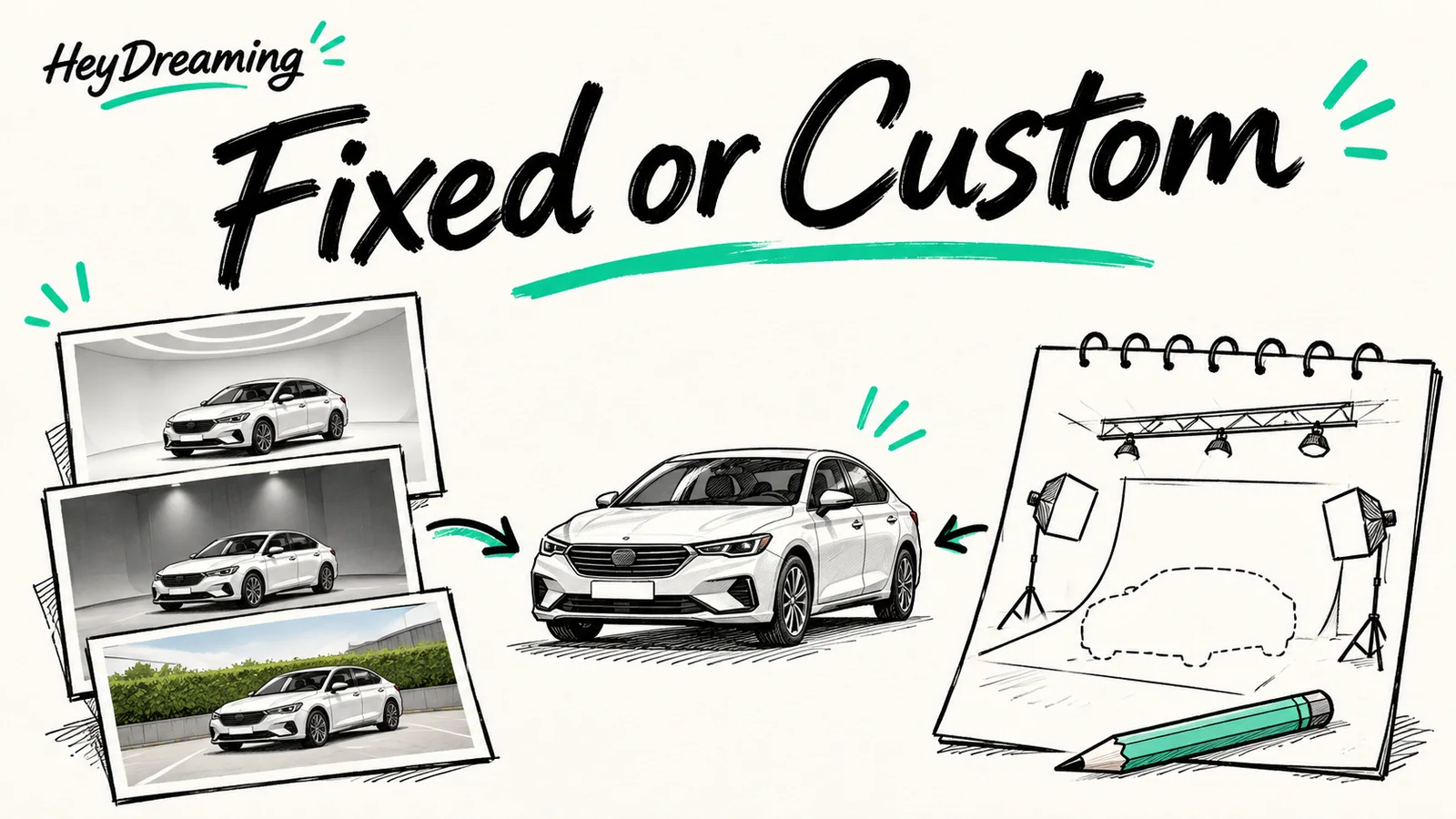
Before contracting an agency to produce custom virtual showrooms, evaluate fixed vs custom car photo backgrounds against your actual operational needs. A custom scene may meet a requirement that a fixed scene cannot, but design, reuse, revisions and delivery need their own scope. No external design quotes or comparative cost study were measured for this guide. Furthermore, self-serve software like HeyDreaming supplies four fixed studio backdrops—White sweep, Light grey, Dark grey, and Showroom soft—without supporting custom room uploads or generative showroom tools.
While our guide on white background car photos outlines general studio cutout mechanics, this checklist helps managers determine whether fixed options satisfy inventory needs before committing external budget.
The Scoping Workflow
Deciding between standard fixed backdrops and commissioned external environments requires an orderly review sequence:
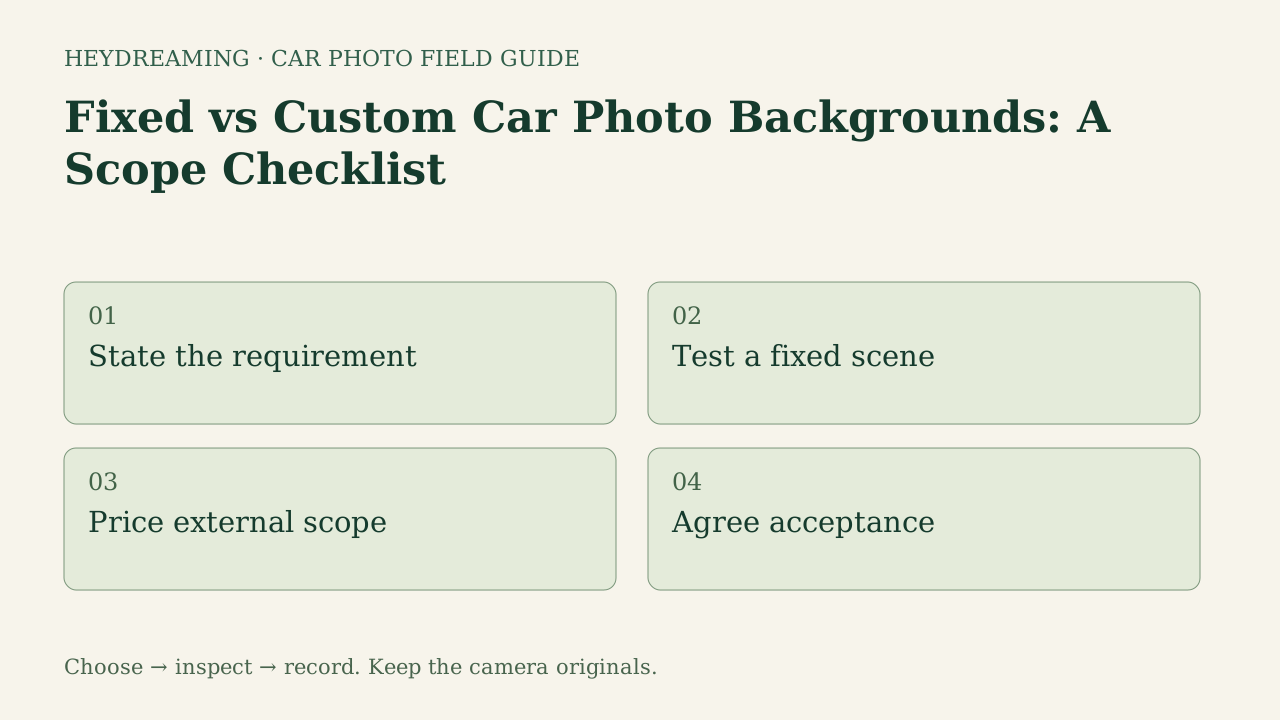
This diagram illustrates an explanatory review workflow, not a measured performance benchmark:
- State the requirement: Define the concrete branding goal rather than seeking novelty.
- Test a fixed scene: Benchmark representative inventory photos on available fixed presets.
- Price external scope: Calculate agency setup costs, per-vehicle composite fees, and revision limits.
- Agree acceptance: Establish clear pass/fail thresholds for lighting alignment, tire contact, and window reflections.
Evaluating Key Scoping Tradeoffs
Before commissioning external custom scenes, compare fixed system options against custom environments across four friction points:
1. Maintenance Overhead and Camera Angles
Both options need an angle check. Compare your front three-quarter, side and rear captures against the intended floor and horizon. A fixed scene can look mismatched too; commissioning a room does not by itself prove that every camera height will fit.
2. Input Rights and Asset Licensing
For either option, record the source-photo permission and the scene provider's allowed uses. Ask about reuse, channels, revisions and supplied files. This internal image test did not compare contracts or establish that one licensing model is universally simpler.
3. Lighting and Window Reflection Mismatches
Vehicles shot outdoors capture diffused sky and lot reflections. A scene with lighting that conflicts with the photographed body reflections can look inconsistent, whether fixed or custom. HeyDreaming's current automotive flow retains source views through glass; it does not clear those views or relight the car. For external work, ask which vehicle pixels would be changed and keep condition evidence separate.
4. Objective Acceptance Criteria
A contact shadow does not guarantee a correct cutout, and transparent PNG exports can still retain subtle edge remnants or cabin reflections. Record the source image, angle, allowed changes and acceptance checks before approving either workflow. A named preset gives a repeatable choice, not a guarantee that each new photo will pass.
For team governance rules, review our guide on car photo background presets for dealers, and explore vehicle contrast guidelines in car backgrounds for white and black vehicles.
Put your car on a clean background
20 free AI photo edits a day. Copy your source vehicle onto a fixed background, then check the outline and plate cover. Sign in to start; no credit card needed.
Fixed Backdrop Inspection on Public QA Samples
Testing a fixed preset against real lot captures reveals whether standardized scenes satisfy presentation standards. In internal QA tests on October 31, 2026, we processed public-domain reference vehicles through HeyDreaming's background workflow to evaluate edge separation and shadow rendering.
The figures below compare a white 2010 Acura RDX in its outdoor capture against the fixed Showroom soft preset:
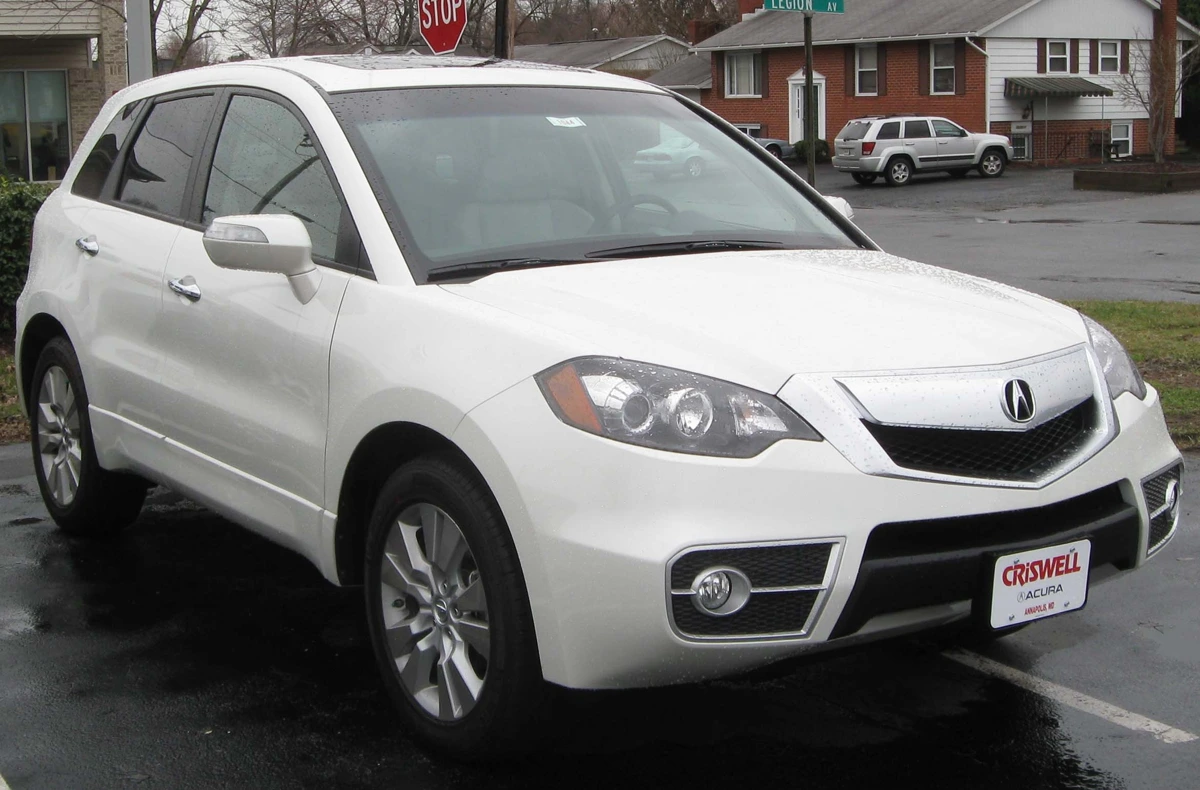
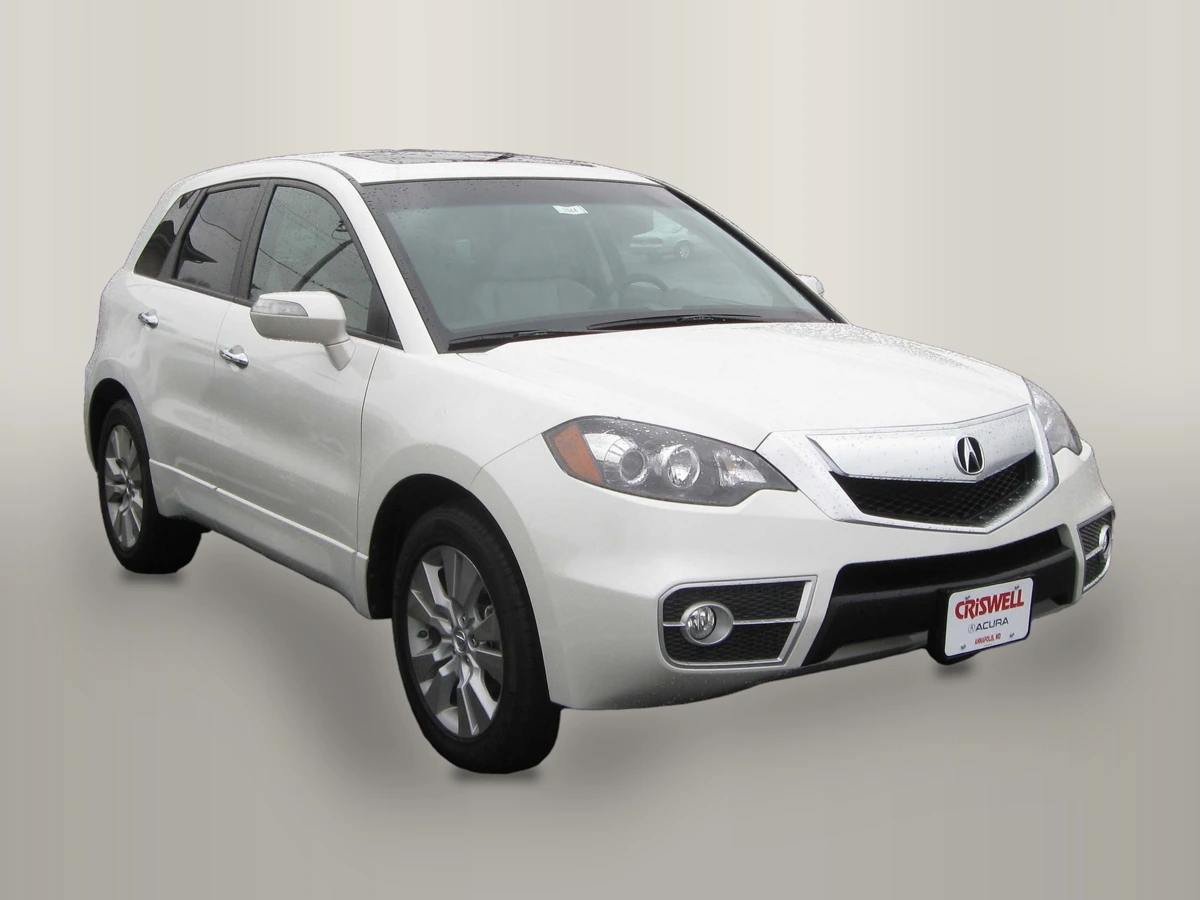
Photo credit: IFCAR, Public domain, via Wikimedia Commons. Modifications: source image re-encoded, vehicle extracted and composited onto HeyDreaming Showroom soft preset with rendered floor shadow, scaled to standard export dimensions, and compressed to WebP for web delivery.
Why these figures matter for your scoping review:
- Natural Ambient Floor: Inspect the pictured floor tones and contact shadow against the source tire positions. The scene does not automatically correct source perspective or lighting.
- Glass Realities: Photographed outdoor views remain through the Acura's cabin glass. Because automated extraction isolates the exterior silhouette, windows retain captured outdoor surroundings.
- Pixel Integrity: In our eight background worker jobs (two vehicles across four fixed backdrops, corrections off), an eroded opaque vehicle core had zero differing pixels across lossless output masters. That across-preset check does not establish an accurate outline, physical paint calibration or equality of JPEG/WebP bytes. The figures are compressed web previews, not lossless measurement files.
Scope Comparison: Fixed Options vs Commissioned Scenes
| Assessment factor | Current fixed choices | Questions for commissioned work |
|---|---|---|
| Cost scope | Editor allowances apply; human review is separate | What design, editing, review and revision fees are included? |
| Angles | Inspect each source against the chosen scene | Which angles will be supplied and tested? |
| Lighting | Photographed body and glass views remain | Which reflections or vehicle pixels would change? |
| Turnaround | Queue, processing and your review; no sample timing guarantee | What delivery and revision window is agreed? |
| Handoff | Save selected files and publish manually | Which formats, sources and acceptance records are delivered? |
Downloadable Scope Checklist
To guide internal discussions before signing agency contracts, use our downloadable evaluation template:
Download the fixed vs custom scope checklist (CSV)
Use this manual spreadsheet to evaluate your team's background requirements across four structured stages: State the requirement, Test a fixed scene, Price external scope, and Agree acceptance. Staff record approved choices, document paint exceptions, assign responsible owners, reference test evidence, and establish concrete next actions. The worksheet is a manual planning aid that does not connect to DMS software or enforce tool settings.
Frequently Asked Questions
Can dealerships upload a custom showroom graphic into HeyDreaming?
No. HeyDreaming provides four fixed backdrops directly within the interface: White sweep, Light grey, Dark grey, and Showroom soft. The platform does not support custom background uploads, user-provided 3D rooms, or generative showroom prompt creation.
Why do vehicles composited into custom 3D showrooms often look unnatural?
A mismatch between photographed reflections and the new scene can be distracting. Check the same car at the same scale against each proposed background. This is an inspection criterion, not evidence that custom scenes generally perform worse; no external custom output was tested.
When is commissioning a custom background worth the investment?
Consider it when a written requirement cannot be met by the fixed choices, a provider supplies an acceptable test on your source images, and the quoted scope fits your budget. Record which changes are allowed; a branded scene is not a reason to hide vehicle condition. No return on investment was measured here.
Immediate Next Action
Start with one exterior photo you have permission to use in the AI car photo editor. Compare a relevant fixed choice with the source, inspect the saved result and record the unmet requirement before requesting a custom-work quote. Additional runs use available daily photo edits.
Put your car on a clean background
20 free AI photo edits a day. Copy your source vehicle onto a fixed background, then check the outline and plate cover. Sign in to start; no credit card needed.
Keep exploring