A Multi-Location Car Photo Audit Worksheet
Compare a consistent sample of photo roles across stores. Record source evidence, failed checks and an escalation owner in a manual audit worksheet.
By HeyDreaming
Published by HeyDreaming, which supplies the tools described. Examples reuse dated internal QA on public-source images, not customer results. The worksheet is manual and does not add product functionality.
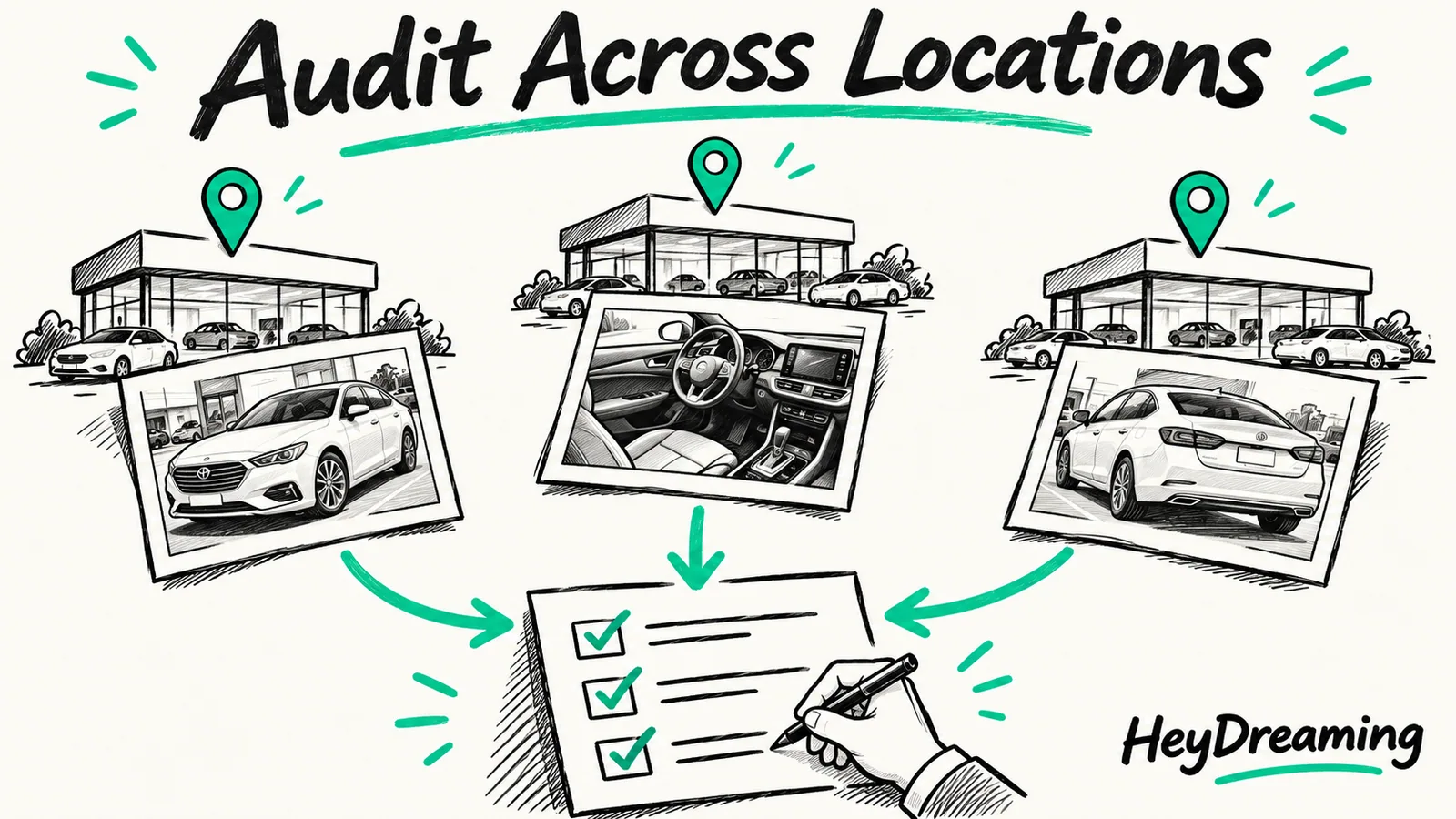
Maintaining merchandising standards across an automotive group requires active cross-store verification. A multi location car photo audit records differences in photo coverage, backgrounds, selected plate covers and file handoff. Recording a problem is not the same as proving it has been corrected. When dealership groups scale beyond a single rooftop, marketing directors cannot rely on casual browsing or assumed compliance. They need a structured sampling routine that compares identical photo roles across stores, tracks raw source files, and assigns explicit escalation owners when standards slip.
To understand how individual rooftop batches feed into group operations, review our foundation on batch car photo editing, alongside our tracking mechanisms in the car photo revision log and our overview of the end-to-end car photo editing workflow.
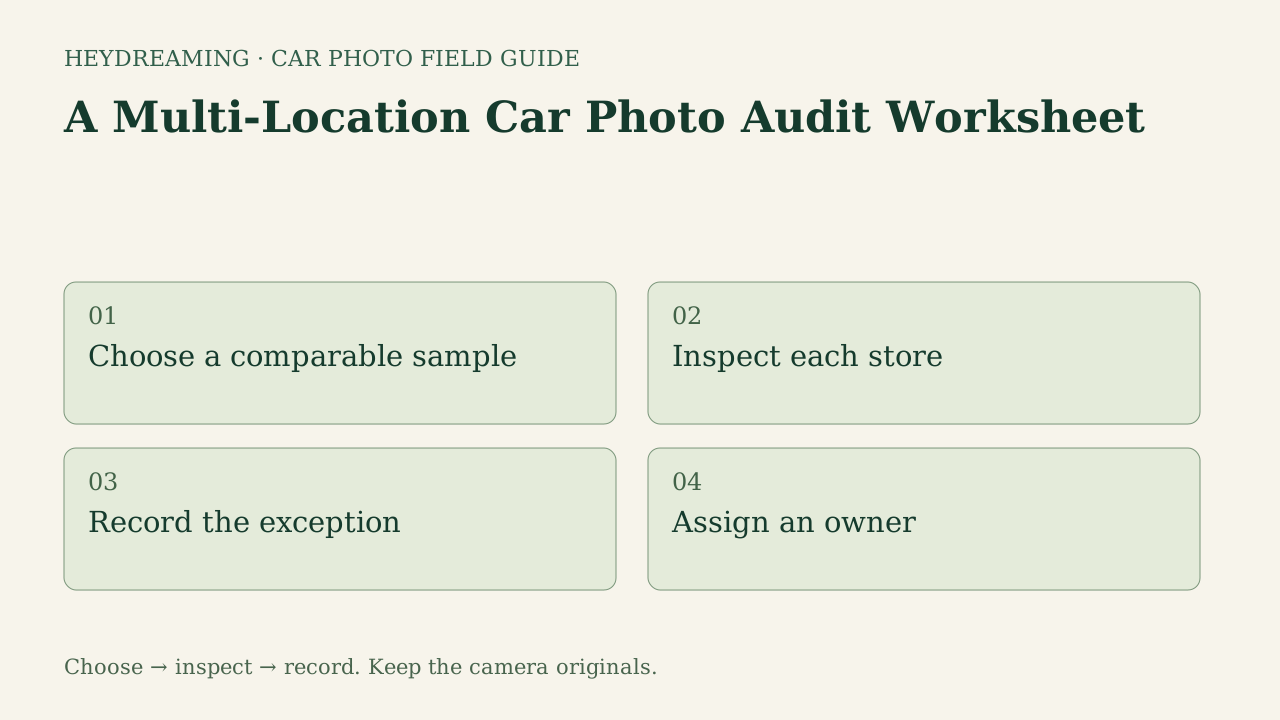
Open the full multi-location audit workflow diagram (SVG)
Note: The diagram above is an explanatory workflow mapping cross-store audit checkpoints, not a measured statistical chart.
Why Multi-Store Merchandising Requires Manual Sampling
Compare the same photo roles and requirements rather than assuming a common feed makes captures comparable. Different framing or source lighting may need different decisions. No actual stores or dealership staff were studied for this worksheet.
Write down the stores, stock units, photo roles, dates and selection reason for the trial you can actually review. Include exceptions and failures, not only polished hero images. The chosen sample may reveal issues, but no sample size, weekly cadence or coverage sufficiency was validated here.
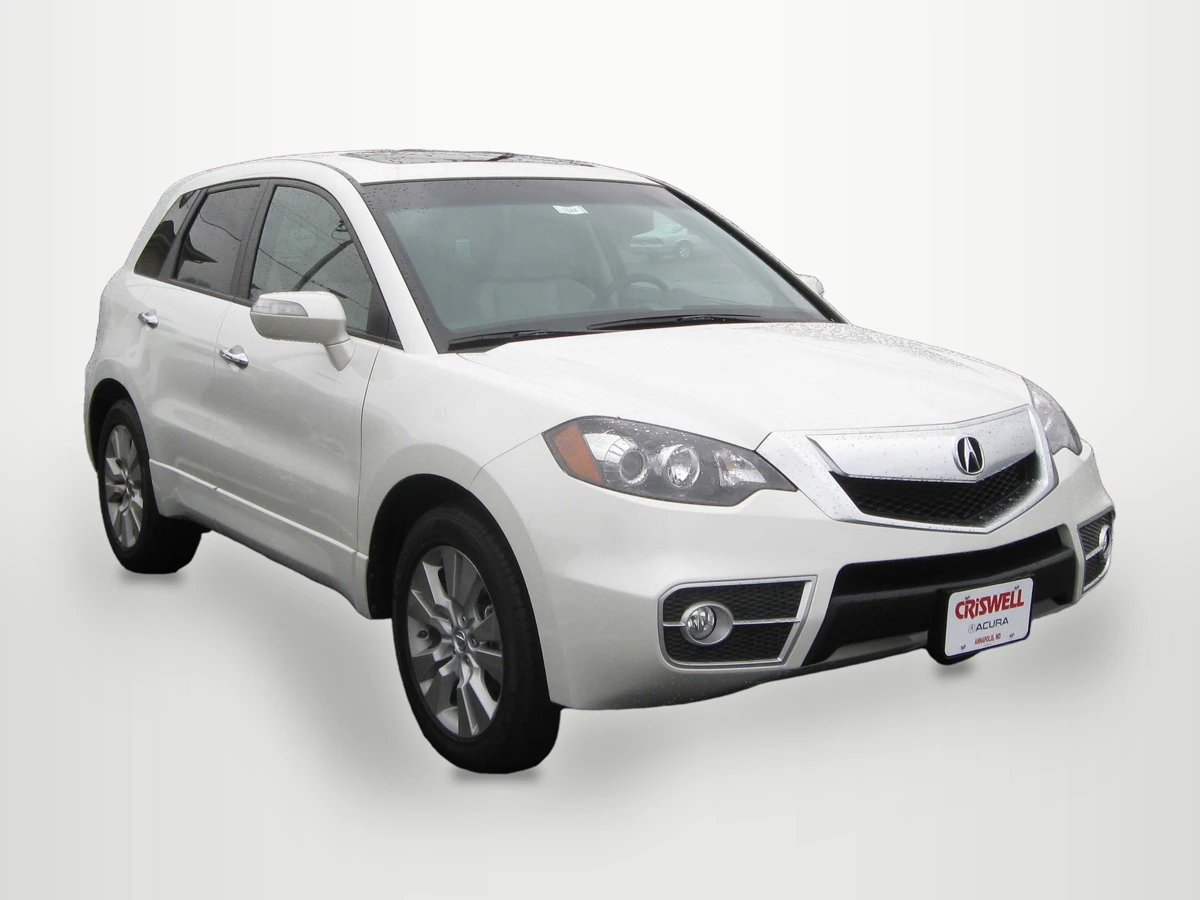
Illustrative internal QA input: 2010 Acura RDX by IFCAR, Public domain. Background replaced, scaled to 1920×1440 and compressed to a WebP preview of an actual saved output.

WebP previews are compressed versions of actual downloads. This is an internal public-source example for inspecting rooflines and glass, not an audited store asset or multi-location customer result.
The Six Core Audit Checkpoints
Use the same six documented checks across the stores you compare, and record exceptions so a later reviewer can follow the decision:
- Stock identity: Verifying that image batches precisely match the stock number and vehicle identification number (VIN) listed on the inventory management system, avoiding cross-store vehicle swaps.
- Required roles and angles: Checking that photographers captured your agreed shot sequence—front 3/4, side profile, rear 3/4, dashboard, steering cluster, and cargo area—rather than skipping angles to save lot time.
- Source condition comparison: Cross-referencing processed merchandising photos against untouched camera source files to ensure digital backgrounds have not inadvertently obscured preexisting panel dings or bumper scuffs.
- Background and glass: Inspecting subject cutouts along vehicle rooflines, side mirrors, and wheel arches, while confirming that outdoor scenery visible through tinted window glass does not clash discordantly with clean studio backdrops.
- Plate regions: Checking that state registration plates, transport tags, are covered where required by your documented photo policy, with box margins checked. Standalone logo covers and automotive self-serve choices are different paths, and no cover guarantees complete anonymity.
- Final files and handoff: Auditing output dimensions (such as standard 1920x1440 4:3 framing), file naming integrity, and syndication export punctuality.
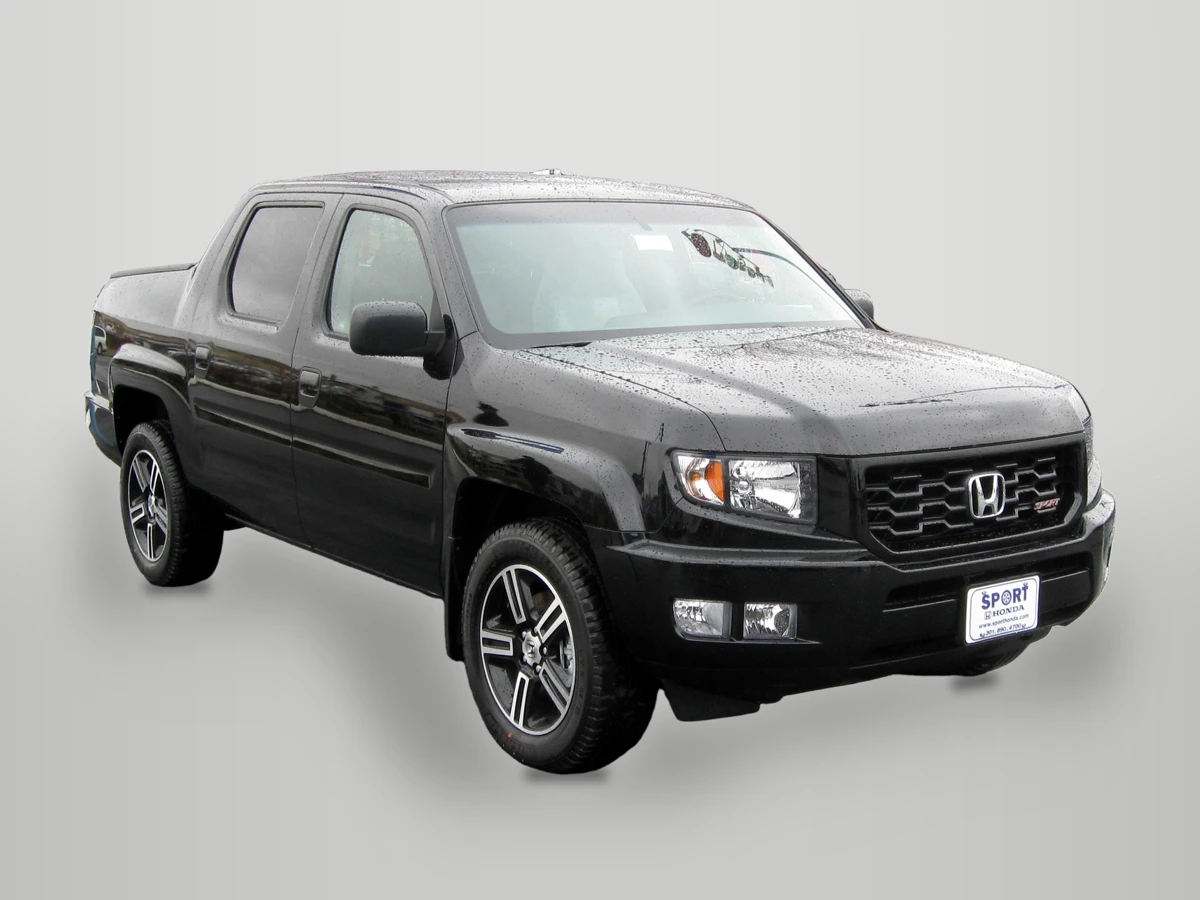
Second illustrative input: 2012 Honda Ridgeline Sport by IFCAR, Public domain. Background replaced, scaled to 1920×1440 and compressed to a WebP preview of an actual saved output.

WebP previews are compressed versions of actual downloads. This different vehicle illustrates dark-edge and retained-reflection inspection. It is not evidence that one store or background performed better.
Prepare one stock-number set
Sign in to create a vehicle, upload up to 50 photos and review the results before exporting. Daily editing allowances apply.
Cross-Store Audit Framework
The table below outlines how audit checkpoints map to specific operational risks and escalation actions across multiple dealership locations:
| Check | Question for your chosen sample | Possible next action | Owner to name |
|---|---|---|---|
| Stock identity | Does the file match the stock record and any other ID you verify manually? | Resolve wrong-car files; do not infer VIN from appearance | Your inventory-record owner |
| Roles and angles | Is your agreed shot list present, including relevant details? | Capture missing evidence | Your capture owner |
| Condition reference | Does visible documented condition remain legible? | Compare source/vehicle evidence and retain or recapture | Your final approver |
| Background/glass | Are outlines and retained views acceptable? | Original, available redo or reshoot; a different tone is not mask repair | Your image reviewer |
| Plate regions | Are selected regions covered in the saved file? | Review all frames and add missing boxes as needed | Your plate-review owner |
| Files/handoff | Do format, size, count and order match the agreed destination? | Check selected mode and actual destination preview; 1920×1440 is one fixed option | Your handoff owner |
Using the Multi-Location Car Photo Audit Worksheet
To record the cross-store review dates and cadence your team chooses, download our manual tracking template:
Download the multi-location car photo audit worksheet (CSV)
This manual worksheet provides six structured rows matching our core audit checks (stock identity, required roles and angles, source condition comparison, background and glass, plate regions, and final files and handoff). Blank columns allow auditors to log store, stock_number, photo_role, source_file, result, reviewer, escalation_owner, and next_action.
The sheet does not connect to a DMS, generate dashboards or import camera files. For each chosen source, record the actual inspection result and a named owner for any next action. Keep unreviewed items open. Reopen the corrected saved file and record the follow-up result; assigning an owner alone does not close the issue.
Platform Governance and Tool Realities
When implementing a multi-store audit program, leadership must understand the capabilities and constraints of HeyDreaming tools:
- Four fixed background presets: HeyDreaming provides White sweep, Light grey, Dark grey, and Showroom soft. Group standards should specify which preset each rooftop uses to maintain visual cohesion across locations. Custom generative 3D virtual showrooms are not supported.
- No in-app enterprise governance: This automotive flow has no cross-store audit dashboard, per-store preset policy or automatic listing distribution. The worksheet records decisions outside the application; it does not enforce them.
- Account allowances: The Vehicles workflow handles up to 50 photos per car. Free accounts allow 20 daily photo edits, while Pro ($29/month) and Max ($99/month) plans support 100 daily edits. Single-photo correction jobs use the daily photo allowance. Vehicles' at-most-two-redos-per-frame budget is separate; check the actual action rather than treating every edit as the same charge.
- Glass views and physical paint: Exterior compositing removes outdoor backgrounds around vehicle silhouettes, but original views and reflections captured through window glass remain intact. Compositing tools do not relight shadowed paint or remove vehicle scratches.
Frequently Asked Questions
Can a multi-location photo audit be completed in fifteen minutes?
No audit duration was measured here. A time-limited review should report its actual coverage, time spent and unchecked items. Do not turn a fifteen-minute target into proof that all stores or photo roles have passed.
How often should multi-store dealership groups conduct audits?
Choose and document a review window based on the work you need to inspect. Revisit it when important roles, failure cases or workflow changes are missing. This guide did not validate a sufficient number of vehicles or an audit frequency.
Why must the audit assign a specific escalation owner?
Identifying an error without assigning responsibility leads to repeat defects. Naming an owner makes the next action explicit; also record the corrected-file review and whether the issue remains open. The worksheet does not make anyone perform that action automatically.
Immediate Next Step
Choose a feasible cross-store sample you have permission to inspect. Compare the same roles against camera sources and the agreed standard. If a background test is needed, try one owned exterior in the AI car photo editor, record its actual result and keep the wider audit coverage separate.
Prepare one stock-number set
Sign in to create a vehicle, upload up to 50 photos and review the results before exporting. Daily editing allowances apply.
Keep exploring