Can You Edit Listing Photos? Each Marketplace's Own Rules
What Vinted, Depop, eBay, Etsy, Amazon and Poshmark each say about edited listing photos and new backgrounds, quoted from their own pages with links and dates.
By HeyDreaming
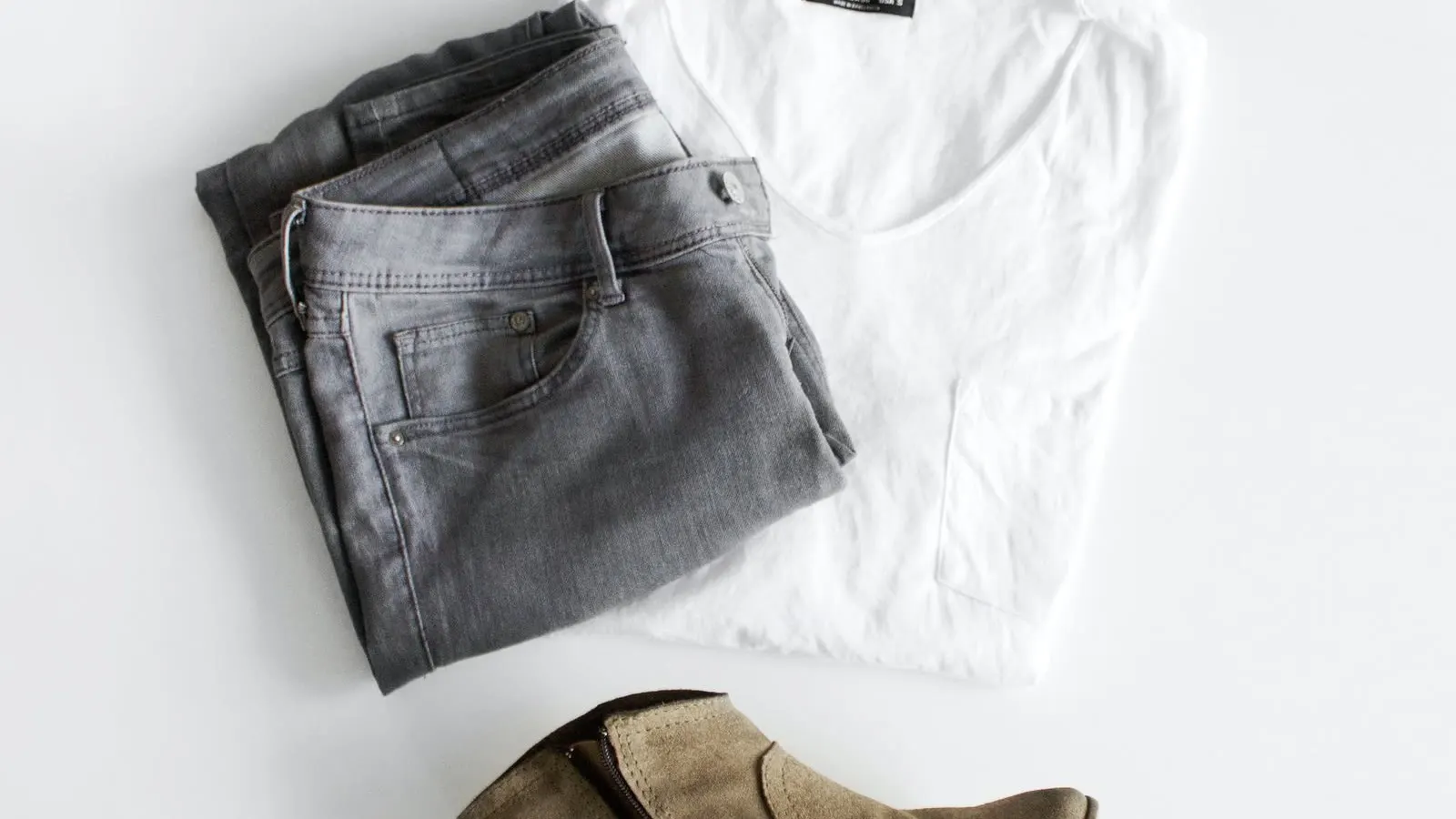
HeyDreaming makes a photo editor and is not affiliated with any marketplace named here. Each rule below is quoted from the marketplace's own page as read on November 17, 2026. Rules change; read the linked page before you list. This is a summary for sellers, not legal advice.
Whether you can edit a listing photo depends entirely on the marketplace. Vinted's rules say no image editing at all. Etsy requires one unedited photo and allows edits, including AI and new backgrounds, in the others. eBay offers its own background tool but bans borders, added text and watermarks. Amazon wants a pure white background on the main image. Depop and Poshmark ask for original photos that show the real condition. Here is each rule in the marketplace's own words, then what that means for a background edit.
The rules at a glance
| Marketplace | Edits? | In their words |
|---|---|---|
| Vinted | No | "no image editing is allowed" |
| Etsy | Yes, plus one unedited photo | "at least one unedited photo of the actual item against a real background" |
| eBay | Yes, within limits | No photos "that don't accurately represent the item"; no added borders, text or watermarks |
| Amazon (US) | Main image on pure white | "pure white background (RGB color values: 255, 255, 255)" |
| Poshmark | Light edits | Avoid editing that makes condition hard to assess |
| Depop | Not addressed | "Always use original photos" |
Vinted
Vinted's Catalog Rules list the requirements for listing photos. The first one reads, in full:
"They have to represent the item as it is - no image editing is allowed."
The same section says photos "must be sharp and clear", must be "taken by you with the purpose of using the photos on Vinted", and "cannot be replaced with stock photos, photos from ads and watermarked images" (Vinted Catalog Rules). Vinted's photo help adds "don't use flash or filters" (Vinted: What photos you should upload).
What it means: read literally, a new background, a brightness filter or a clean-up is image editing. The safe course on Vinted is to upload photos as you took them. If you edit anyway, that is your decision and your risk. Our Vinted photo editor page quotes this rule above the editor and states what each mode changes.
Etsy
Etsy's image help sets out "Image authenticity requirements" (Etsy image requirements):
- "All images must accurately reflect the item's true appearance, including color, condition, scale, and materials."
- "Your listing must include at least one unedited photo of the actual item against a real background, meaning the photo hasn't been edited or changed. You can crop or resize the photo, add a watermark, or change its file format."
- "Outside of your required unedited photo, you can still use photo-editing tools, including AI, to adjust lighting or color, crop or resize images, or change backgrounds."
- "You can't use editing to hide flaws, conceal damage, or edit an item's appearance to make it look different from what the buyer will receive."
Etsy's companion article says a light box or white backdrop counts as a real background, and that the first listing image does not have to be the unedited one (Etsy: How the image requirements apply). Etsy also suggests noting in your description when AI was used to edit photos (Etsy image requirements).
What it means: a background swap is allowed on Etsy for every photo except one. Keep one photo straight from the camera (cropping is fine), and say in the description that other photos were edited.
eBay
eBay's picture policy lists what is not allowed (eBay picture policy):
- "Photos that don't accurately represent the item"
- "Stock photos for used, damaged, or defective items"
- "Photos with added borders"
- "Photos with added text, artwork or marketing material"
- "Watermarks of any type, including those used for ownership attributions"
Photos must be at least 500 pixels on the longest side (eBay picture policy). eBay's own listing tool includes a background tool that can "automatically replace the background with a solid white color", and the eBay app also offers AI-generated backgrounds (eBay: Adding pictures).
What it means: eBay itself offers background replacement, so a plain background is a normal edit there. What gets a photo in trouble is misrepresenting the item, or adding a border, text or watermark.
Amazon (US)
Amazon's product image guide applies to selling in the United States (Amazon product image guide). For the main image it asks you to:
- "Accurately represent the product as a realistic, professional-quality image."
- "Have a pure white background (RGB color values: 255, 255, 255)".
- "Show the product as 85% of the image" and show the entire product in the frame.
- Use images at least 500 pixels on the longest side; 1,000 or more enables zoom.
For clothing, the same page says not to show any part of a mannequin, to show adult clothing on a standing model, and to show clothing accessories flat without a model (Amazon product image guide). Images with photorealistic AI-generated people need a metadata tag before upload.
What it means: a white background is required, not optional, for most Amazon main images. Check the actual pixel value of any white you use. The HeyDreaming photo editor doesn't put clothes on models, so it is not a route to an Amazon main image for adult clothing.
Put your item on a clean background
5 free photo edits a day. Upload a photo of your item, choose White background or a new scene, and compare the result with your original. Sign in to generate; no credit card needed. Selling on Vinted? Its rules say no image editing is allowed; list your original photos there.
Poshmark
Poshmark's Seller Policy, under Listing Descriptions and Pricing, says sellers must describe items "truthfully, accurately, and completely", including "your original photos of the items" and any flaws. It continues (Poshmark Seller Policy):
"The item for sale should be clearly represented in the main photo. Avoid any photo editing techniques that may make it difficult for Buyers to accurately assess the condition of the item, such as collages or heavy special effects."
What it means: use your own photos, keep the main photo a clear single item rather than a collage, and avoid edits that change how condition looks.
Depop
The Depop help pages we read do not mention editing directly. They say: "Always use original photos — your listing will be removed if you use stock images", and ask for photos that accurately represent the item, its faults, labels and tags (Depop: Selling on Depop). If an item arrives "significantly different compared to the photos or description", the buyer can open a not-as-described case (Depop: Significantly not as described).
What it means: original photos are required; any edit you make must still match the item the buyer receives.
What a HeyDreaming edit changes
If you use HeyDreaming, here is what each mode in the photo editor does, so you can check it against the rules above:
- White background: the item is cut out of your own photo by a cut-out model, resized, and placed on white with a soft shadow. It doesn't use generative AI. Small separate pieces, such as a loose belt or one earring of a pair, can be dropped.
- New scene: an image model draws the background and also redraws a thin outline of the item. Parts the cut-out sees as see-through, such as lace or mesh, can be redrawn.
Neither mode is approved by any marketplace, and we can't tell you an edited photo will be accepted. White background adds a soft shadow, so for an Amazon main image check that the background really is pure white before you upload. Free accounts get 5 edits a day, up to 4 photos per run, with no card and no watermark.
The free white background tool does the cut-out in your browser and saves a JPG on pure white (#FFFFFF); its Contact shadow option is on by default, and the shadow is grey, not white, so turn Contact shadow off for an Amazon main image, where the background must be pure white. The free photo enhancer adjusts brightness and colour across the whole photo without redrawing anything; on Vinted even that counts as editing.
A check before you upload an edited photo
- Is this marketplace one that bans editing? On Vinted, upload the original.
- Do you still have an unedited photo in the listing? Etsy requires one.
- Open the original and the edit side by side at full size. Compare outline, colour, logos, labels, fabric texture and any see-through parts.
- Are the flaws still visible? Flaw close-ups are clearer left unedited.
- No borders, text, badges or watermarks if you list on eBay or Amazon.
- Would a buyer recognise the item from the photo? If not, use the original.
- Say so in the description, for example: "Background replaced with an editing tool; item cut from my original photo."
Shooting the originals: How to photograph clothes to sell and How to take product photos with a phone. Choosing a marketplace: Where to sell second-hand clothes online.
Frequently Asked Questions
Can you edit photos on Vinted?
Vinted's Catalog Rules say photos "have to represent the item as it is - no image editing is allowed." That includes backgrounds and filters when read literally.
Can I use a white background on eBay?
Yes. eBay's own photo tool can replace a background with solid white (eBay: Adding pictures). Its picture policy still bans added borders, text and watermarks (eBay picture policy).
Does Etsy allow AI-edited photos?
Yes, apart from one required unedited photo, as long as edits don't hide flaws or change how the item looks (Etsy image requirements).
Do I have to say a photo was edited?
Etsy suggests noting AI edits in your description (Etsy image requirements). Elsewhere it is a good habit even when not required.
Sources
All pages read on November 17, 2026: Vinted Catalog Rules, Vinted photo help, Etsy image requirements, Etsy: How the image requirements apply, eBay picture policy, eBay: Adding pictures, Amazon product image guide, Poshmark Seller Policy, Depop: Selling on Depop, Depop: Significantly not as described.
Cover photo: Sarah Dorweiler on Pexels, used under the Pexels License.
Put your item on a clean background
5 free photo edits a day. Upload a photo of your item, choose White background or a new scene, and compare the result with your original. Sign in to generate; no credit card needed. Selling on Vinted? Its rules say no image editing is allowed; list your original photos there.
Keep exploring